Genesis II Select
™
User’s & Installation Manual
16/September/2015
33
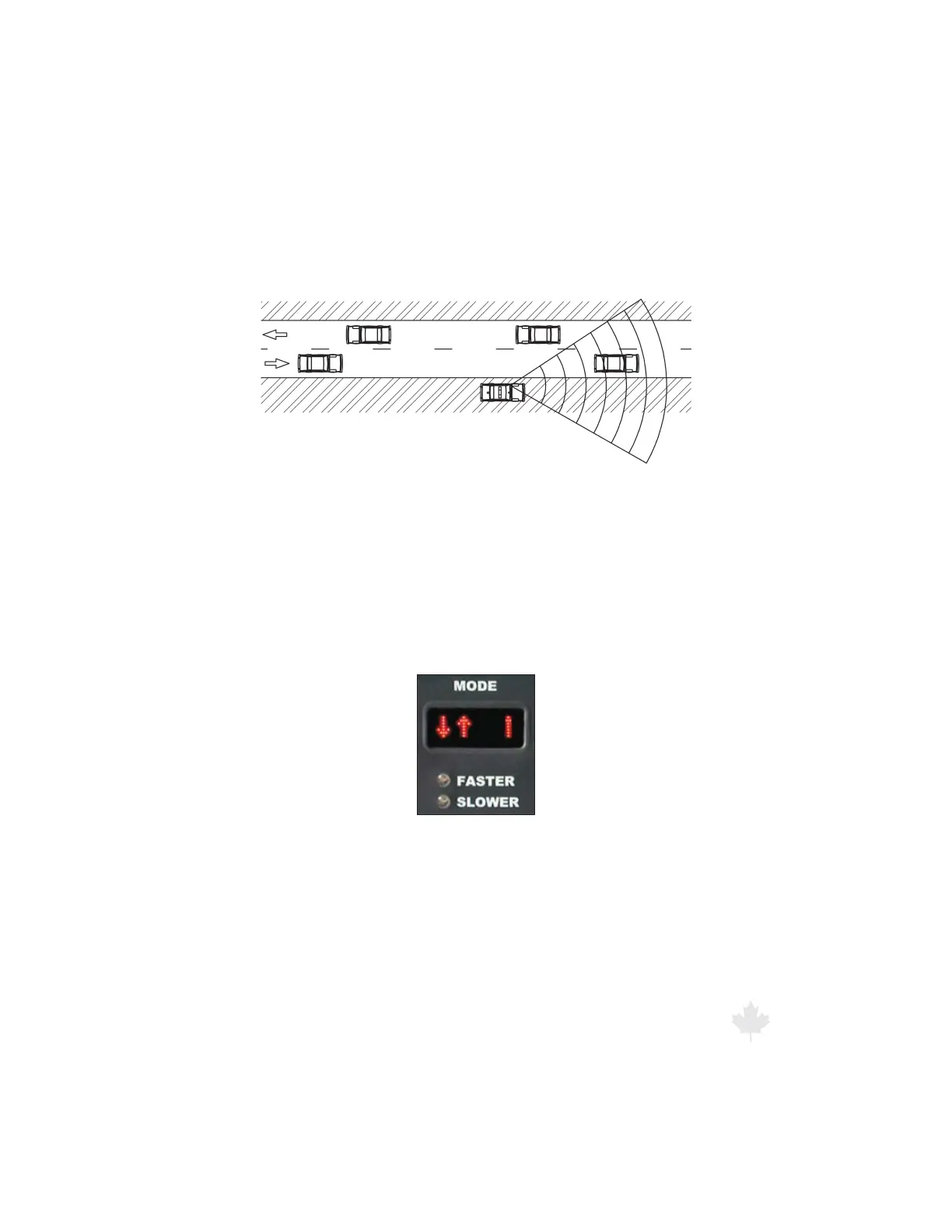
6.3 Stationary Mode
You can use Stationary Mode to monitor trac that is moving toward
or away from the parked patrol motor vehicle.
Figure 6.3
Tracking a target vehicle with a parked patrol vehicle
and the radar in Stationary Mode.
6.3.1 Using Non-Directional Antennas
When using non-directional antennas, to switch to Stationary
Mode, press and hold the MODE button for two seconds. The
straight vertical bar represents the stationary patrol motor vehicle,
and the two arrows show the target’s travel direction.
Figure 6.3.1
The MODE window when the radar is in Stationary Mode.
Detected target speeds will display in the TARGET window. The
PATROL window will always remain blank while in this mode.



 To Next Page