Genesis II Select
™
User’s & Installation Manual
16/September/2015
12
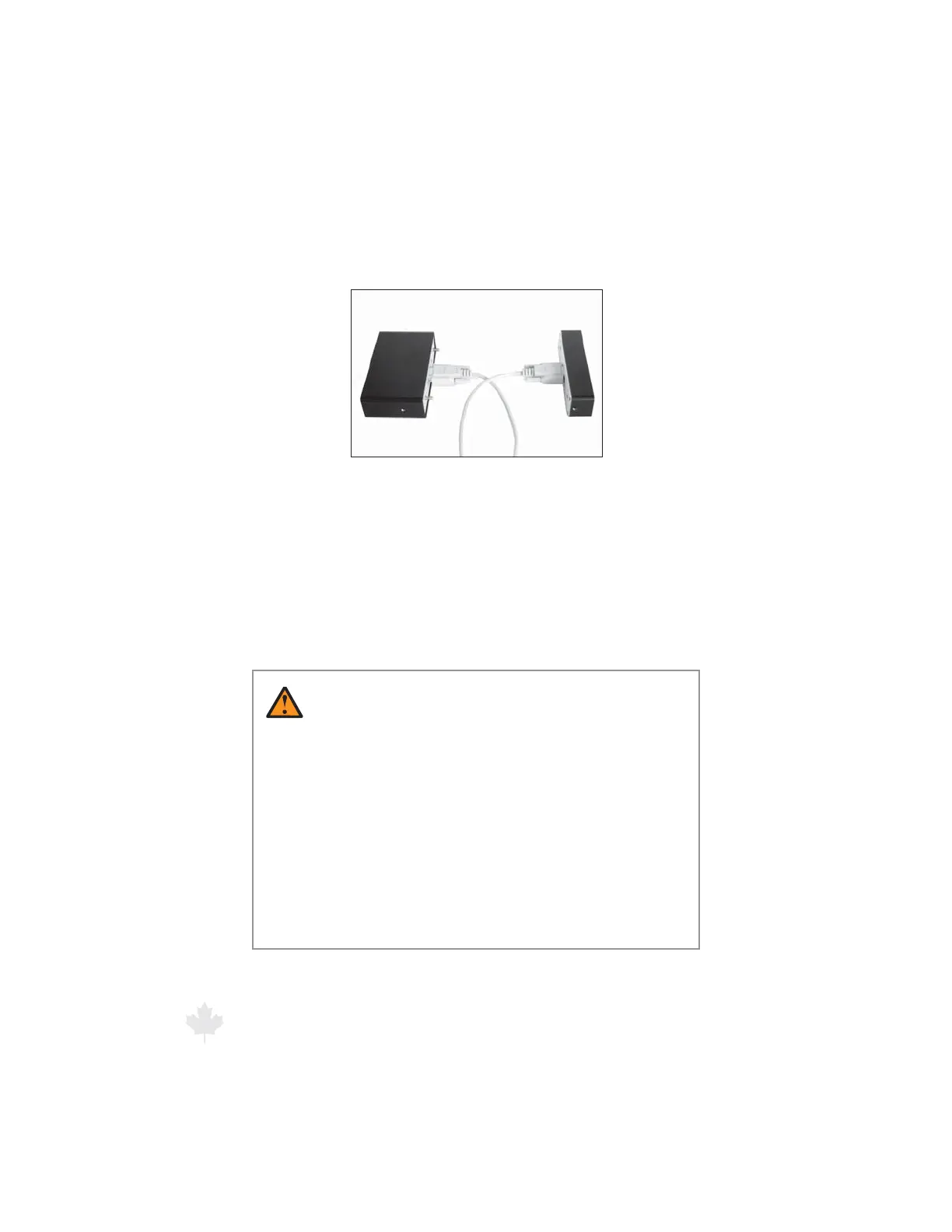
Then attach and secure the connectors with the thumbscrews on the
sides of each cable connector.
Figure 2.1c
Secure the connecting cable by fastening the
thumbscrews into the standos.
To return the unit to a one-piece conguration, remove the cables
and standos, line up the 9-pin connectors, and push the two pieces
together.
2.2 Mounting and Connecting the Computer/Display Unit
WARNINGS
t %POPUQMBDFUIF(FOFTJT**4FMFDUDPNQPOFOUTJO
locations that will obscure the driver’s view of the road.
t %PVCMFDIFDLFBDIDPNQPOFOUUPFOTVSFJUJTTFDVSFMZ
mounted. In an accident, a loose component could
strike an occupant of the vehicle.
t %POPUQMBDFUIF(FOFTJT**4FMFDUDPNQVUFSBOUFOOBT
cables, or brackets in your vehicle’s air bag deployment
zones. Refer to your vehicle’s owner’s manual or call the
vehicle manufacturer if you are unsure where the air
bag deployment zones are.



 To Next Page