Genesis II Select
™
User’s & Installation Manual
16/September/2015
37
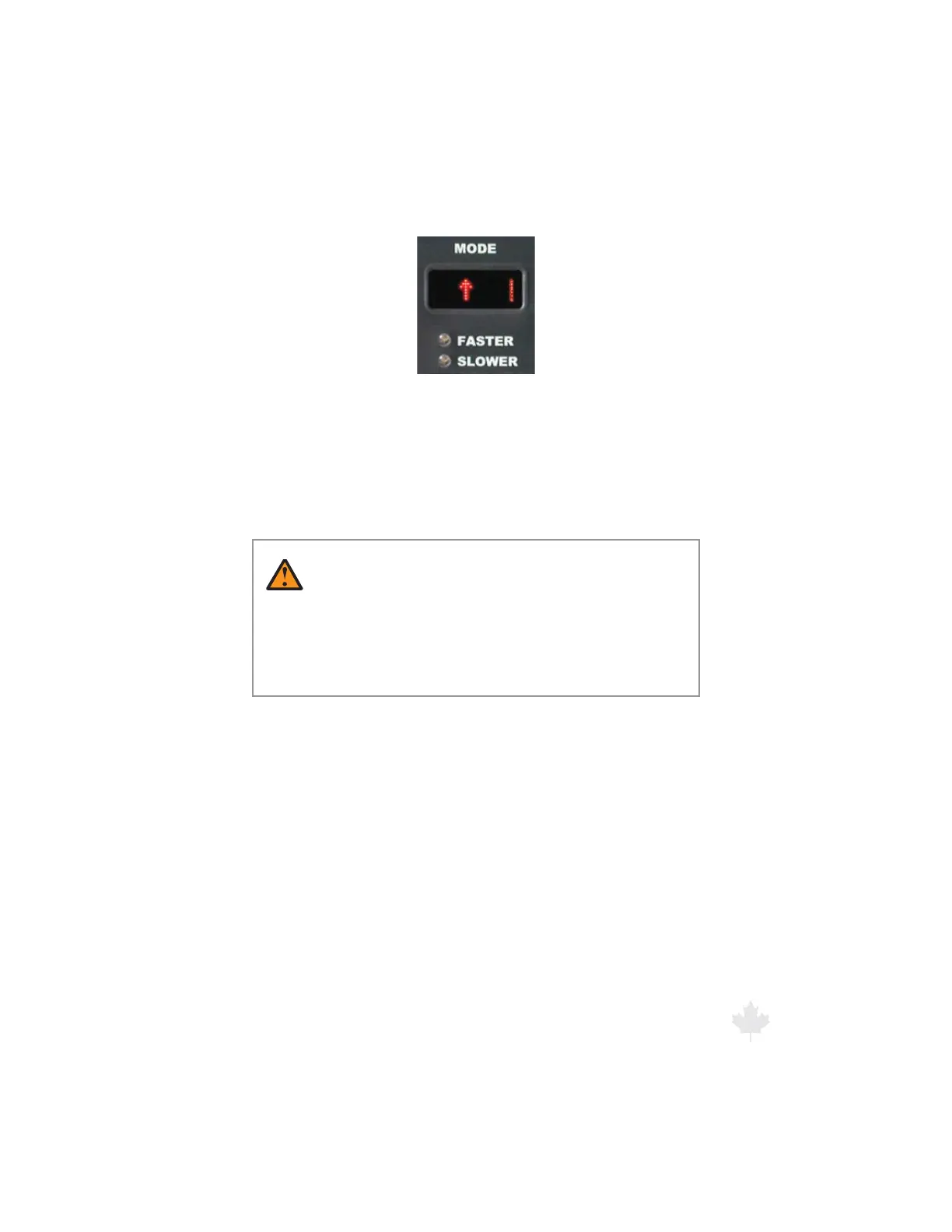
Figure 6.3.2f
For a FRONT antenna selection, the Stationary Away Mode
will show an arrow pointing up.
Detected target speeds will display in the TARGET window. The
PATROL window will always remain blank while in all of the
stationary modes.
WARNING
t 8IFOPQFSBUJOHXJUIUIF%JSFDUJPOBM"OUFOOBCF
sure the antenna facing forward is connected into
the “FRONT” antenna port. If using dual antennas, the
antenna facing the rear should be connected into the
“REAR” antenna port.



 To Next Page