Genesis II Select
™
User’s & Installation Manual
16/September/2015
36
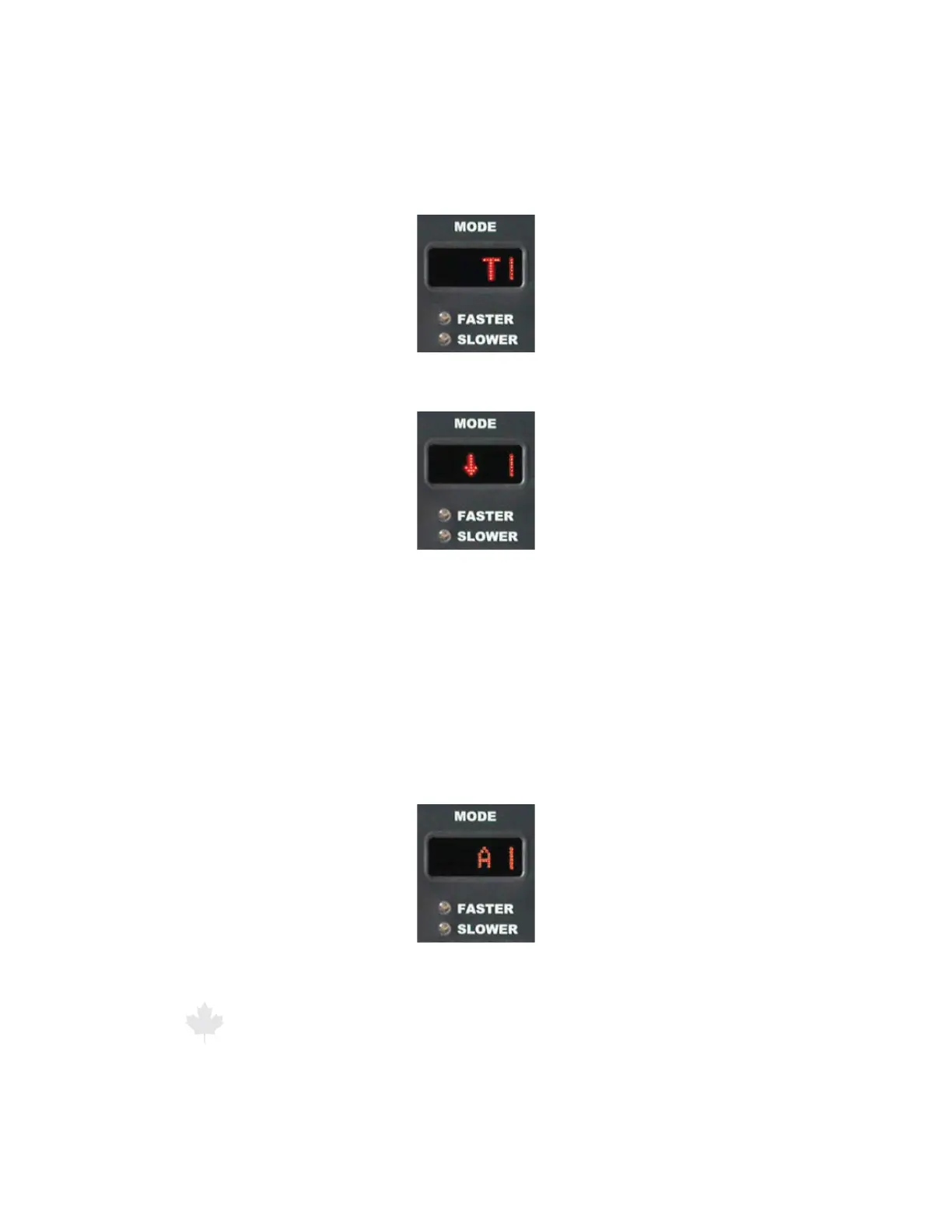
Figure 6.3.2c
Initially the letter “T” will indicate the Stationary Towards Mode
has been selected. The “T” will also appear when a target is acquired.
Figure 6.3.2d
For a FRONT antenna selection, the Stationary Towards Mode
will show an arrow pointing down.
When the radar is toggled into the “Stationary Away” mode, an
i"wXJMMCSJFøZCFEJTQMBZFEBMPOHTJEFPGUIFTPMJEMJOFPOUIF
right. Once the “A” is cleared, an arrow pointed in the appropriate
direction (based on the antenna selection) will be displayed to
indicate the direction of the targets moving AWAY from the patrol
motor vehicle. Once a solid target is acquired, the letter “A” will
again appear.
Figure 6.3.2e
Initially, the letter “A” will indicate the Stationary Away Mode
has been selected. The “A” will also appear when a target is acquired.



 To Next Page