Genesis II Select
™
User’s & Installation Manual
16/September/2015
44
To place the radar into stopwatch mode, rst ensure that no antenna
is currently selected, then press and hold the OPTN button for two
seconds. The MODE window should display “StpW” to indicate you
have activated the stopwatch functions.
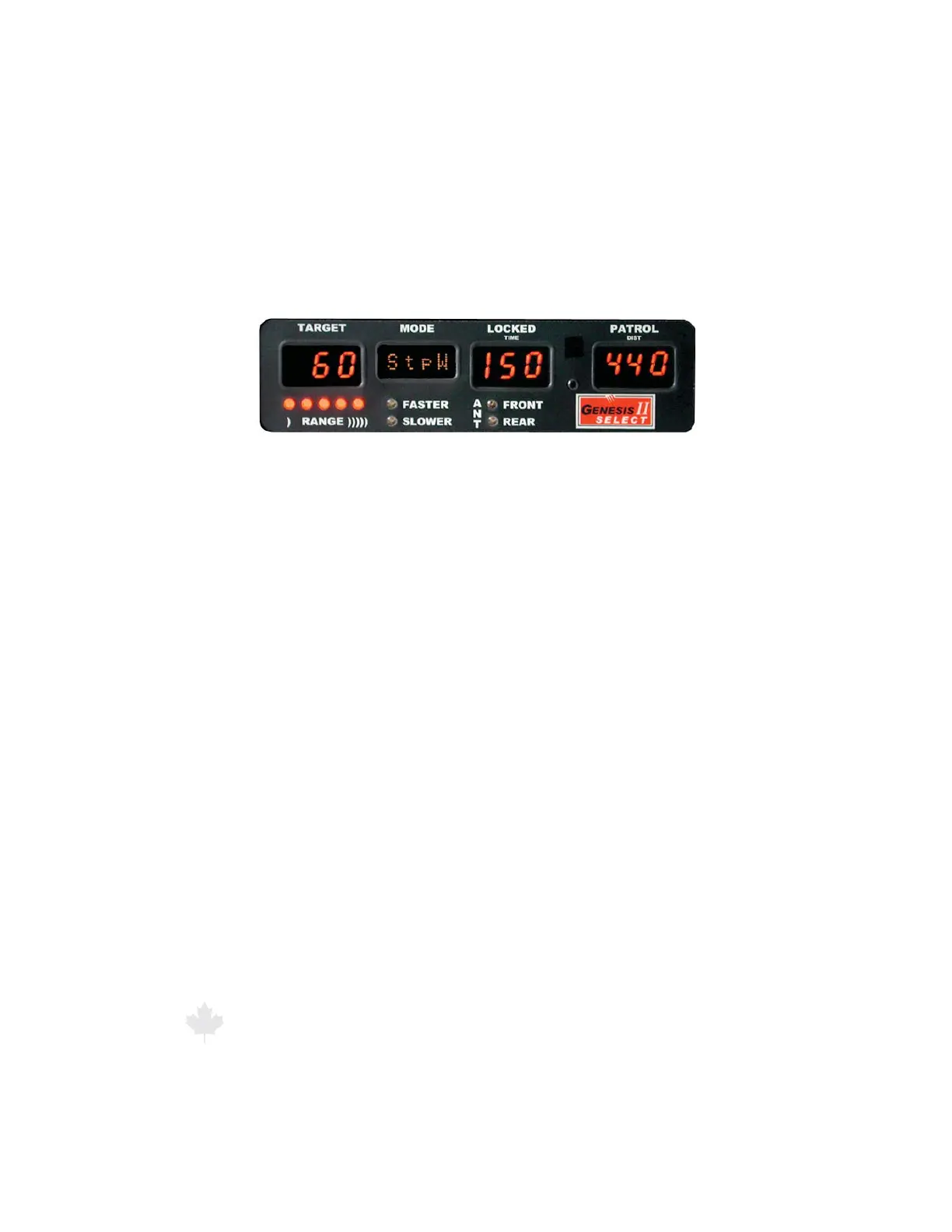
Figure 6.9
The Mode window will display "StpW" whenever the Genesis II Select™
is operating in the Stopwatch Mode
The three numeric windows display time, distance, and speed.
TARGET WINDOW Calculated Speed in km/h
LOCKED WINDOW Time in Tenths of Seconds
PATROL WINDOW Distance in Meters
Example:
Distance Set to: 440m (0.4 km)
Time Measured: 150 (15.0 Seconds)(.00416 hours)
Calculated Speed: 96 km/h
To make use of the stopwatch mode, you need a road surface
that is marked with known distance intervals, or you will need to
independently make a measurement between two visible points
on the road in which you can time motor vehicles passing between
those points (for example a bridge underpass and a road sign) with
some precise distance measuring equipment.
Once you have an established measurement area, use the “-” or “+”
side of the RANGE button to enter the distance of the measurement
area in meters. Quickly press and release the (-) or (+) side of the
button to cycle up or down one single distance unit. By holding one
side of the RANGE button, the units will cycle up or down by tens,
and then later by hundreds.



 To Next Page