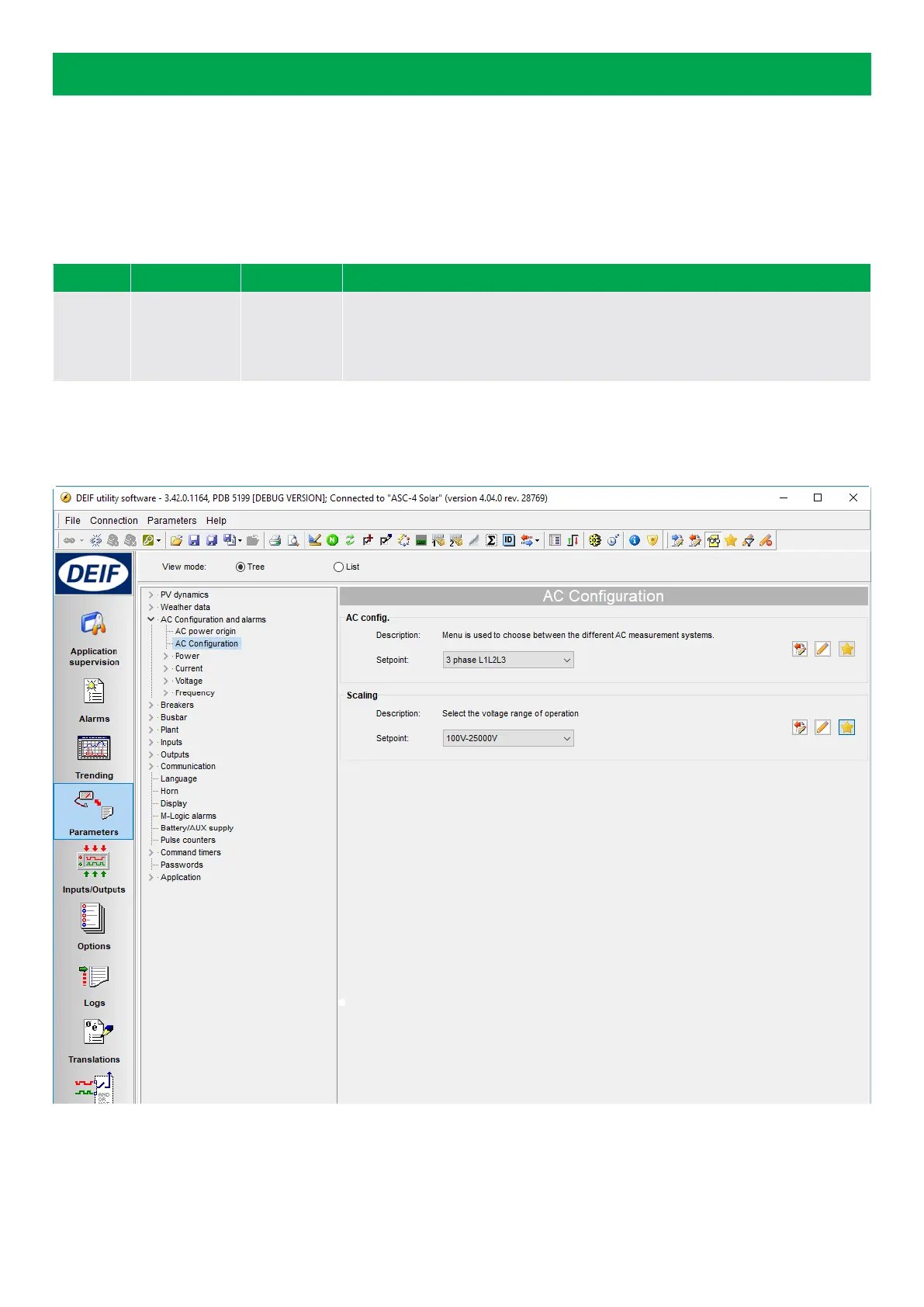
6. AC configuration: Scaling
Select the scaling to the proper setting.
Note that you must do this before the rest of the nominal values are set up.
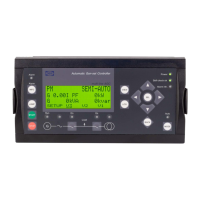
If this selection is made from the display unit, you must press the key JUMP (keyJUMP, then keyUP or keyDOWN until you reach
menu 9030). The master password is still needed.
Parameter Range Default Comment
9030
10 V - 2500 V
100 V - 25000 V
10 kV - 160 kV
1 kV - 75 kV
100 - 25000 V
This parameter affects how the AC measurement values are displayed on the
controller.
It is recommended to use a scale range that matches your installation.
The difference between the scale ranges is the way the power is displayed on the controller. For example, 6 kW is displayed as 6.0
kW in the 10 - 2500 V scale and 6 kW in the 100 - 25000 V scale. For low power installations, it is recommended to use 10 -2500 V
AC.
COMMISSIONING GUIDELINES 4189341077D EN Page 16 of 58


 To Next Page