Delem
V0208, 2.45
4. Software settings
4.1. Parameter back-up
The control has various data stored in its memory: program parameters, machine parameters
and I/O settings.
This data can be stored on a PC or it can be restored from a PC. Examples:
• If the control settings have become erratic, a set of default settings can be restored from
the PC.
• If you have a number of controls that need the same settings, you only need to program
one control and save its settings. After that, all other controls can import these settings
from the PC.
• If your control is to be upgraded with new software, you should save your settings.
When the control is upgraded, all settings are set back to default values. After the
upgrade, you can restore your settings from the PC.
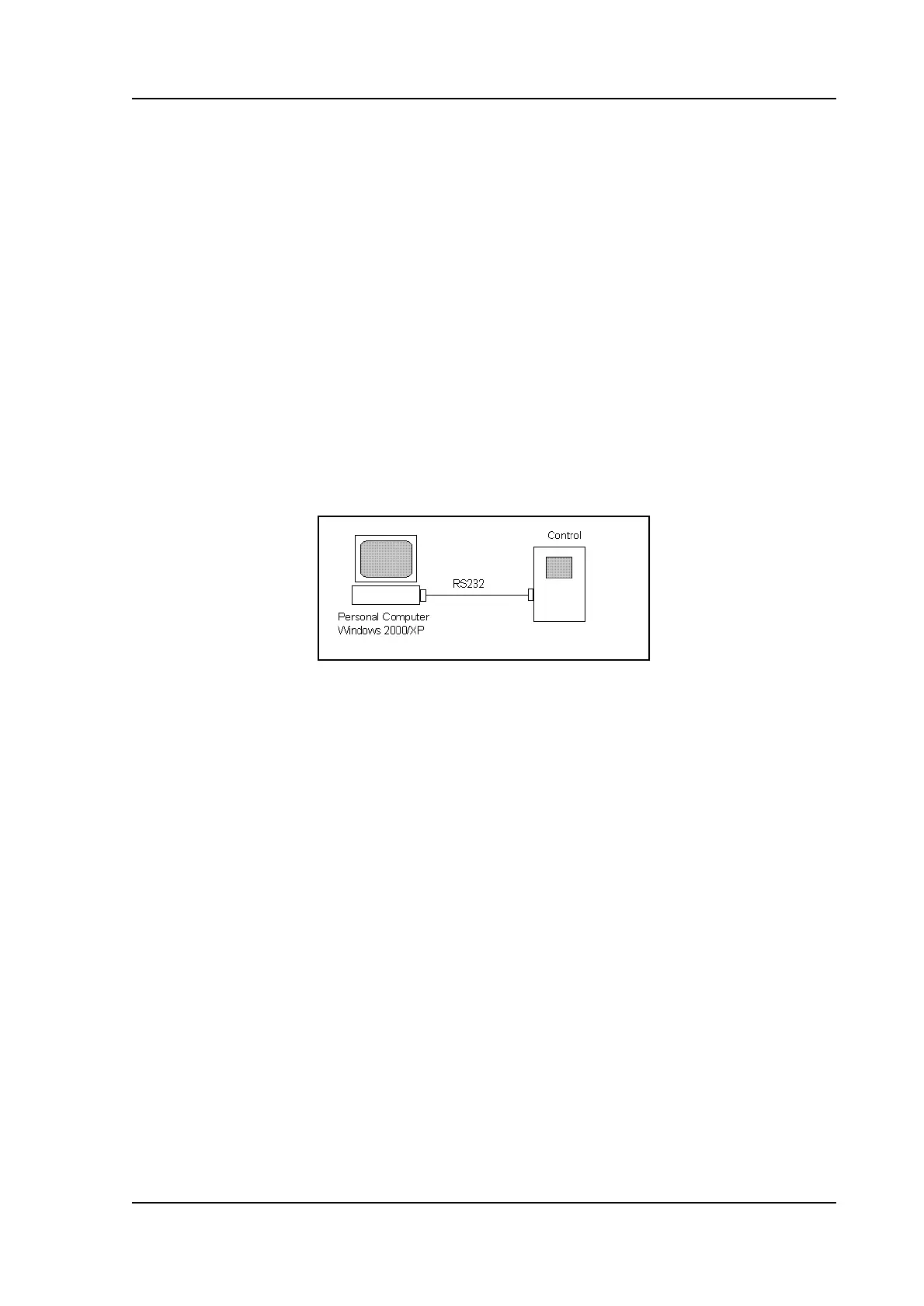
The PC and the control are connected with each other through a serial link. To save or
retrieve this data, the following set-up is used:
2.i
The following equipment is required:
• a Personal Computer, equipped with Windows 2000 or higher;
• serial cable, RS-232 (Delem DNC);
• Delem back-up software for transmission of machine settings.
The Delem back-up software must be installed on the PC. All actions, storage and restoration
of settings, are done with this program. Just make sure the necessary cables are connected
and the DAC control is switched on.
To start the back-up tool, simply double-click its icon. A window appears:



 To Next Page