Delem
V0208, 2.47
4.2. Upgrade control
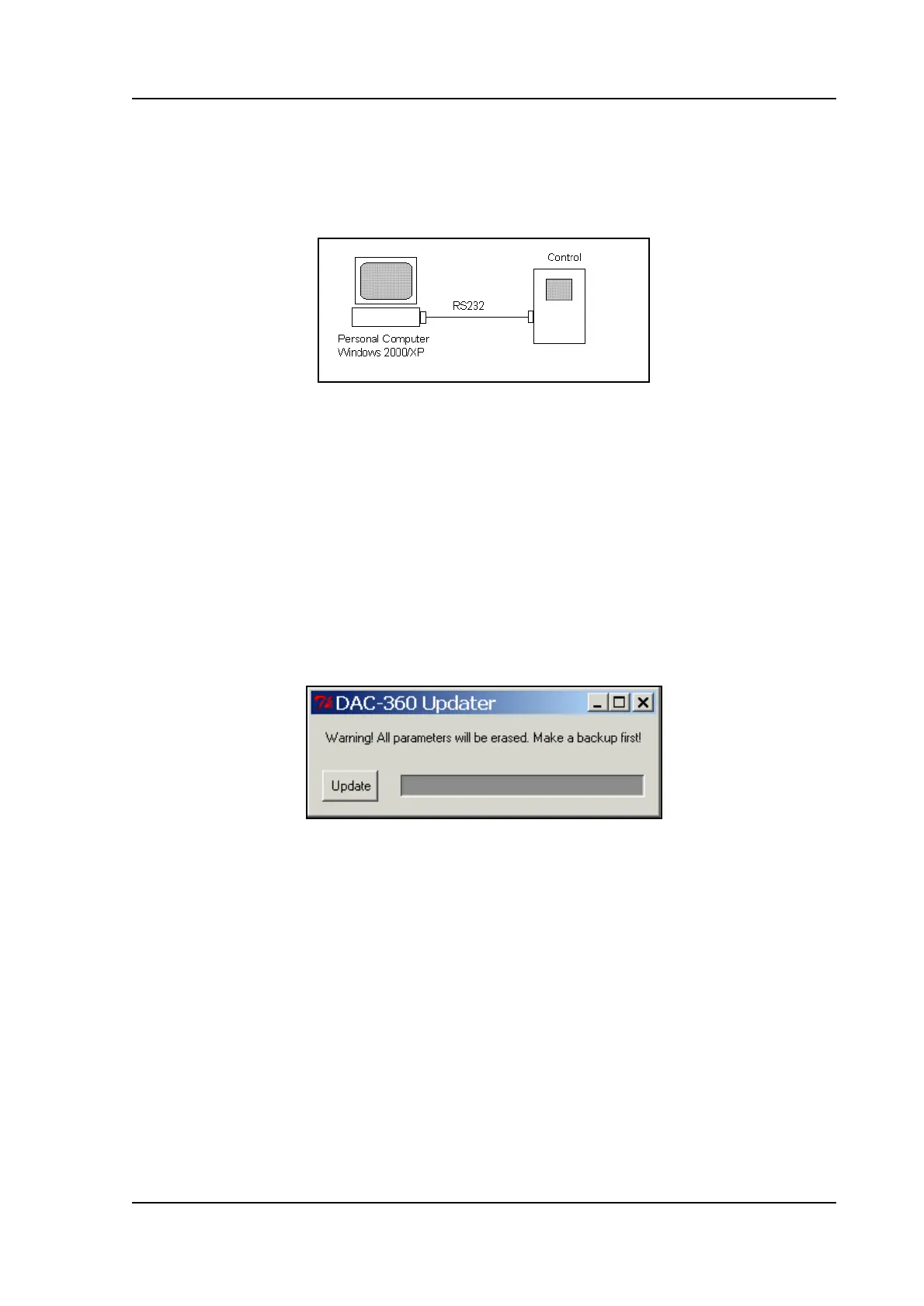
The control can be updated with new software. For this procedure, you need the same set-up
as described in the previous section:
2.j
In order to perform a succesful update, the RS-232 cable must be connected to the first serial
port of the PC (COM1).
You also need a program that will load the new software into the control. This program can be
requested from Delem.
Note: before starting an update, first perform a back-up of your control settings. When the
control is updated, all data is erased and the control is reset to factory default settings. See
the previous section for more information about back-up and restore.
Make sure the necessary cables are connected and the DAC control is switched on. To
perform the update, double-click the program icon. The Update program will appear in a new
window.
Check if you have made a back-up of your control settings. Then click on the ‘Update’ button
to load the new software into your control.
The control is updated. A ‘progress bar’ inside the window will indicate the progress. When the
update is completed, the message ‘Update successfull’ appears in a new window. Press ‘Exit’
to finish the program.
When the update is finished, the control is reset to default settings. If necessary, use the
Backup Tool to restore the saved settings.



 To Next Page