V0208, 2.2
1. Machine parameter types
1.1. Menu
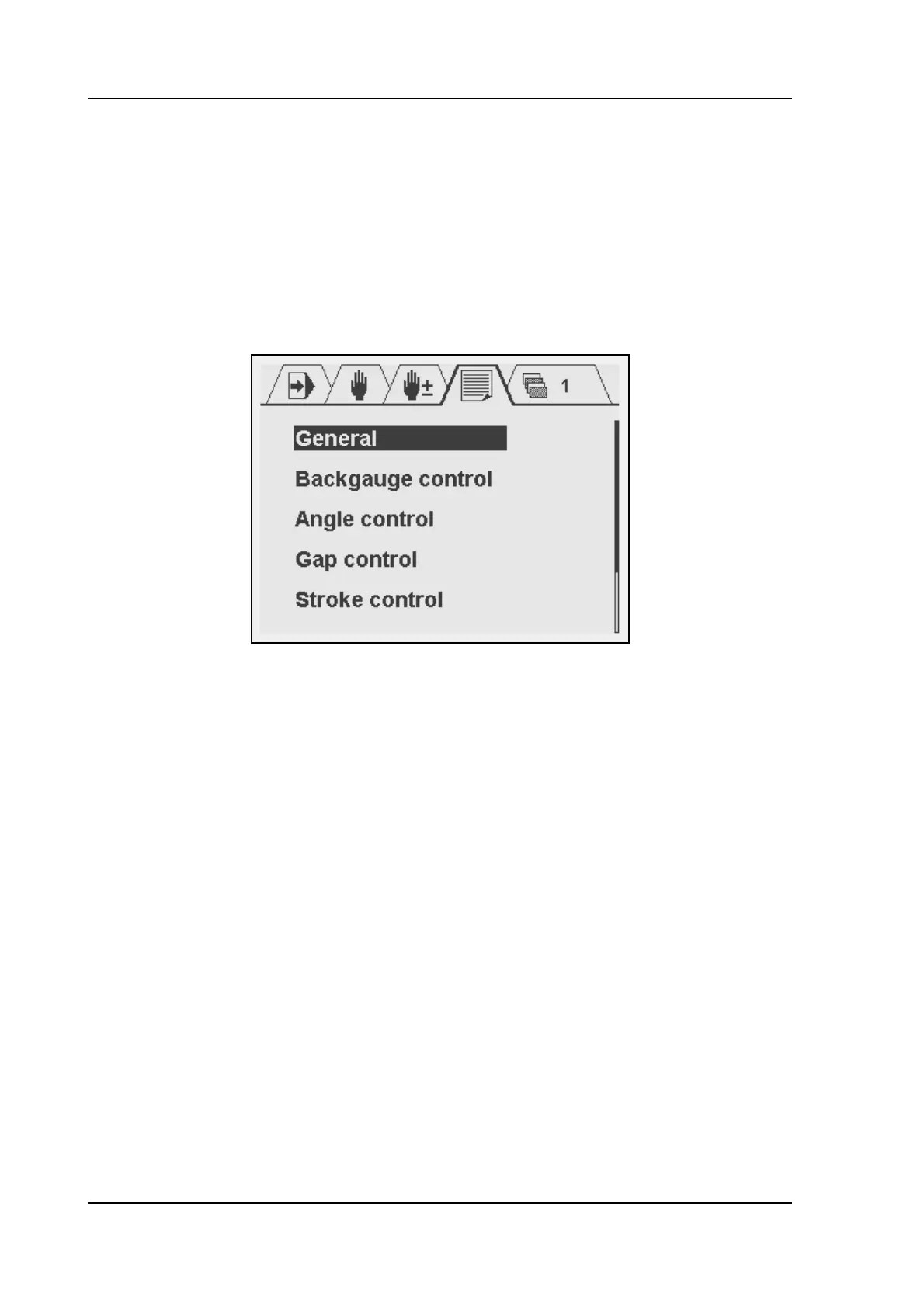
The machine parameters are only accessible with a special entry code. Machine parameters
should be adjusted by authorized personnel only. To enter the machine parameters menu:
• go to the screen with program constants;
• scroll to the parameter ‘language’;
• enter the code 852;
• press ENTER.
2.a
From this menu, the several types of machine parameters can be edited. To enter a menu
with parameters, move the cursor bar to the correct menu and press ENTER. Press the Stop
button to exit a menu or to return to normal operation mode.
In the next chapter the machine parameters are explained. The following sections in this
chapter describe the different control systems that are supported.
1.2. Control types
The control can be programmed to control different axis types:
• 1-speed AC or DC drive
• 2-speed AC or DC drive
• Servo motor drive
The required system can be programmed with the parameter 'Control type'.
1.2.1. Servo drive
The following servo parameters are available:
• Maximum operating speed
• Acceleration
• Deceleration
• Emergency deceleration
• P-gain
•I-gain



 To Next Page