V0407, 3.2
1. Introduction
1.1. Remarks
With the test functions of the diagnostic program a service engineer can test the control and
the interfacing with the system.
Before starting the diagnostic program it is wise to check the machine for moving parts. This is
because during the diagnostic operation of the control no regulation of the axis is performed.
With the diagnostic program you have to be careful because all I/O is controlled. All digital and
analog outputs can be activated for motor movement or relay switching.
1.2. Test-menu
To select the diagnostic program the following steps have to be performed:
• Move the cursor to the program constants,
• select the parameter ‘language’,
• Type access code 741 and press ENTER.
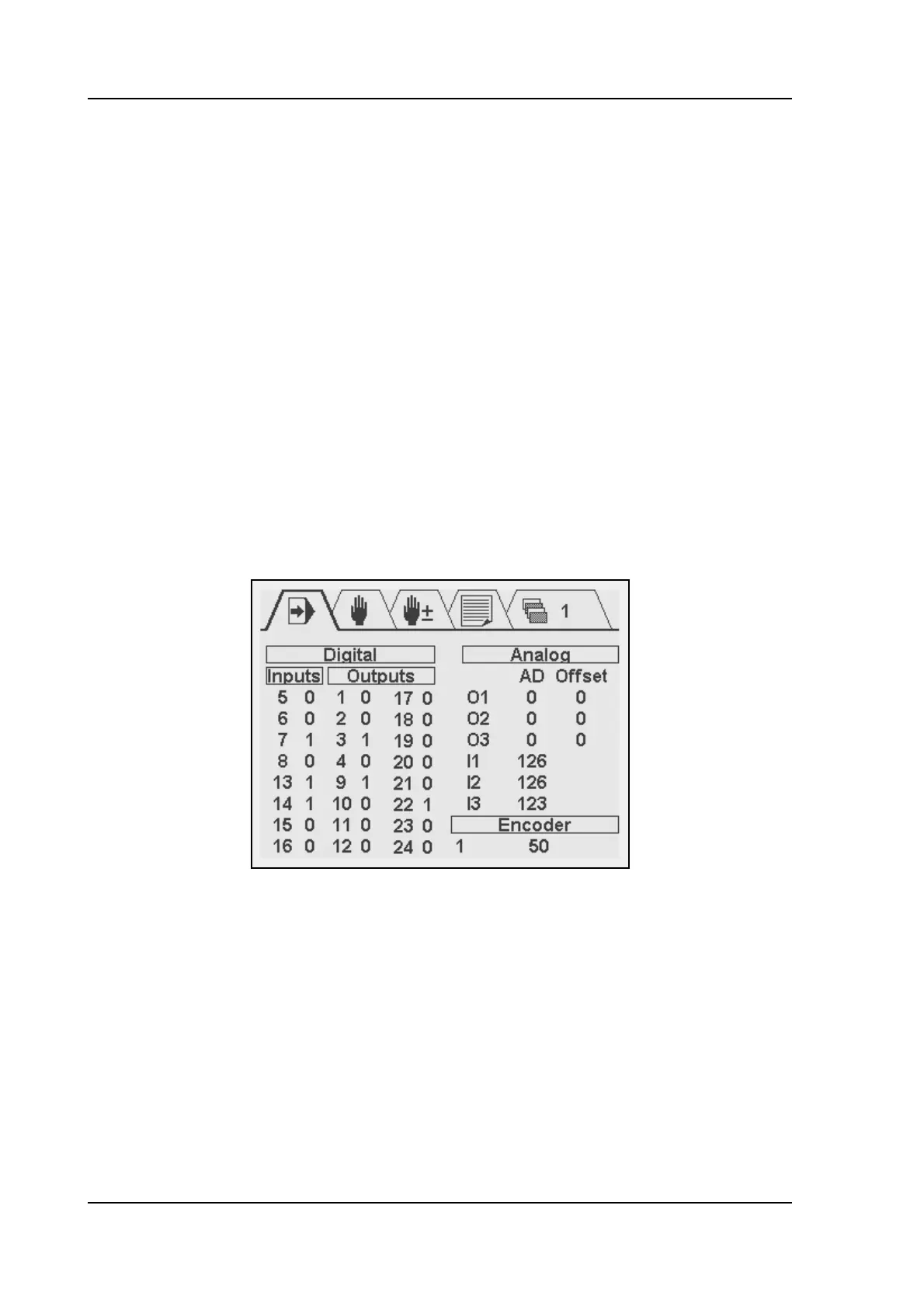
The diagnostic screen of the control looks as follows:
3.a
To end the diagnostic program with the 'STOP'-key. The control application will restart.



 To Next Page