WARNING: To prevent bodily injury when mounting or servicing this unit in a rack, take special precautions to ensure that the
system remains stable. The following guidelines are provided to ensure your safety:
• If your chassis is the only unit in the rack, mount it at the bottom of the rack.
• When mounting this unit in a partially lled rack, load the rack from the bottom to the top with the heaviest component at the
bottom of the rack.
• If the rack comes with stabilizing devices, install the stabilizers before mounting or servicing the unit in the rack.
• If the chassis ships with blanks, remove the blanks from each slot before lifting the chassis.
WARNING: These instructions are a condensed reference. Read the safety instructions in your
Safety, Environmental, and
Regulatory
information booklet before you begin.
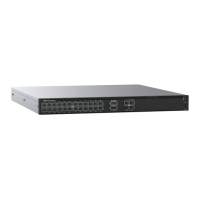
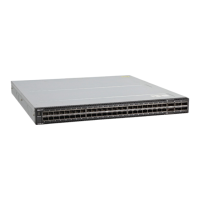
NOTE: The illustrations in this document are not intended to represent a specic switch.
Rack mount safety considerations
• Rack loading—Overloading or uneven loading of racks may result in shelf or rack failure, possibly damaging the equipment and causing
personal injury. Stabilize racks in a permanent location before loading begins. Mount the components starting at the bottom of the rack,
then work to the top. Do not exceed the load rating of your rack.
• Power considerations—Connect only to the power source specied on the unit. When you install multiple electrical components in a
rack, ensure that the total component power ratings do not exceed the circuit capabilities. Overloaded power sources and extension
cables present re and shock hazards.
• Elevated ambient temperature—If you install the switch in a closed rack assembly, the operating temperature of the rack environment
may be greater than the room ambient temperature. Use care not to exceed the 45°C (113°F) maximum ambient temperature of the
switch.
• Reduced airow—Do not compromise the amount of airow that is required for safe operation of the equipment. Install the equipment
in the rack so that the equipment constantly has the correct amount of airow surrounding it.
• Reliable earthing—Maintain reliable earthing of rack-mounted equipment. Pay particular attention to the supply connections other than
the direct connections to the branch circuit, for example: use of power strips.
• Do not mount the equipment with the fan panel facing in the downward position.
Switch Installation and removal
1 Align the system with the rails, and slide the system into the rack.
2 Tighten the screws on each side of the switch front panel. See items 1 and 2 in the following illustration:
To remove the system from the rack, loosen the screws and slide the system out of the rack.
32
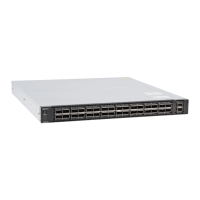
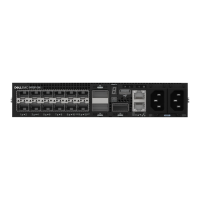
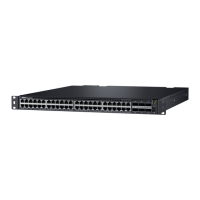
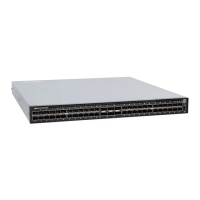
S5200F-ON Series switch installation




 To Next Page