Alignment and Troubleshooting
4-49
Service Manual
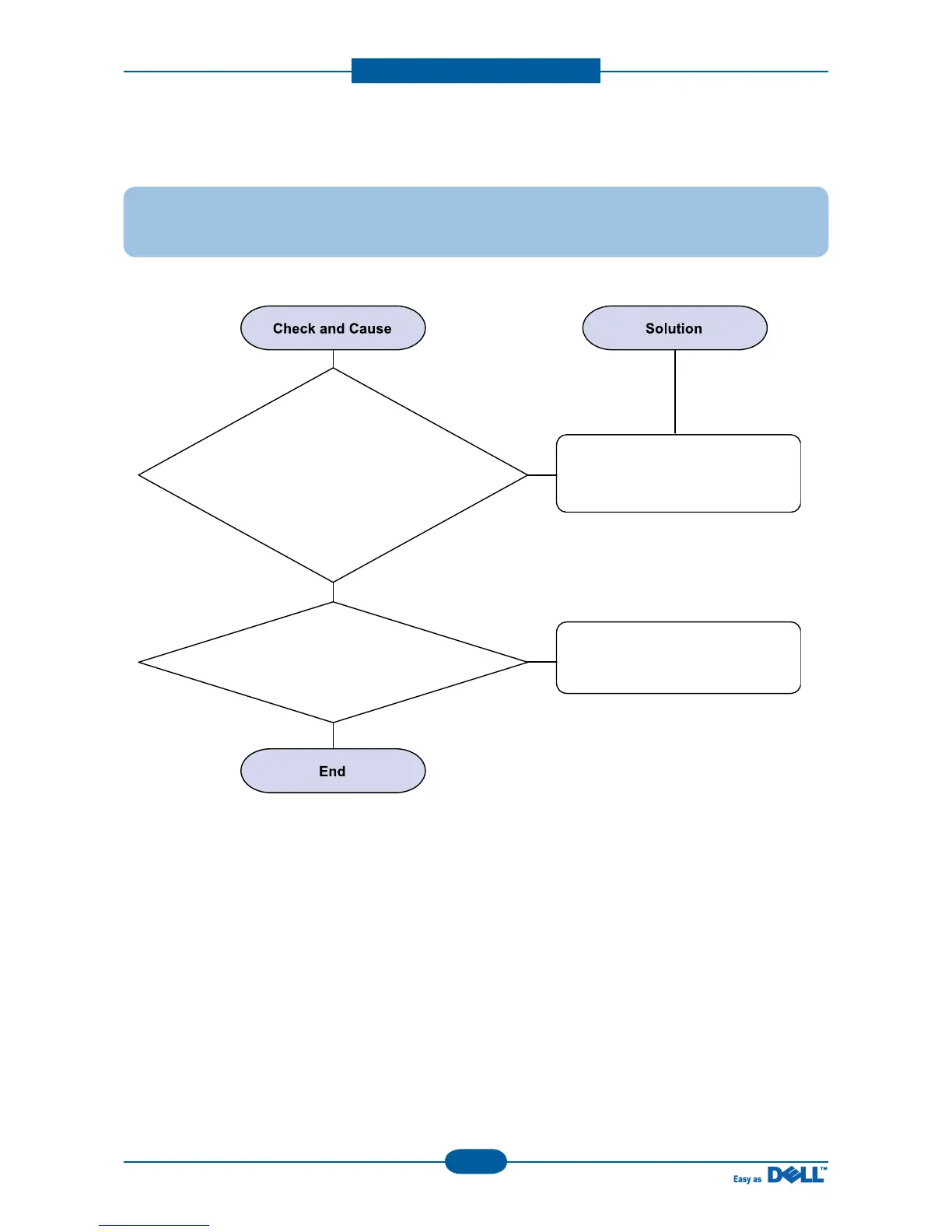
4) JAM 2
Description : 1. Recording paper is jammed in front of or inside the fuser.
2. Recording paper is stuck in the discharge roller and in the fuser just after
passing through the Actuator-Feed.
2. Check the Exit roller is
transformed or contaminated.
1. If the paper is
rolled in the Fuser Roller:
- This occurs when a Guide claw is
broken away or transformed.
- It occurs when the Heat-Roller or
Pressure-Roller is seriously
contaminated
with the toner.
Refer to JAM2 flow chart
in fuser problem troubleshooting.
Replace the Exit roller.


 To Next Page