20 Installation
www.dell.com | support.dell.com
3
Plug the supplied power cord into the back of the 2161DS Console Switch unit and then into
an appropriate power source.
4
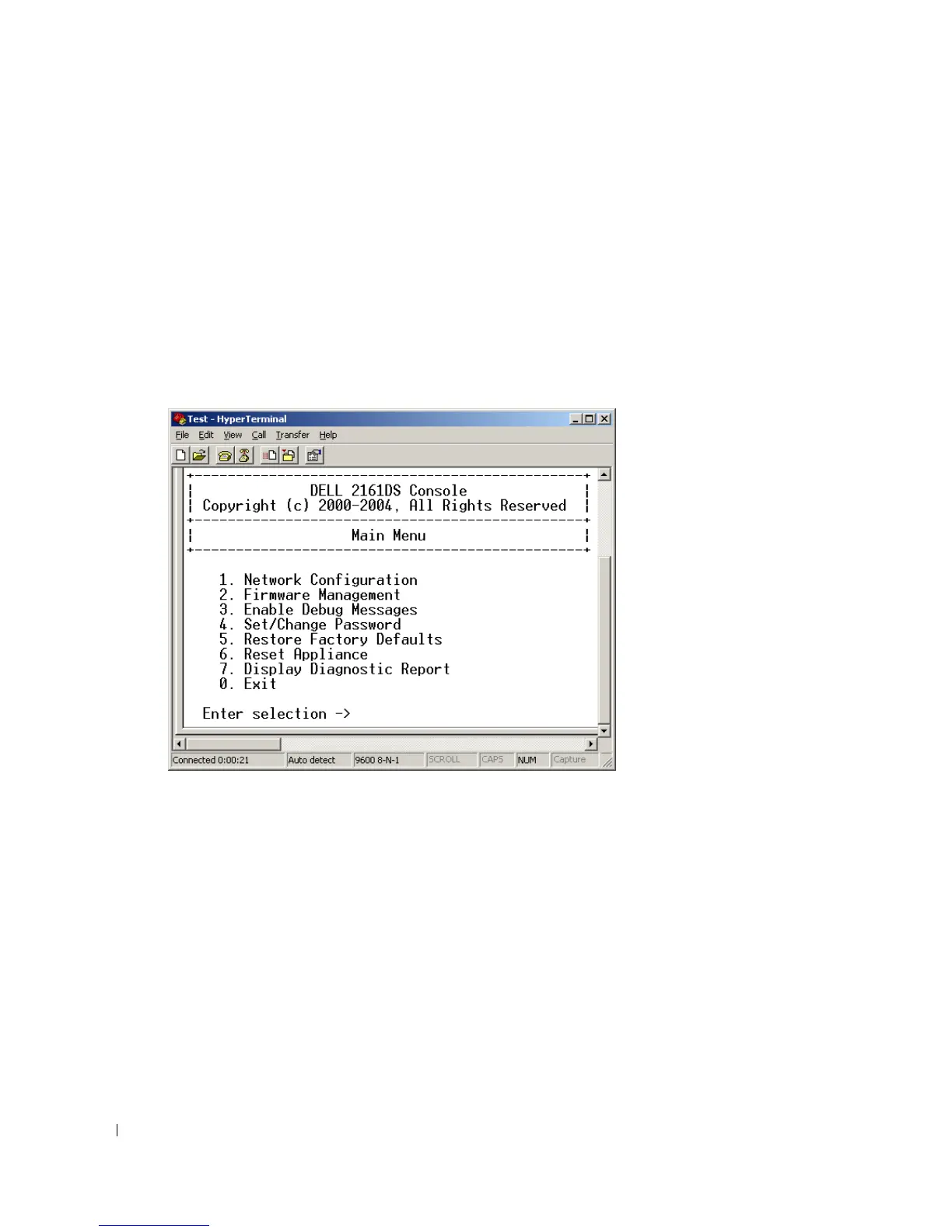
When the power is switched on, the Power indicator on the front of the unit will blink for 30
seconds while performing a self-test. Approximately 10 seconds after it stops blinking, press
the <Enter> key to access the main menu.
To configure the 2161DS Console Switch hardware:
1
You will see the
Terminal Applications
menu with seven options. Select option 1,
Network
Configuration
.
Figure 2-6. Network Configuration Menu
2
Select option 1 to set your network speed. When possible, you should set your connection
manually without relying on the auto negotiate feature. Once you enter your selection, you
will be returned to the
Network Configuration
menu.
3
Select option 2 and specify if you are using a static or BootP IP address. Dell recommends
using a static IP address for ease of configuration. If you are using a BootP address, please
configure your BootP server to provide an IP address to the 2161DS Console Switch, skip step
4 and continue to the next procedure.
4
Select options 3-5 from the
Terminal Applications
menu, in turn, to finish configuring your
2161DS Console Switch for IP address, Netmask, and Default Gateway.
5
Once this is completed, type Ø to return to the main menu.






 To Next Page