34
Disassembly and reassembly
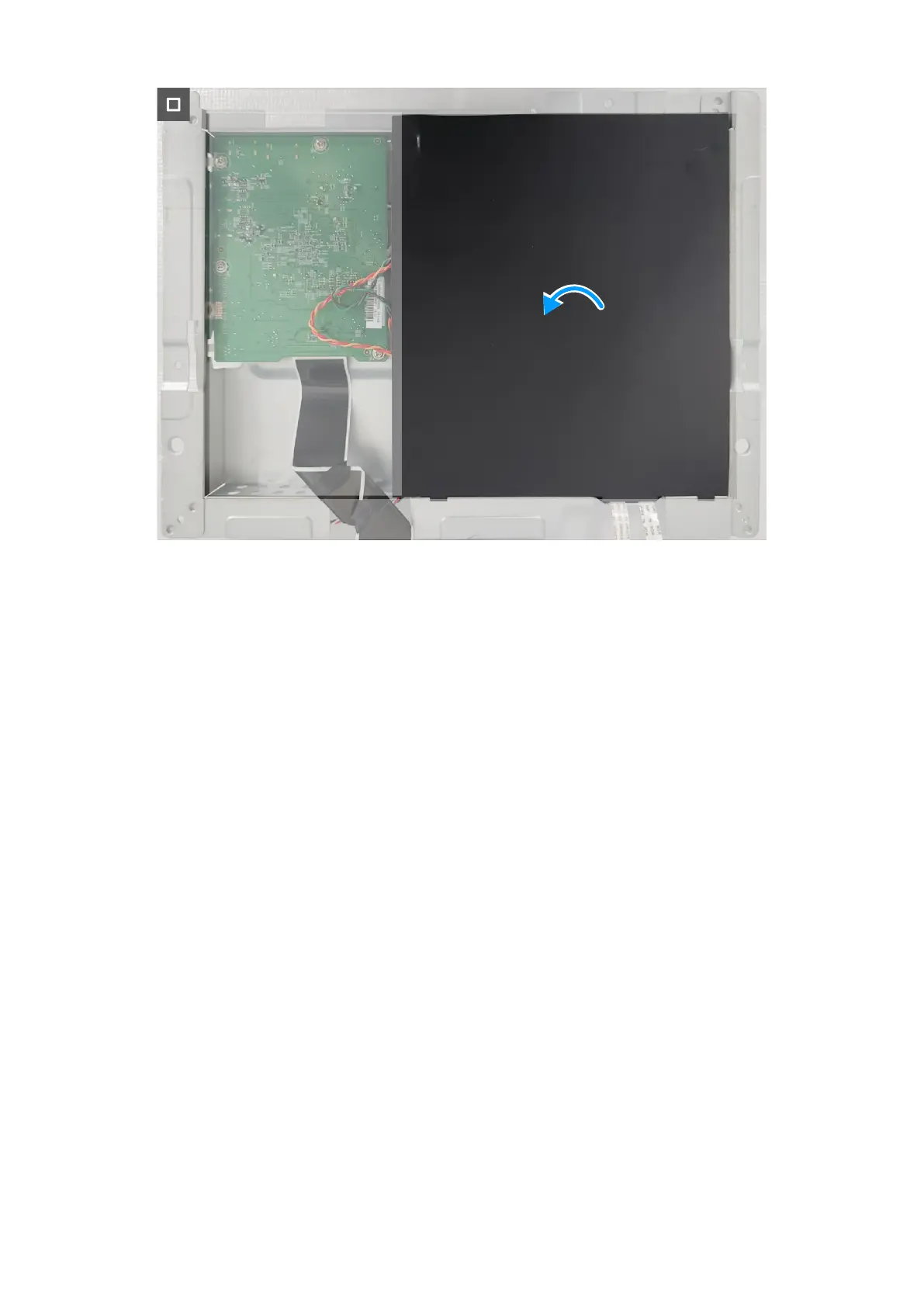
Figure 36. Placing the Mylar sheet
Steps
1. Connect the cables to the connectors on the system board, power board, and converter board.
2. Replace the twelve screws (D3x6) and the screw (M4x6) to secure the system board, power board, and converter board to the
metal shield.
3. Replace the metal shield I/O-cover on the metal shield.
4. Place the Mylar sheet on the power board.
Next steps
1. Install the metal shield.
2. Install the speaker.
3. Install the back cover.
4. Install the stand.
5. Follow the procedure in After working inside your monitor.








 To Next Page