Diagnostic aids 3-33
Print Log
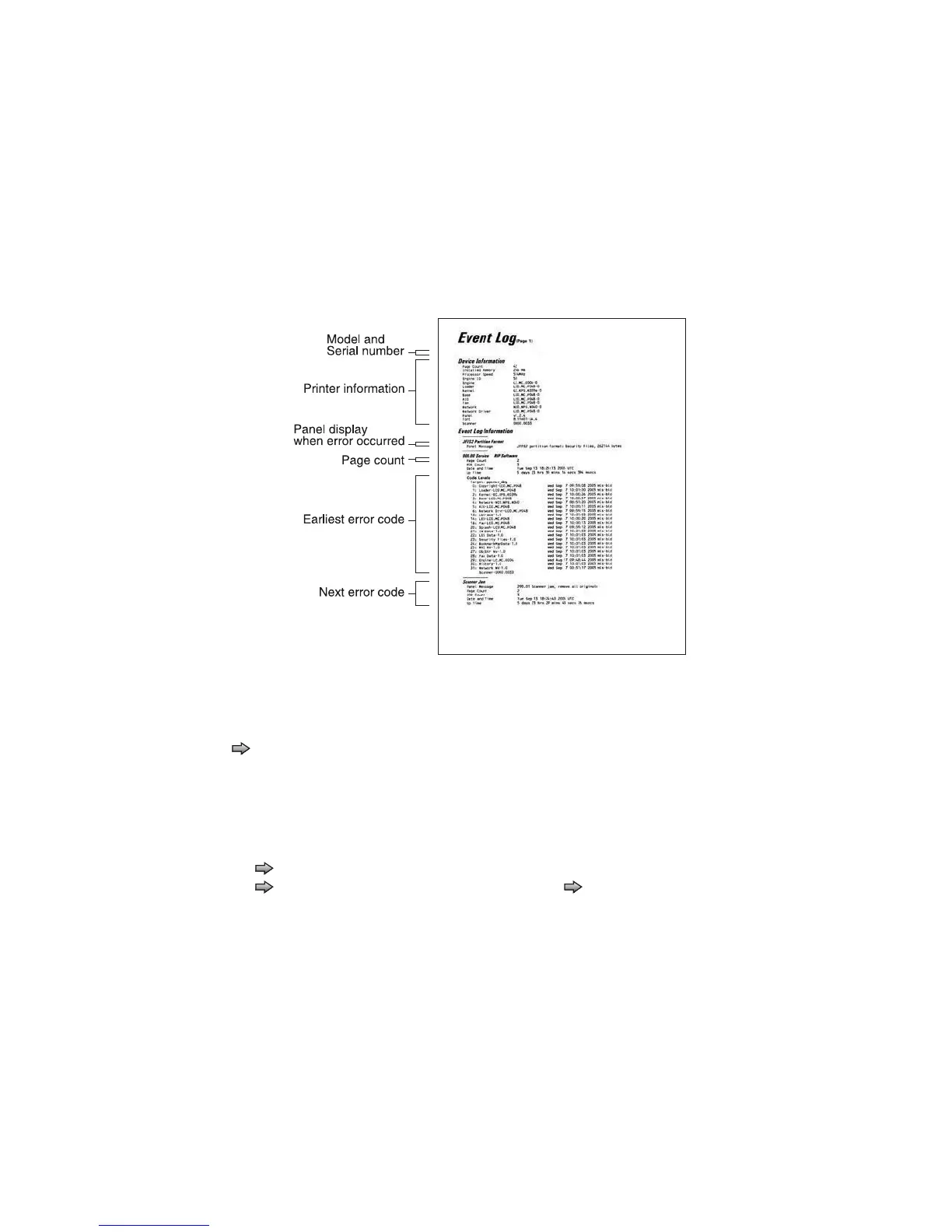
Additional diagnostic information is available when you print the event log from Diagnostics Menu rather than
Configuration Menu.
The Event Log printed from Diagnostics Menu includes:
• Detailed printer information, including code versions
• Time and date stamps
• Page counts for most errors
• Additional debug information in some cases
To print the event log:
Touch to select Print Log from EVENT LOG.
Clear Log
Use Clear Log to remove the current information in the Event Log. This affects both the viewed log and the
printed log information.
1. Touch to select Clear Log from the Event Log menu.
2. Touch to select Yes to clear the Event Log, or touch to select NO to exit the Clear Log menu. If
YES is selected, Deleting EVENT LOG displays on the screen.
The printed event log can be faxed to Dell or your next level of support for verification or diagnosis.
Dell 3333dn (s/n xxxxxxxxx)



 To Next Page
 Loading...









