Repair information 4-37
LVPS/HVPS removal
1. Remove the rear cover. See “Rear door and lower rear cover removal” on page 4-74.
2. Remove the left side cover. See “Left side cover removal” on page 4-33.
3. Place the printer on its top with the rear facing you.
Note: Be careful to not mar the finish of the printer.
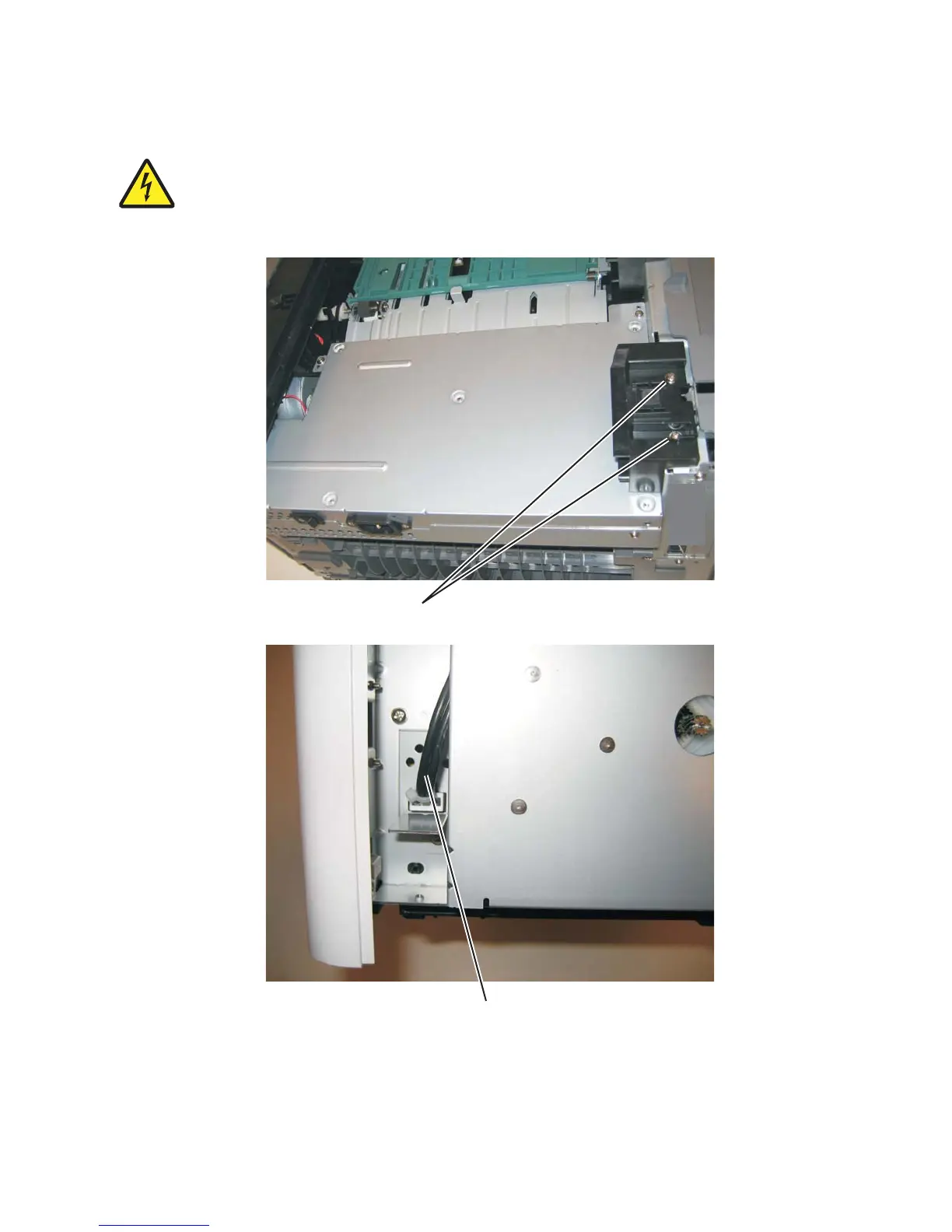
4. Remove the two screws (A) from the right rear foot assembly.
5. Disconnect the fuser power cable (B).



 To Next Page
 Loading...









