Diagnostic aids 3-49
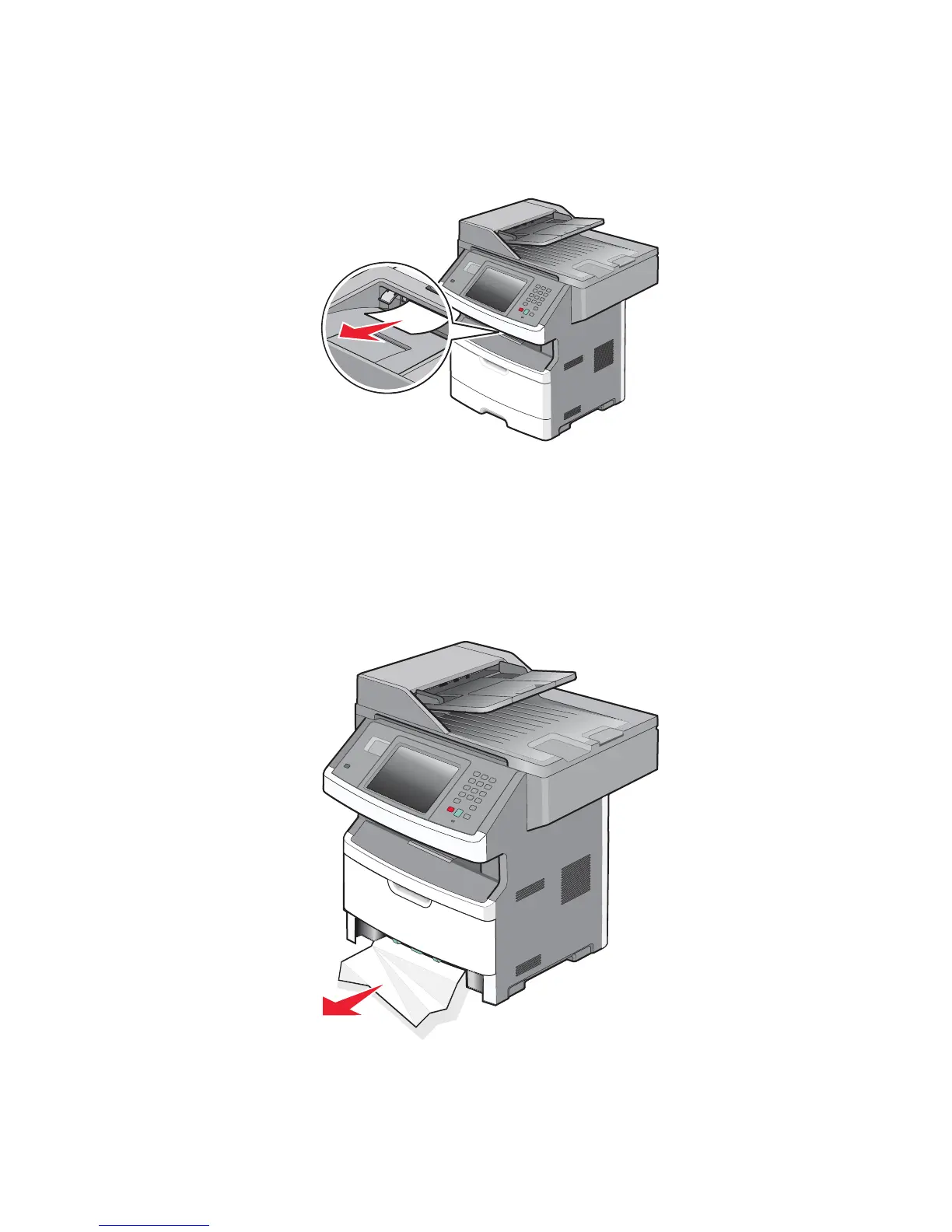
235 paper jam
1.
Gently pull the jammed media from the fuser.
2. Touch Continue.
240 - 249 paper jams
1.
Touch Supply/Status to identify the jam location.
2. Remove the standard tray.
3. Remove any jammed paper.
4. Reinsert the tray, and touch Continue.
5. If the jam message remains, remove the optional tray.



 To Next Page
 Loading...









