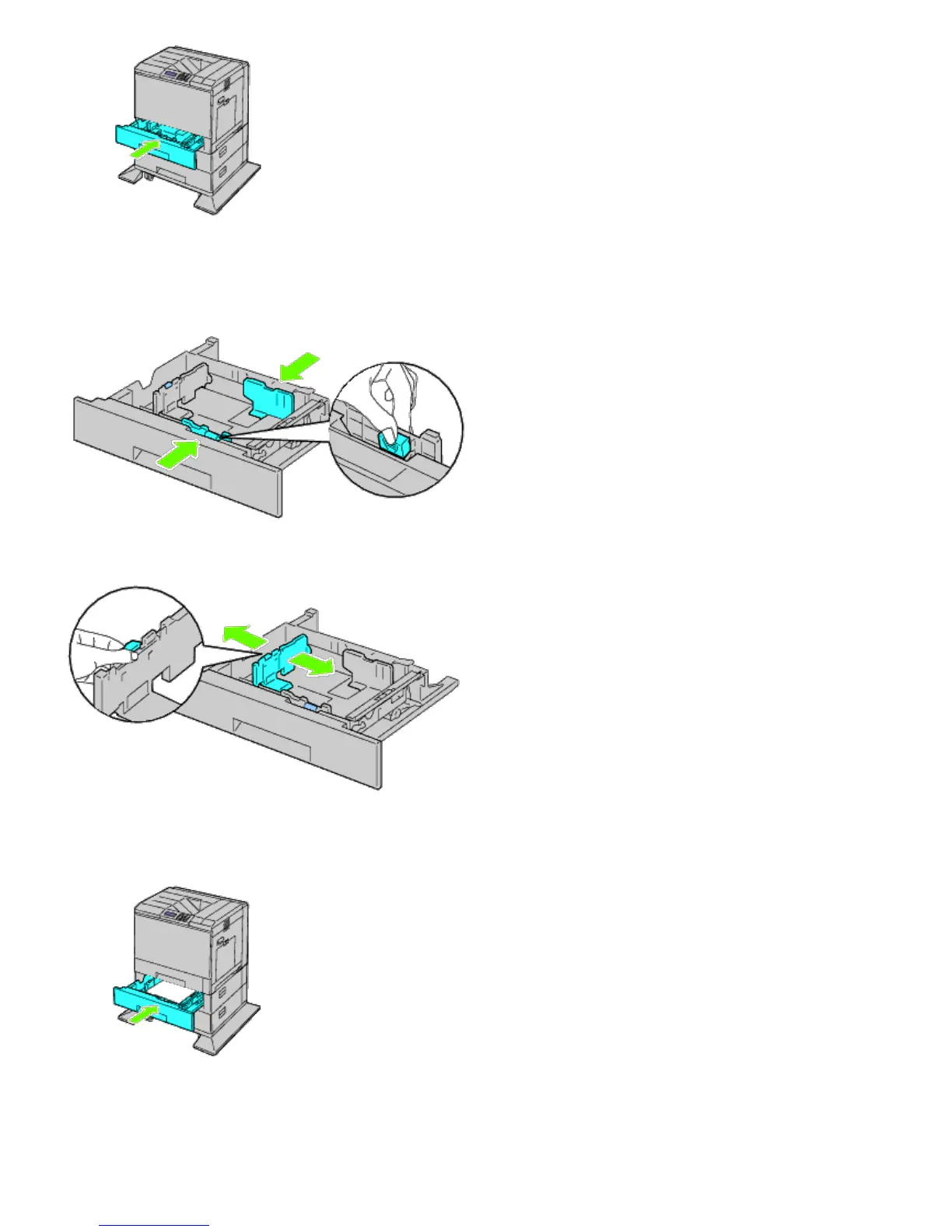
8. Remove the tray from the 1100-sheet feeder.
9. Adjust the width guides to the size of paper to be loaded.
10. Adjust the length guide to the size of paper to be loaded.
11. Load paper into the tray with the recommended print side facing up.
12. Return the tray to the 1100-sheet feeder.
13. Connect the power cable to the printer and then to the power source.
14. Fix the power cable on the printer with the plastic fastener.
15. Turn on the printer.













 To Next Page