Removing the Display Bezel | 100
Procedure
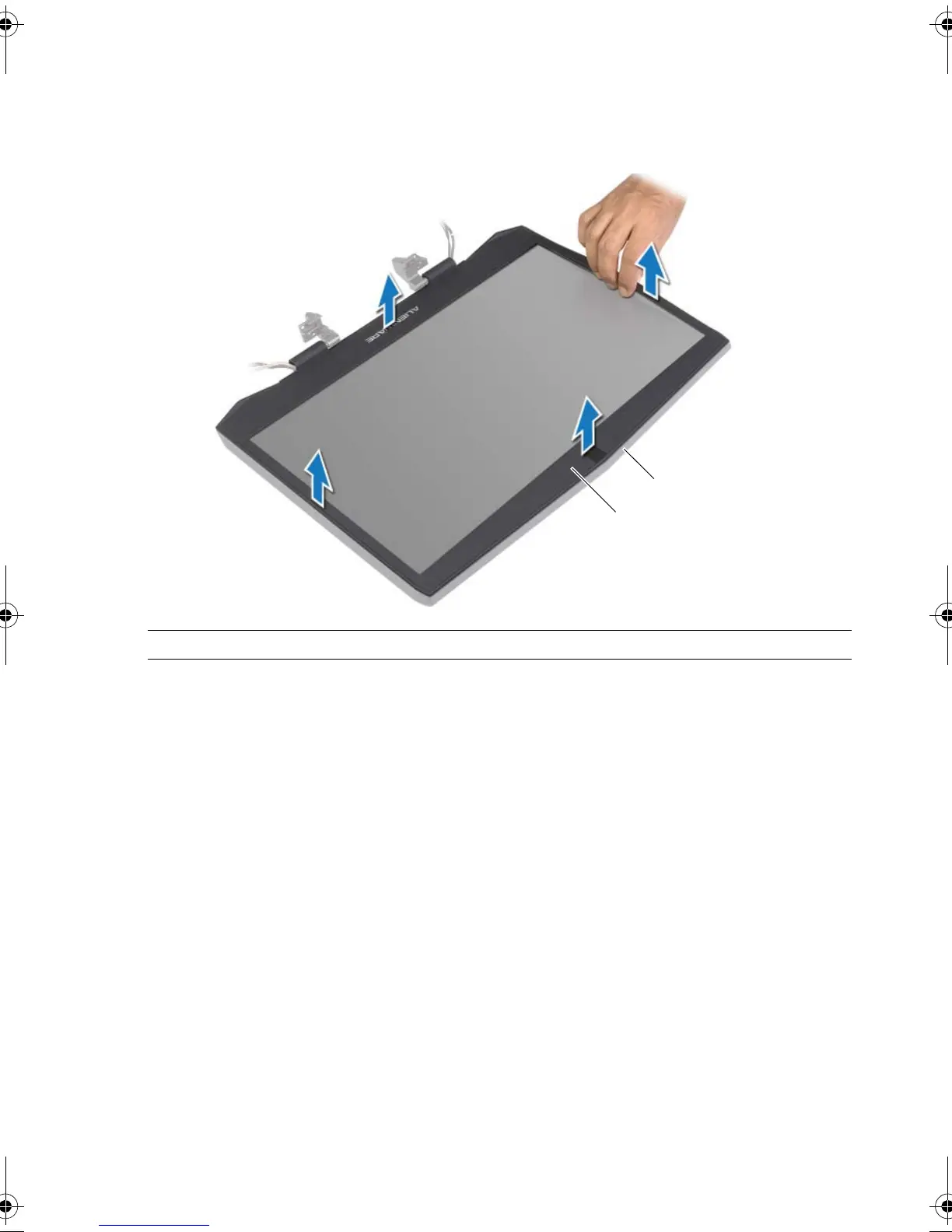
1 Using your fingertips, carefully pry up the inside edges of the display bezel.
2 Remove the display bezel off the display back-cover.
1 display bezel display back-cover
book.book Page 100 Friday, June 28, 2013 3:27 PM












 To Next Page