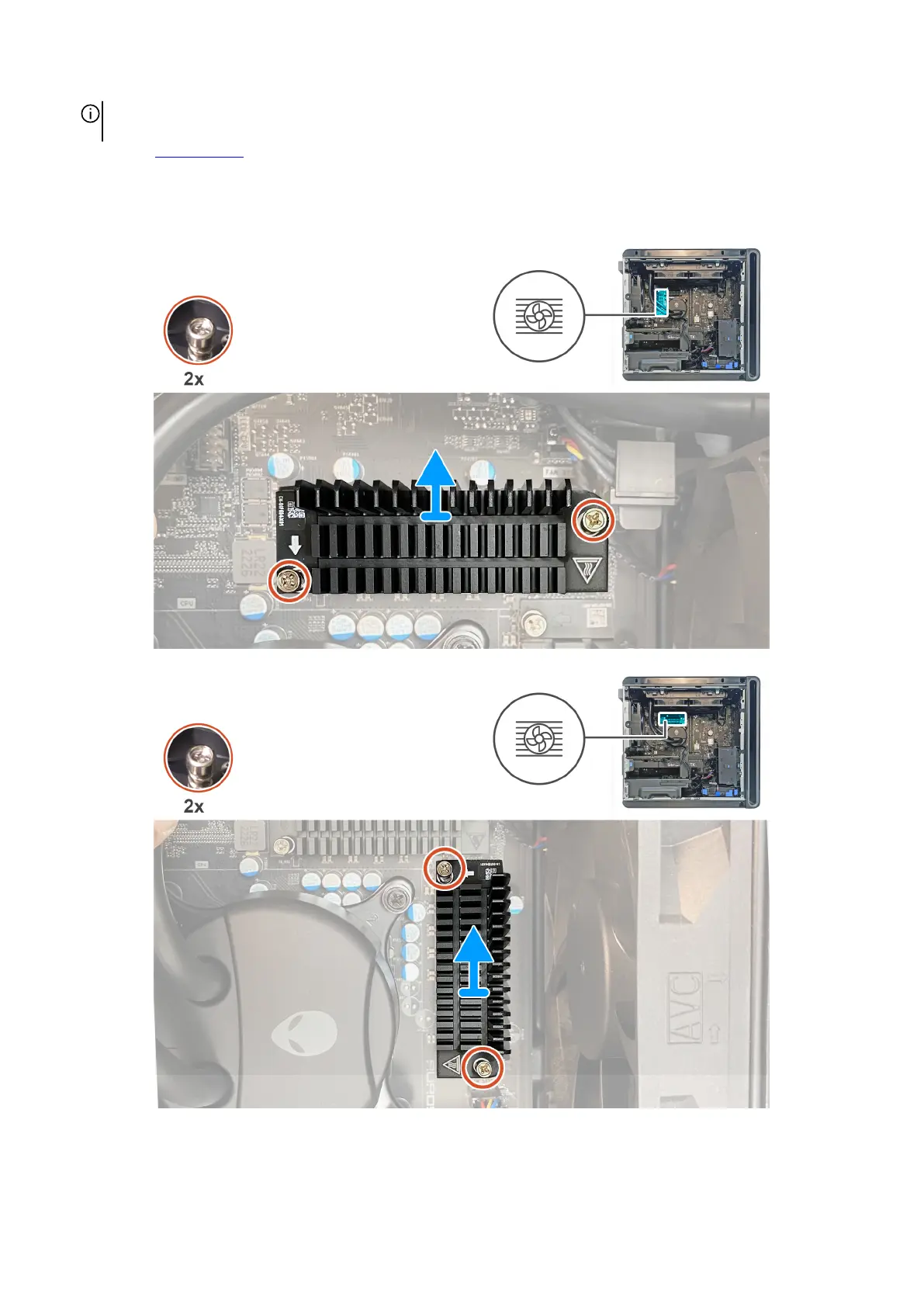
NOTE: The VR heat sinks (2) are shipped as separate units and they do not ship along with the new system board. Remove
the VR heat sink (2) from old system board for transfer to the new system board.
2. Remove the left-side cover.
About this task
The following images indicate the location of the VR heat sink and provide a visual representation of the removal procedure.
Steps
1. Lay the computer on the right side.
88











 To Next Page