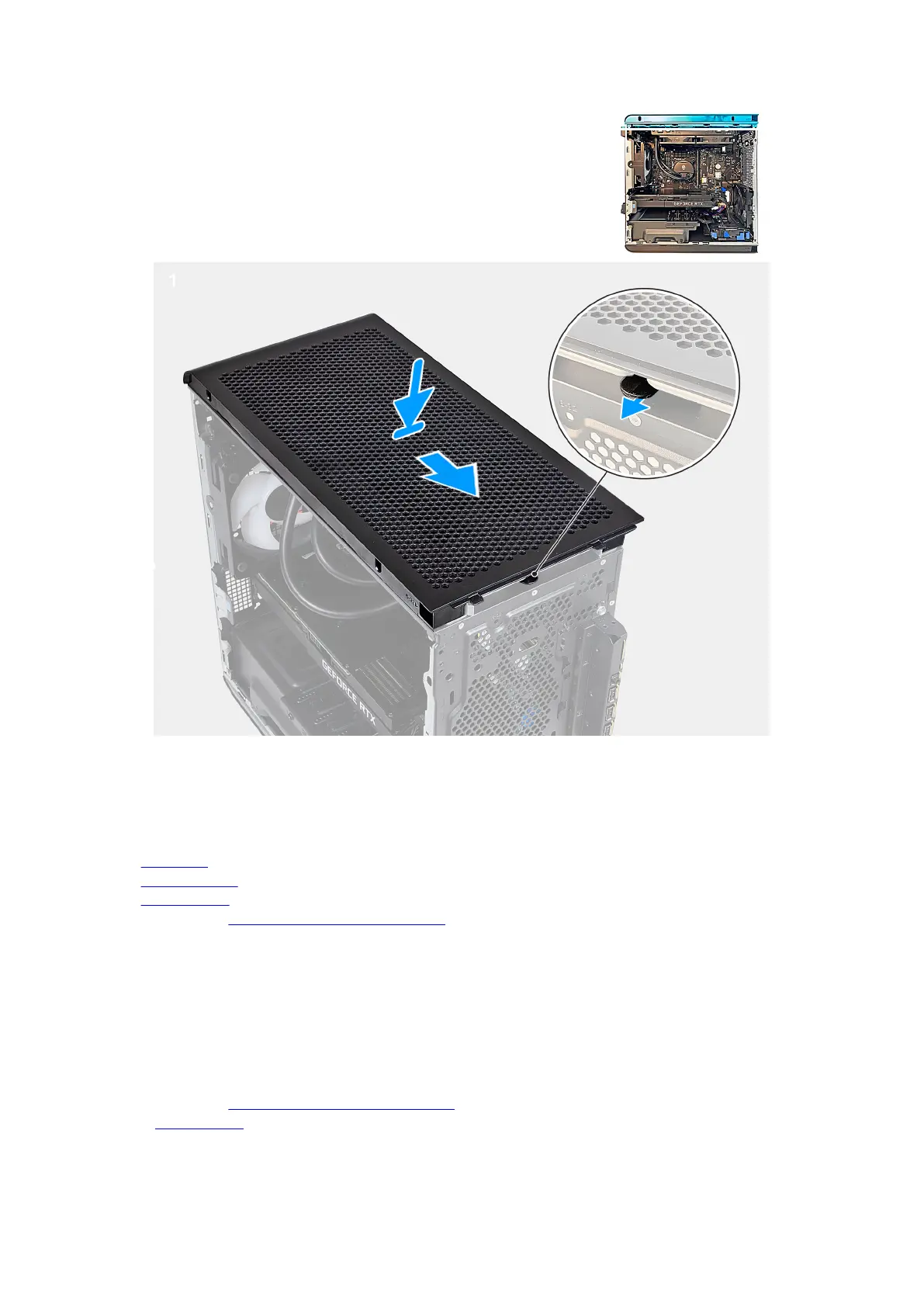
Steps
Align the tabs on the top cover with the slots on the chassis and snap the top cover into place.
Next steps
1. Install the front bezel.
2. Install the right-side cover.
3. Install the left-side cover.
4. Follow the procedure in After working inside your computer.
3.5-inch hard drive
Removing the 3.5-inch hard drive
Prerequisites
1. Follow the procedure in Before working inside your computer.
2. Remove the left-side cover.
45











 To Next Page