Memory Module(s) 27
7
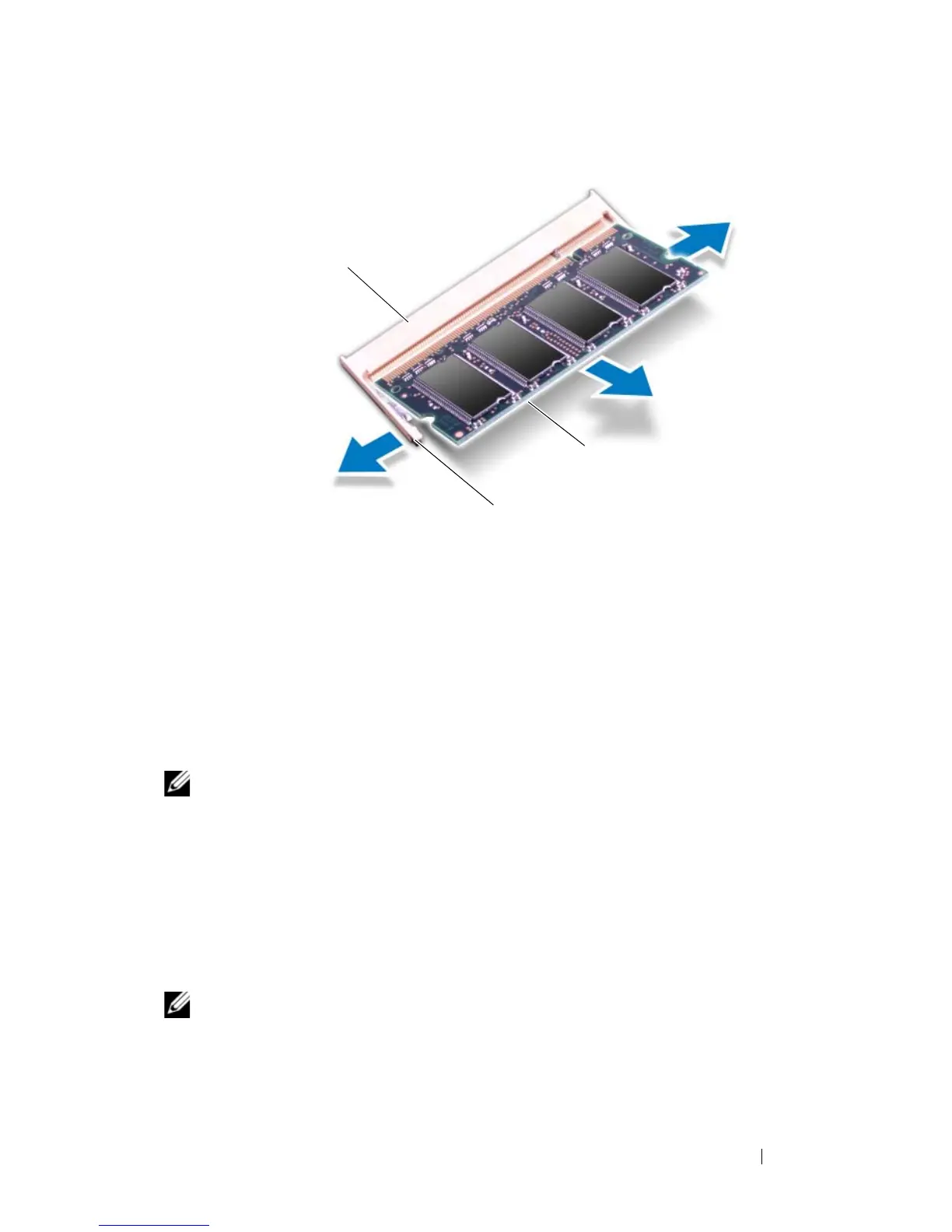
Remove the memory module from the memory-module connector.
Replacing the Memory Module(s)
1
Follow the instructions in "Before You Begin" on page 9.
NOTE: If you need to install memory modules in two connectors, install a memory
module in the lower connector before you install a memory module in the upper
connector.
2
Align the notch in the memory module with the tab in the
memory-module connector.
3
Slide the memory module firmly into the connector at a 45-degree angle,
and press the memory module down until it clicks into place. If you do not
hear the click, remove the memory module and reinstall it.
NOTE: If the memory module is not installed properly, the computer may not boot.
1 memory-module connector 2 securing clips (2)
3 memory module













 To Next Page