80 Palm Rest Assembly
6
Remove the center control cover (see "Removing the Center Control
Cover" on page 49).
7
Remove the keyboard (see "Removing the Keyboard" on page 55).
8
Remove the power button board (see "Removing the Power Button Board"
on page 67).
9
Remove the display assembly (see "Removing the Display Assembly" on
page 71).
10
Remove the status light board (see "Removing the Status Light Board" on
page 75).
11
Disconnect the touch pad cable, LVDS cable, and Media Card Reader
cable from the connectors on the system board.
12
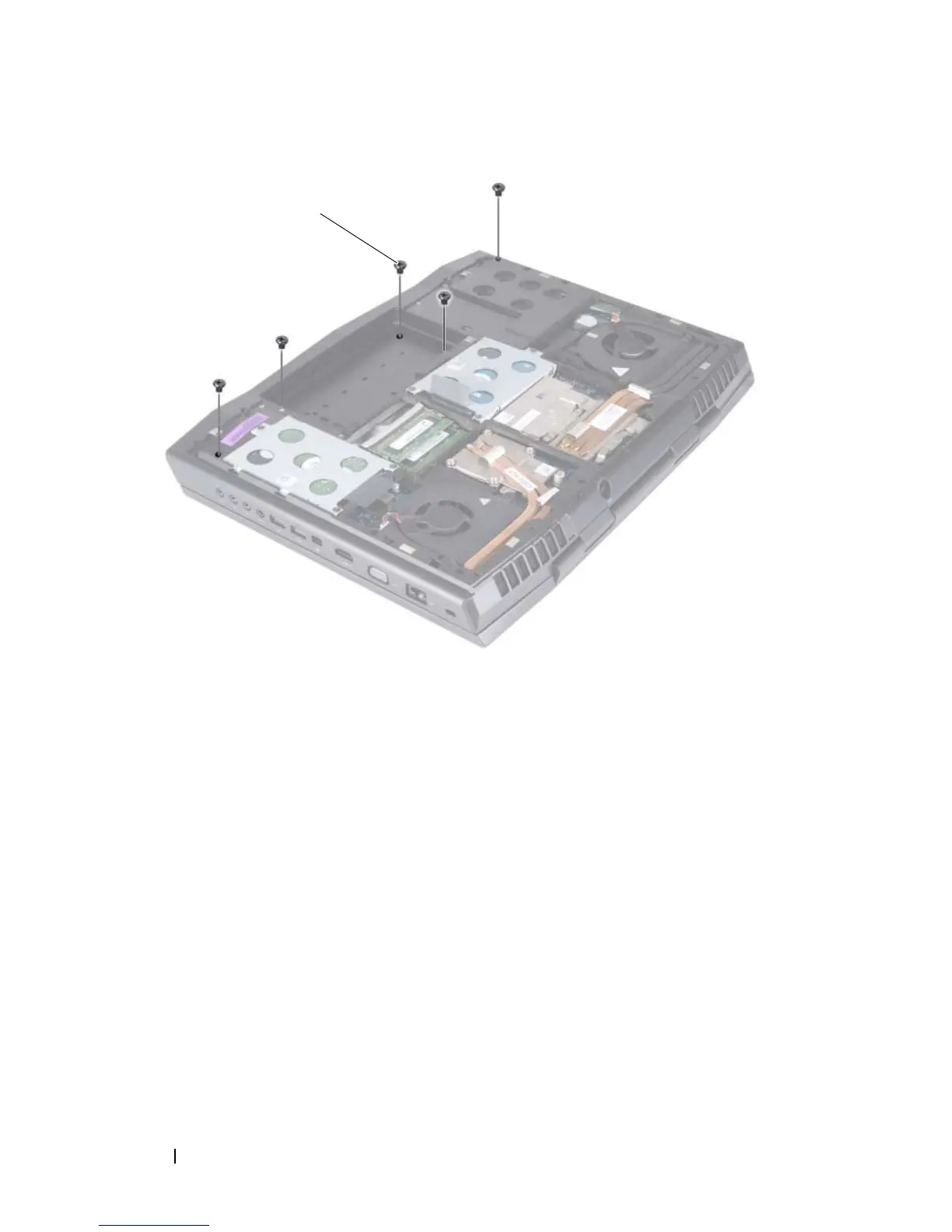
Remove the three screws that secure the palm rest assembly to the
computer base.
1 screws (5)













 To Next Page