4. Install:
a. palmrest assembly
b. power connector
c. base corner caps
d. base cover
e. display-hinge cover
f. optical drive
g. hard drive
h. keyboard
i. keyboard trim
j. battery
5. Follow the procedures in
After Working Inside Your Computer
.
Removing the Display Bezel
1. Follow the procedures in
Before Working Inside Your Computer
.
2. Remove:
a. battery
b. display-hinge cap
c. base cover
d. base corner caps
e. display assembly
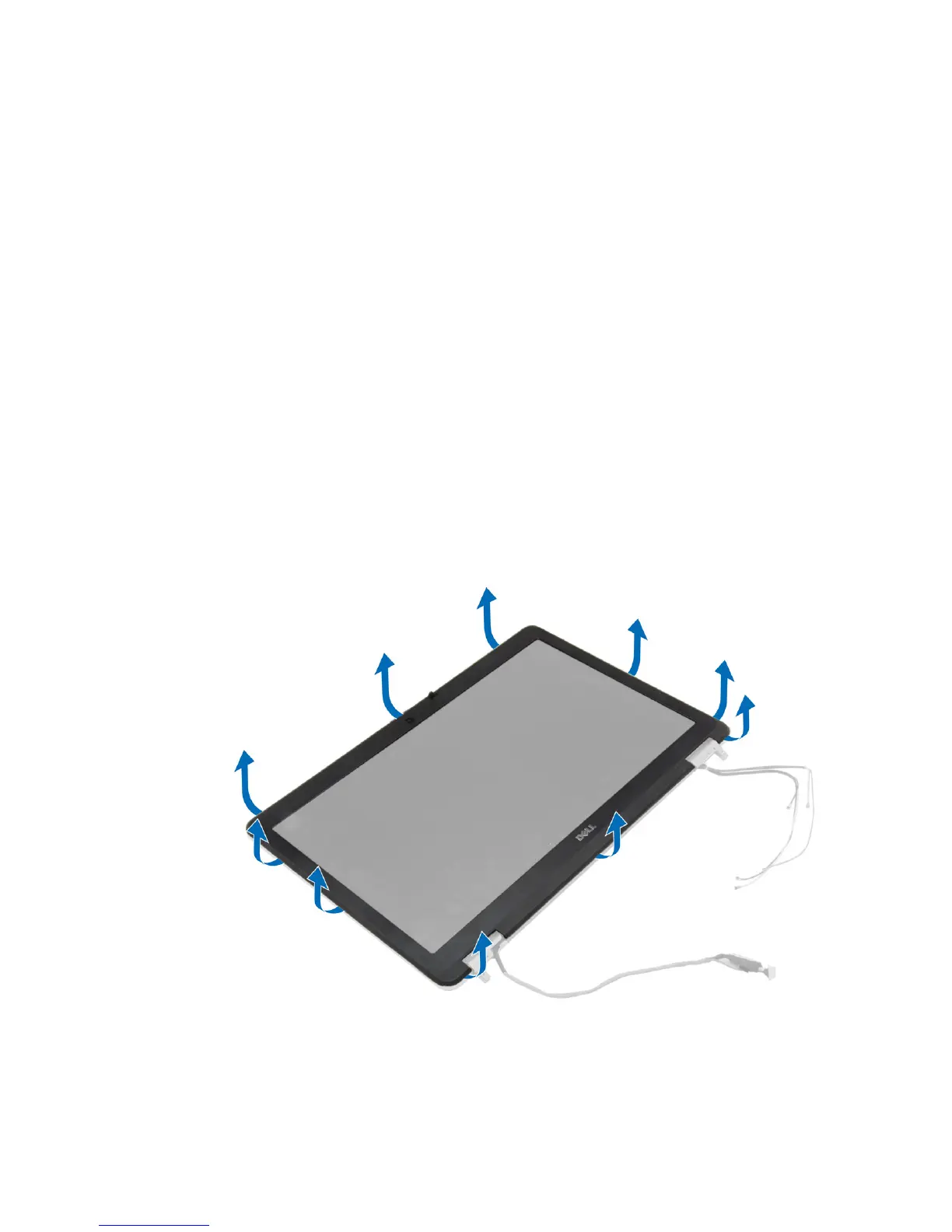
3. Pry up along the edges to release the display bezel.
42















 To Next Page