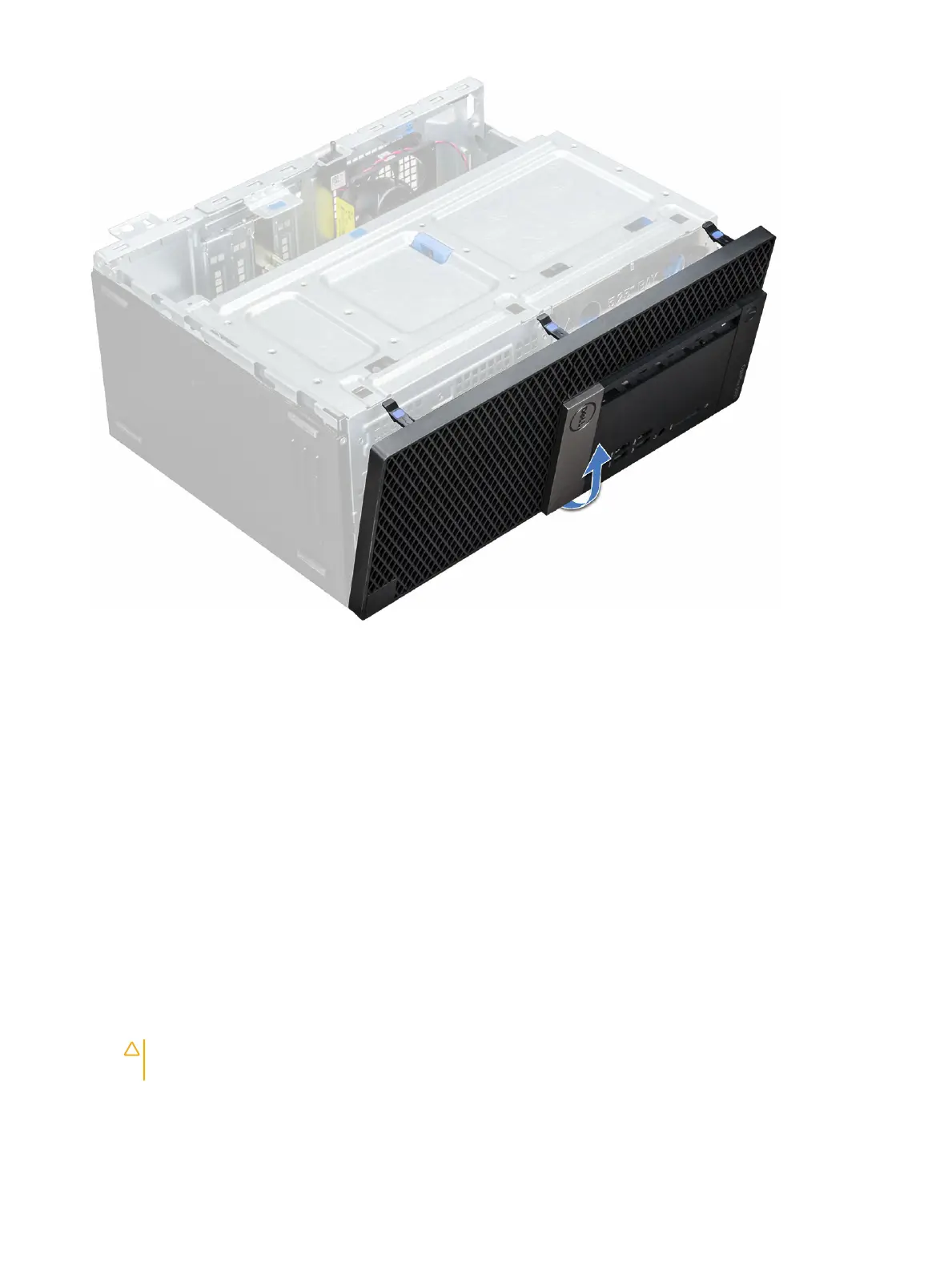
Installing front bezel
1 Position the bezel to align with the tab holders on the base of the chassis frame.
2 Press the bezel until the retention tabs click into place.
3 Install the Back cover.
4 Follow the procedure in After working inside your computer.
Front panel door
Opening the front panel door
1 Follow the procedure in Before working inside your computer.
2 Remove the:
a Back cover
b Front bezel
CAUTION
: The front panel door opens only to a limited extent. See the printed image on the front panel door for the
maximum permissible level.
3 Pull the front panel door to open it.
Disassembly and reassembly
13








 To Next Page