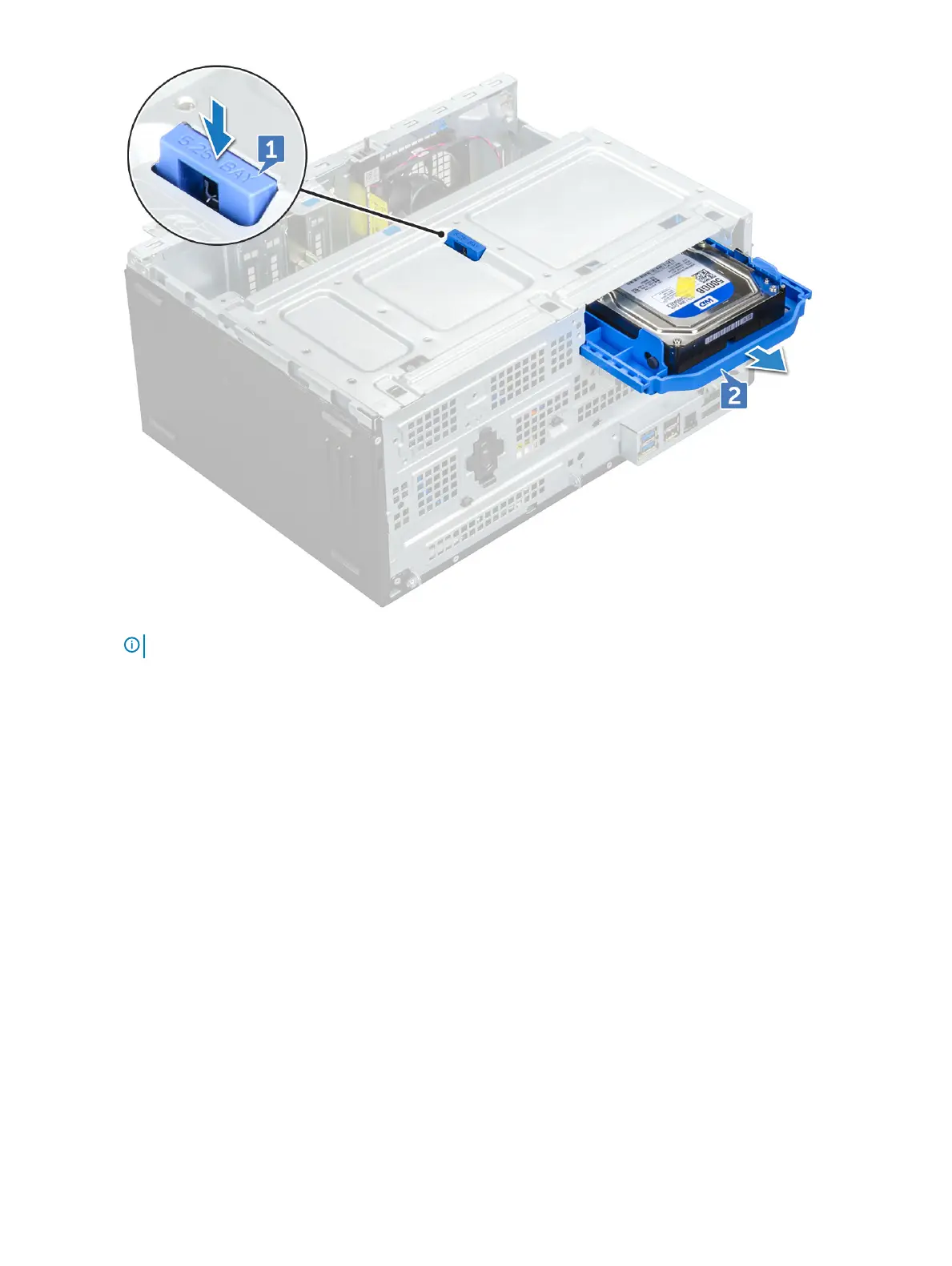
NOTE: The tab may indicate 5.25 inch because you can also install a 5.25 inch hard drive in same drive bay.
Removing 3.5–inch hard drive from the hard drive bracket
1 Follow the procedure in Before working inside your computer.
2 Remove the:
a Back cover
b Front bezel
c Hard drive assembly
3 To remove hard drive bracket:
a Pull one side of the hard drive bracket to disengage the pins on the bracket from the slots on the hard drive [1].
b Lift the hard drive out of the hard drive bracket [2].
Disassembly and reassembly
17








 To Next Page