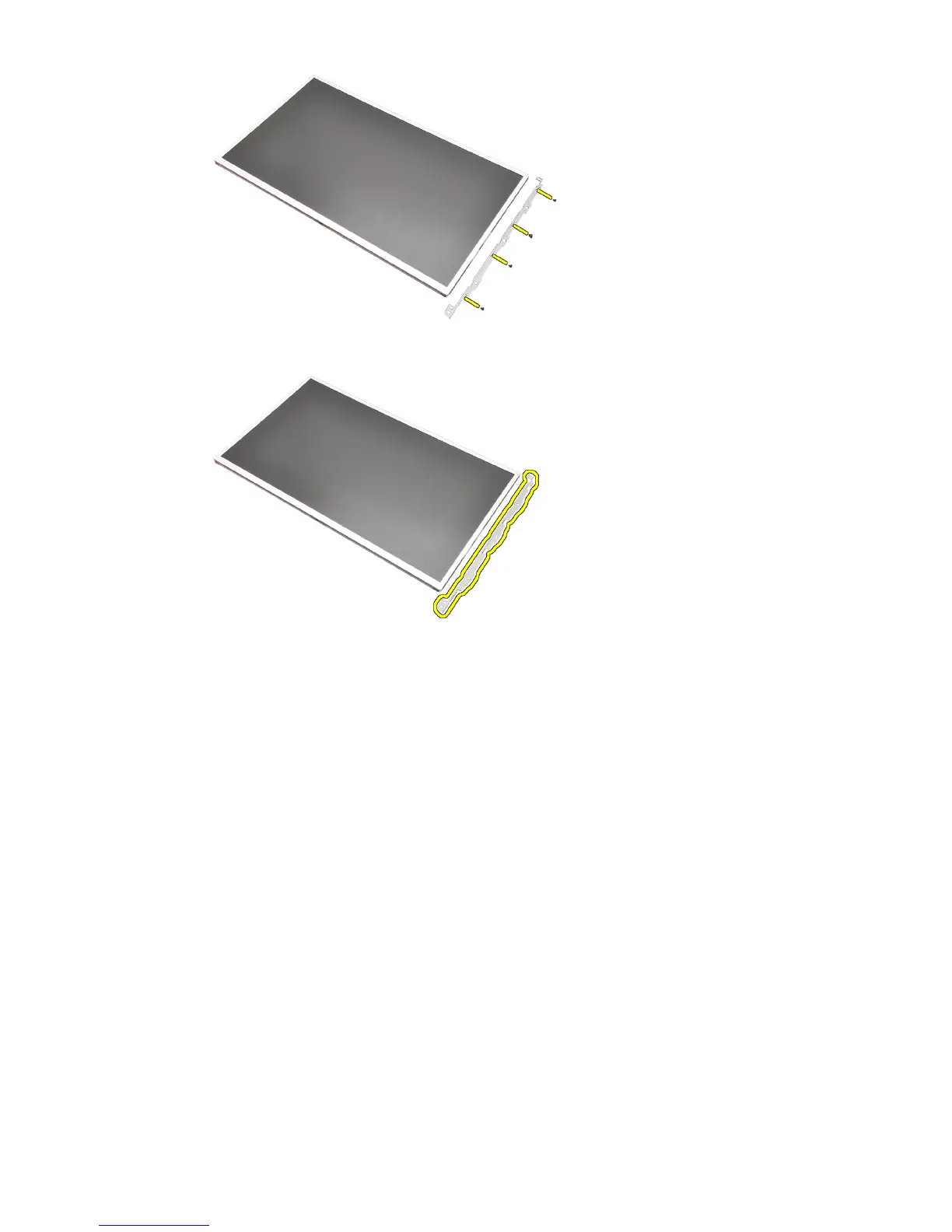
10. Remove the display bracket.
Installing The Non-Touchscreen Display Panel
1. Align the display bracket with the display panel and tighten the screws
securing the display bracket in place.
2. Connect the digitizer cable.
3. Connect the low-voltage differential signaling (LVDS) cable to the back of
the display panel and replace the adhesives securing the LVDS cable in
place.
4. Tighten the screws securing the display panel in place.
5. Tighten the screws on the left side of the display panel securing the display
panel in place.
6. Install the
display bezel
.
7. Install the
battery
.
8. Follow the procedures in
After Working Inside Your Computer
.
103















 To Next Page