EasyManua.ls Logo

Dell Precision M4600 - Touchscreen Display Bezel Procedures; Removing the Touchscreen Bezel

Dell Precision M4600
142 pages
Print Icon
To Next Page IconTo Next Page
To Previous Page IconTo Previous Page
Loading...
Touchscreen Display Bezel 29
Removing The Touchscreen Display Bezel
1. Follow the procedures in
Before Working On Your Computer
.
2. Remove the
battery
.
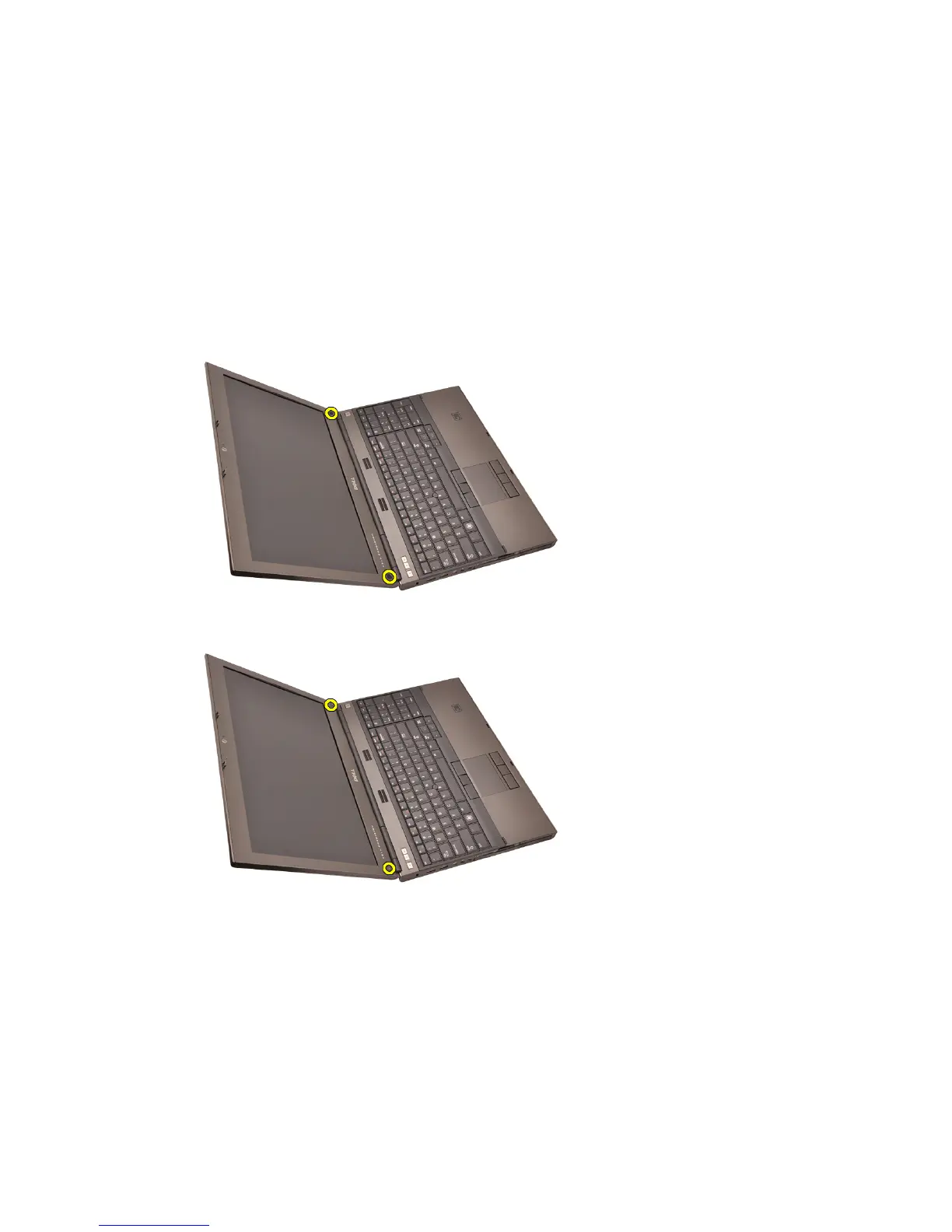
3. Remove the screw covers.
4. Remove the screws securing the display bezel in place.
5. Carefully pry up the top edge of the display bezel.
87


Table of Contents

Other manuals for Dell Precision M4600

Related product manuals