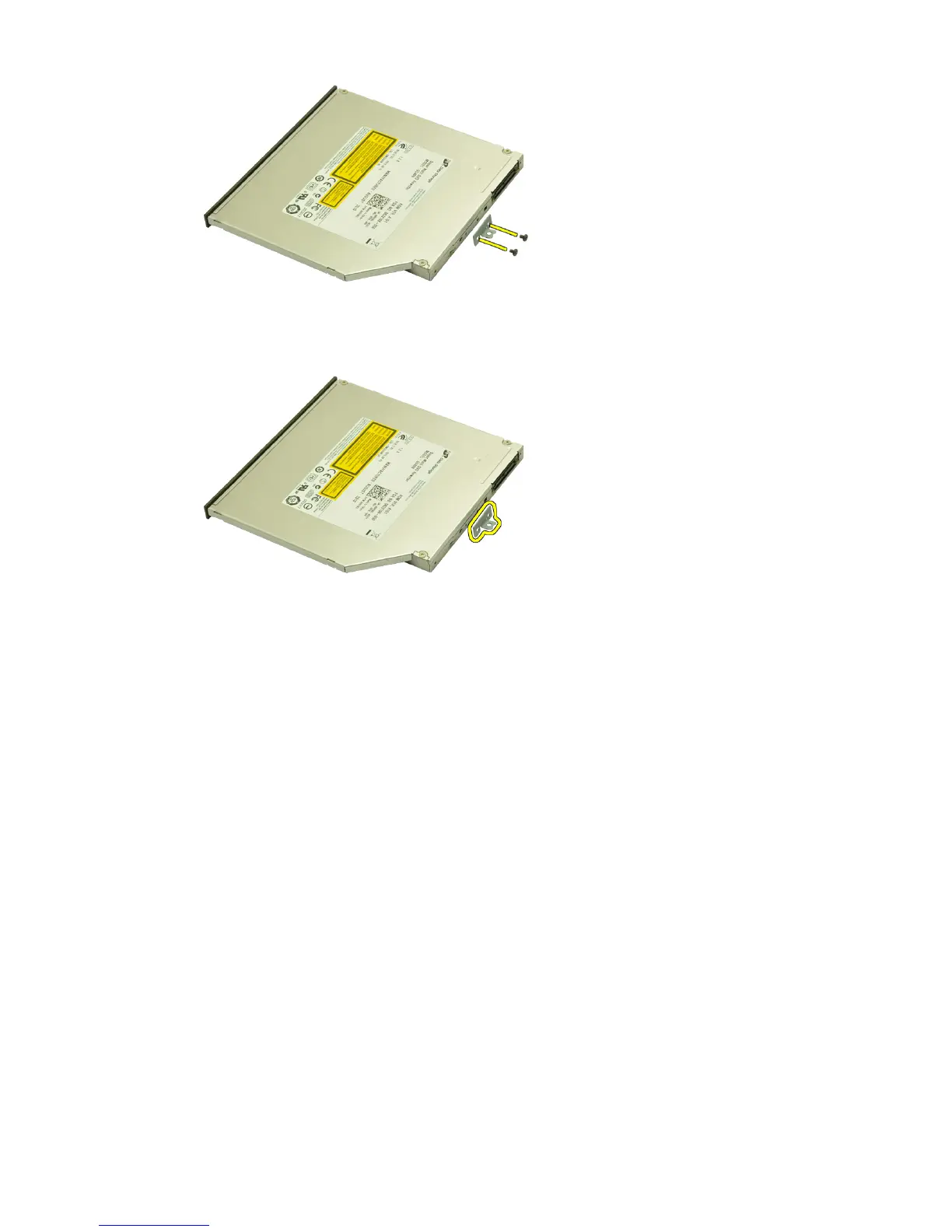
7. Remove the optical drive bracket from the drive.
Installing The Optical Drive
1. Tighten the screws to secure the bracket to the back of the optical drive.
2. Slide the optical drive into the compartment on the right side of the chassis.
3. Tighten the screw to secure the optical drive to the computer.
4. Install the
base cover
.
5. Install the
battery
.
6. Follow the procedures in
After working inside your computer
.
32















 To Next Page