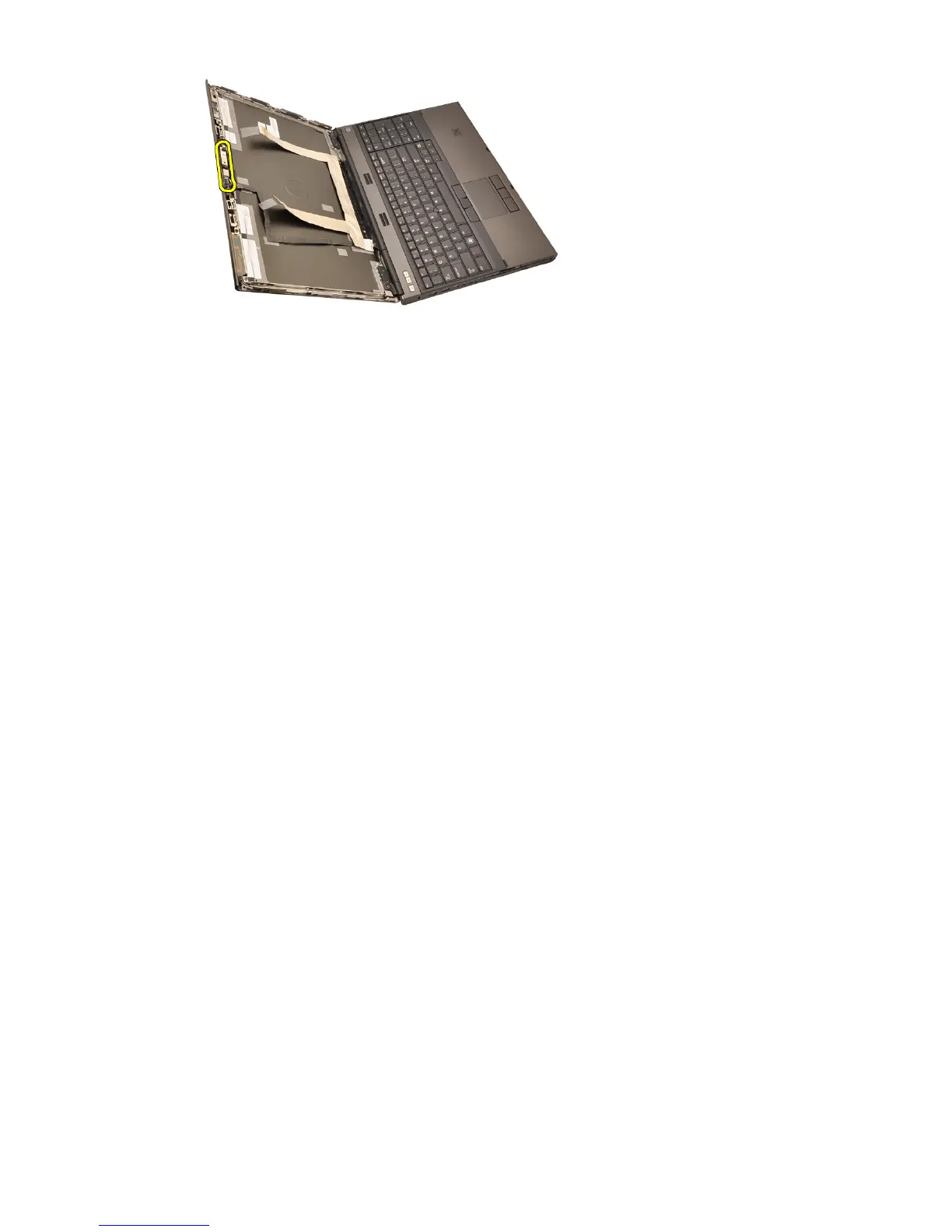
Installing The Camera
1. Place the camera and microphone module on the display cover and tighten
the screw securing the camera and microphone module in place.
2. Connect the camera cable to the camera and microphone module.
3. Install the
battery
.
4. Install the
standard display panel
or the
touchscreen display panel
.
5. Install the
standard display bezel
or the
touchscreen display bezel
.
6. Follow the procedures in
After Working Inside Your Computer
.
106















 To Next Page