Graphics Card Heatsink 22
Removing The Graphics Card Heatsink
1. Follow the procedures in
Before Working On Your Computer
2. Remove the
battery
.
3. Remove the
base cover
.
4. Remove the
keyboard trim
.
5. Remove the
keyboard
.
6. Remove the
optical drive
.
7. Remove the
hard drive
.
8. Remove the
CPU fan
.
9. Remove the
palm rest
.
10. Remove the
CPU heatsink
.
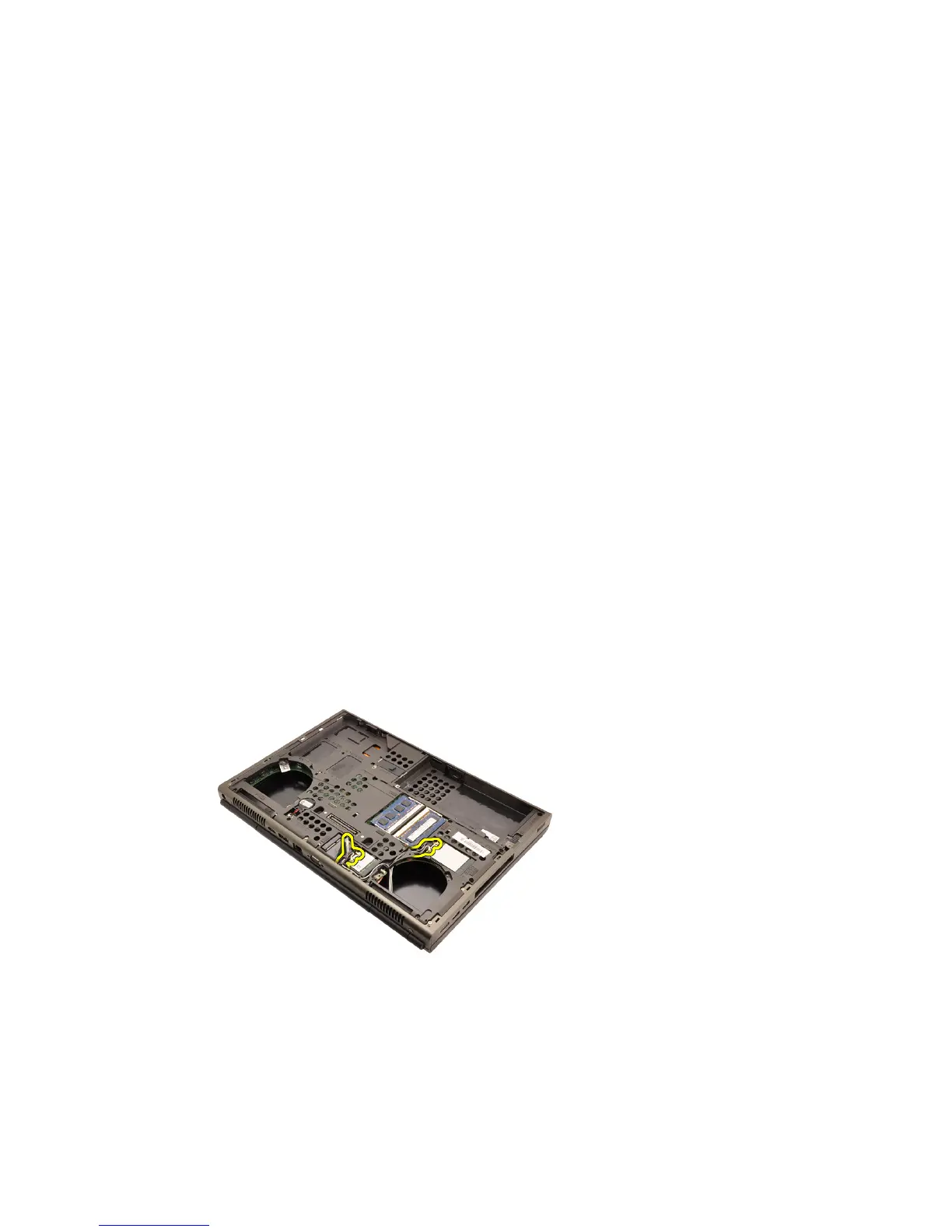
11. Disconnect any antennas connected to installed wireless solutions.
12. Remove the antennas from the routing channels.
61















 To Next Page