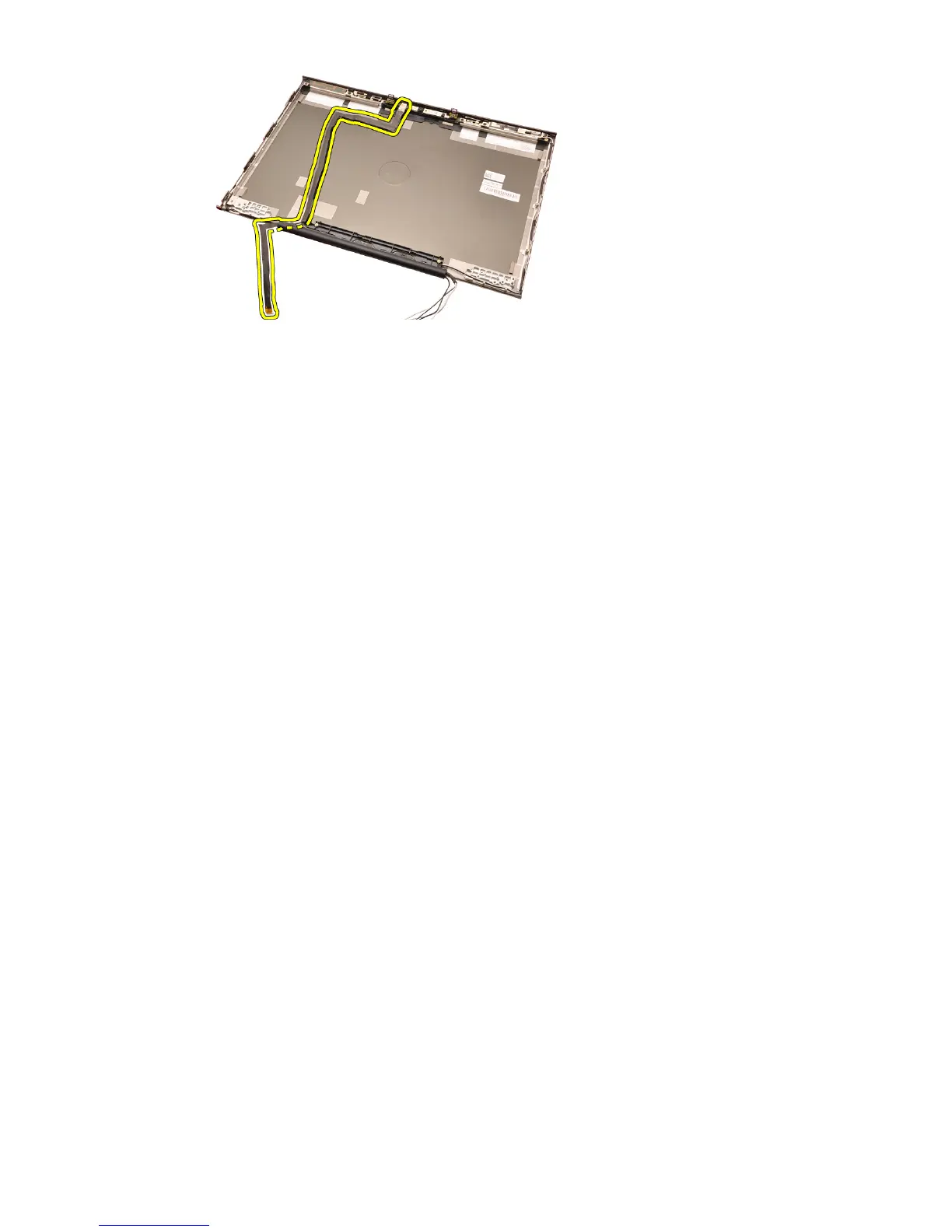
Installing The RGB Camera Cable
1. Place the camera cable on the display cover.
2. Replace the adhesives to secure the camera cable in place.
3. Connect the camera cable to the camera and microphone module.
4. Install the
RGB Low-Voltage Differential Signaling (LVDS) cable
.
5. Install the
display hinge, hinge cap, hinge tower
.
6. Install the
RGB display panel
.
7. Install the
touch screen display bezel
.
8. Install the
display assembly
.
9. Install the
palm rest
.
10. Install the
hard drive
.
11. Install the
optical drive
.
12. Install the
keyboard
.
13. Install the
keyboard trim
.
14. Install the
base cover
.
15. Install the
battery
.
16. Follow the procedures in
After Working Inside Your Computer
.
116















 To Next Page