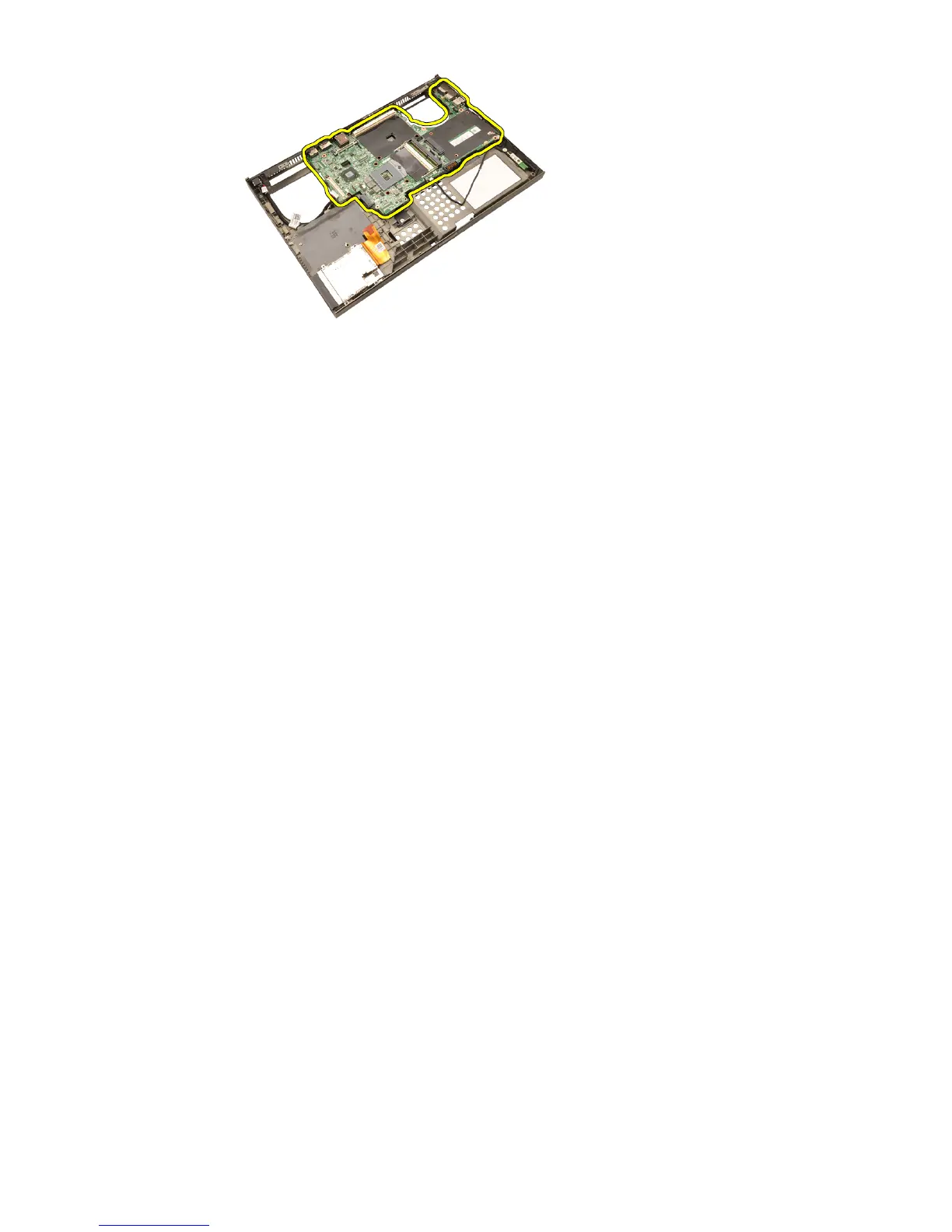
Installing The System Board
1. Align the system board to the port connectors on the rear of the chassis
and place the system board in the computer.
2. Tighten the screws securing the system board in place.
3. Connect the DC-in cable.
4. Connect the Bluetooth cable
5. Connect the wireless switch.
6. Connect the coin—cell battery on the bottom side of the computer.
7. Install the
display assembly
.
8. Install the
Input/Output board
.
9. Install the
graphics card
.
10. Install the
graphics card heatsink
.
11. Install the
processor
.
12. Install the
CPU heatsink
.
13. Install the
palm rest
.
14. Install the
graphics card fan
.
15. Install the
CPU fan
.
16. Install the
secondary memory
.
17. Install the
primary memory
.
18. Install the
WWAN card
.
19. Install the
WLAN card
.
20. Install the
hard drive
.
21. Install the
optical drive
.
22. Install the
keyboard
.
23. Install the
keyboard trim
.
24. Install the
base cover
.
25. Install the
battery
.
26. Follow the procedures in
After Working Inside Your Computer
.
85















 To Next Page