Graphics Card Fan 17
Removing The Graphics Card Fan
1. Follow the procedures in
Before Working On Your Computer
2. Remove the
battery
.
3. Remove the
base cover
.
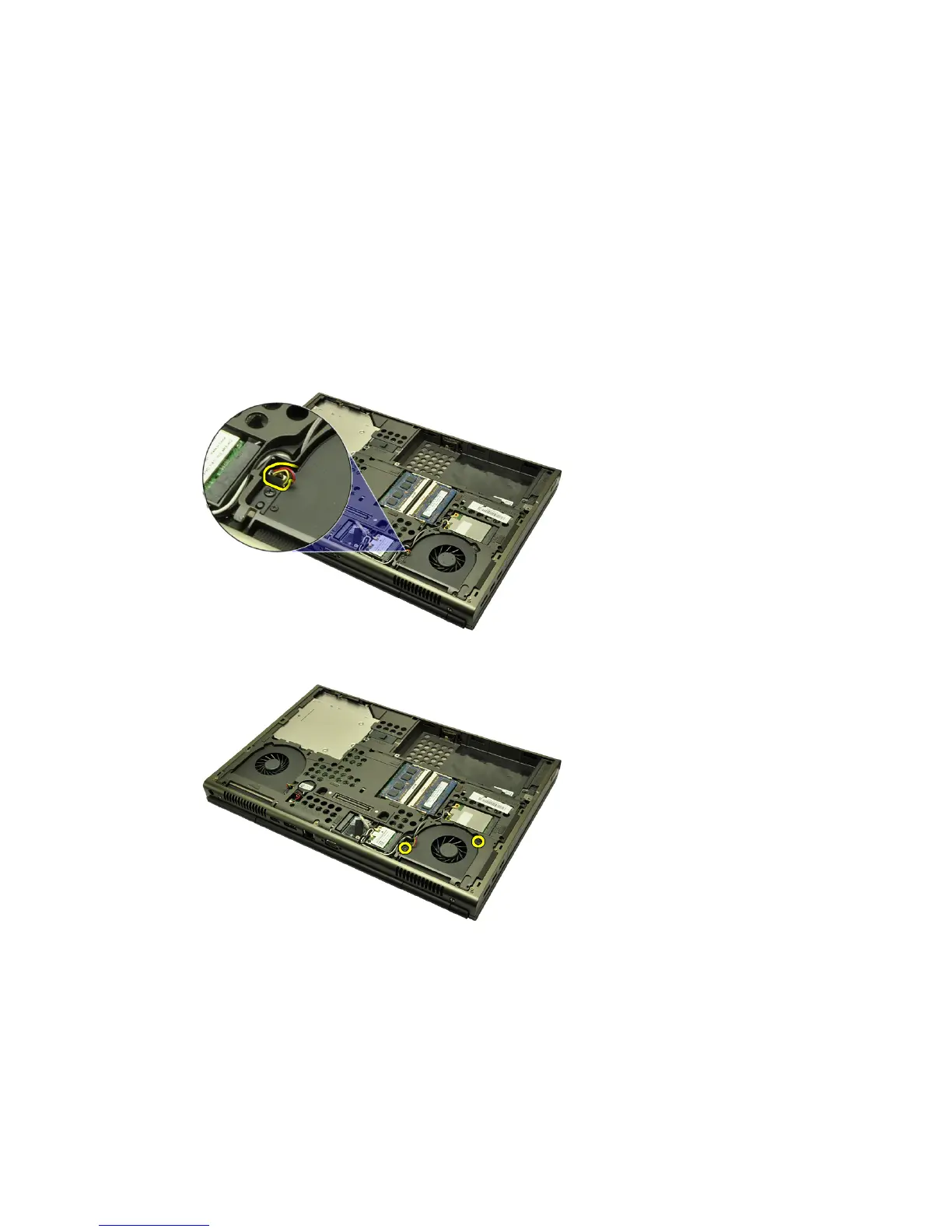
4. Disconnect the graphics card fan cable.
5. Remove the screws securing the graphics card fan in place.
6. Remove the graphics card fan from the system.
47















 To Next Page