Battery 4
Removing The Battery
1. Follow the procedures in
Before Working On Your Computer
.
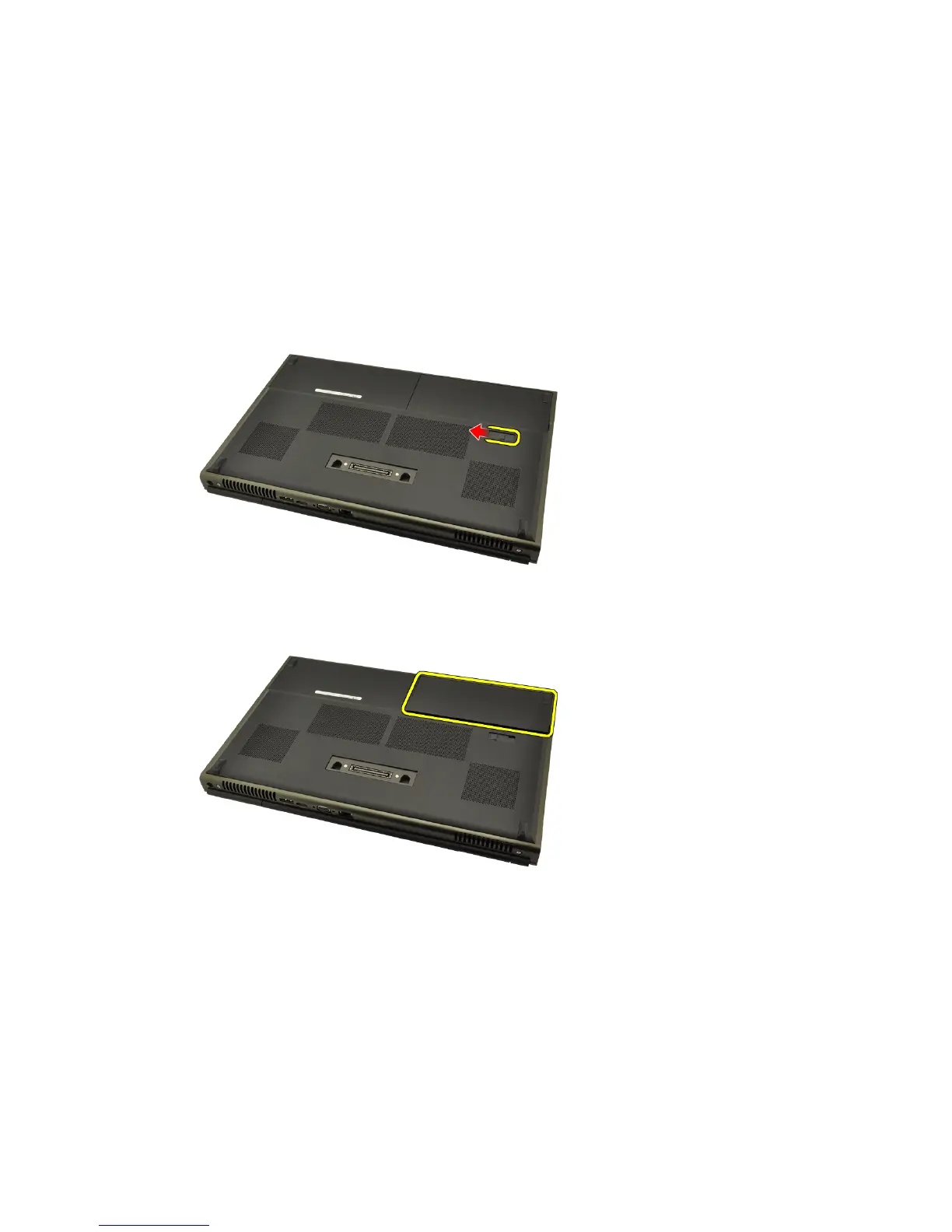
2. Slide the battery release latch into the unlock position.
3. Remove the battery from the system.
Installing The Battery
1. Slide the battery back into the system.
2. The battery release latch will automatically click back to the locked
position.
3. Follow the procedures in
After Working Inside Your Computer
.
17















 To Next Page