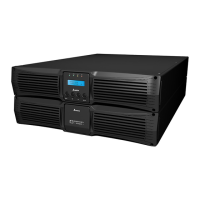
Ultron DPS Series
120
No. Icon/ Text
Button
Function
(Yes or
No)
Text/
Digital
Display
(Yes or
No)
Symbol
Display
(Yes or
No)
Description
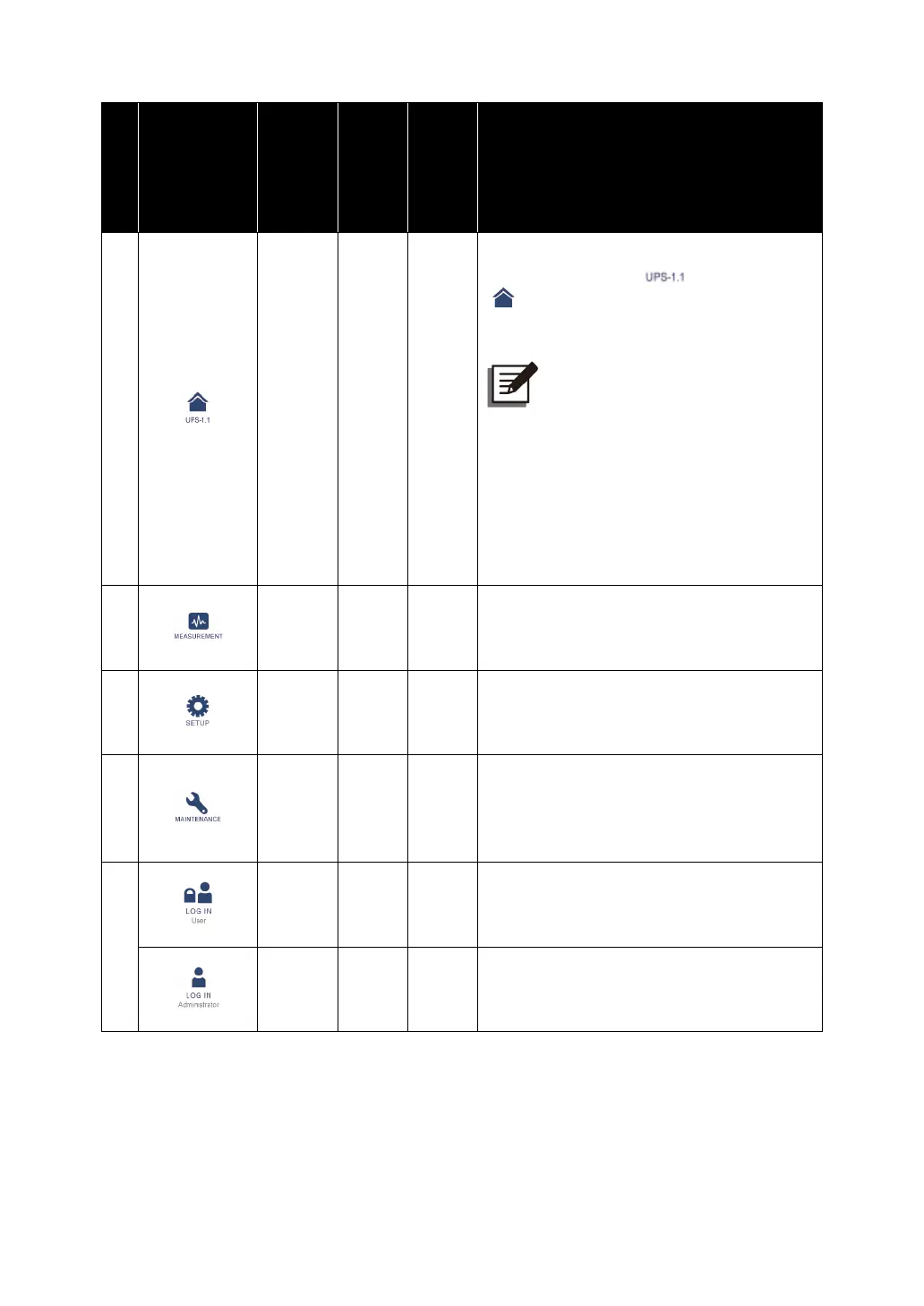
1
Tap the button to go back to the
Main
Screen
. The figure ( ) below the icon
( ) indicates the parallel group ID no.
(the former one) and the parallel ID no.
(the latter one).
NOTE:
On the master UPS’s screen,
you can not only check its own
status and readings but also
the slave UPSs’ partial status
and readings.
On a salve UPS’s screen, you
can only check its own status
and readings.
2
Tap the button to open the measurement
menu. For the menu items, refer to
Figure 7-1
.
3
Tap the button to open the setup menu.
For the menu items, refer to
Figure 7-1
.
For details, refer to
7.6 UPS Setting
.
4
Tap the button to open the maintenance
menu. For the menu items, refer to
Figure 7-1
. For details, refer to
7.7
System Maintenance
.
5
Indicates
User
login status. Tap the icon
to change the login permission. Please
refer to
7.4 Password Entry
.
Indicates
Administrator
login status. Tap
the icon to change the login permission.
Please refer to
7.4 Password Entry
.











 To Next Page