79
Ultron NT Series
z
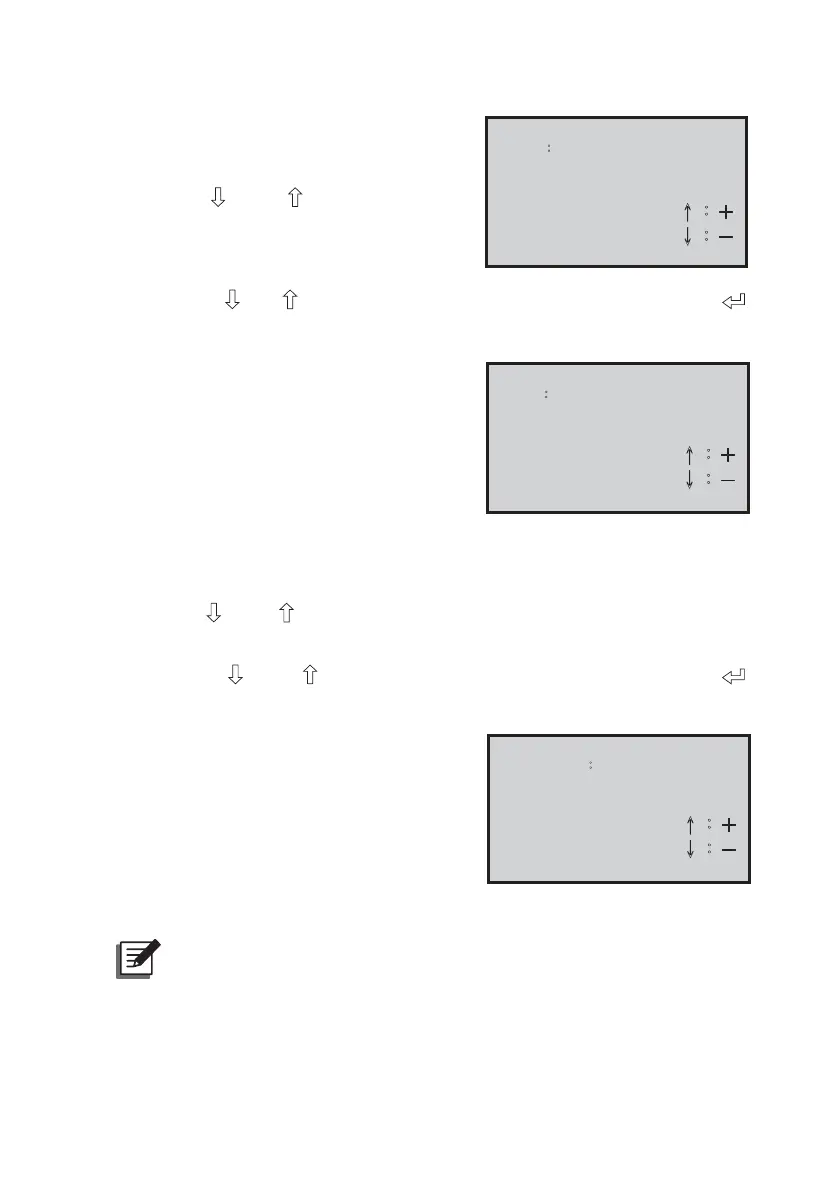
Choose ON: turn on the inverter.
z
&KRRVH2))WXUQRႇWKHLQYHUWHU
z
Press the
“
” and “ ”
buttons simul-
taneously to go back to the “System
Control” menu.
Inverter
OutputǺ
ON
ɥ烉為
ɧ烉炼
6-2. Press the “ ” or “ ” button to choose “Buzzer ON/ OFF” and press the “ ”
button to enter the “Buzzer Status” setting page.
z
Choose ON: when the UPS has
“WARNING” or “FAULT” status, the
buzzer will sound.
z
Choose OFF: when the UPS has
“WARNING” or “FAULT” status, the
buzzer will not sound.
Buzzer
StatusǺ
ON
ɥ烉為
ɧ烉炼
z
Choose SILENT: a. In “WARNING” status, the buzzer will sound.
b. In “FAULT” status, the buzzer will not sound.
z
Press the
“
” and “ ”
buttons simultaneously to go back to the “System Con-
trol” menu.
6-3. Press the “
” and “ ” button to choose “Battery Test” and press the “ ”
button to enter the “Battery Manual Test” setting page.
z
Choose ON: Execute the battery test.
When the batteries are normal, the LCD
screen will show “Battery Test OK”.
When the batteries are abnormal, the
LCD screen will show “Battery Test
Fail”.
z
&KRRVH2))<RXFDQ¶WH[HFXWHWKH
battery test.
Battery
Manual Test Ǻ
ON
ɥ烉為
ɧ烉炼
NOTE :
When several UPS units share the common battery, the battery
test cannot be executed.


 To Next Page
 Loading...








