19
DCD-CX3
(3) About each mode
With the mode selected, press the button to set that mode.
① In the FL tube lighting mode:
The FL tube display turns all on and all off. The display switches between all on, all off and "T0" repeatedly each time the
button is pressed.)
( − : Off)
② In the tray open/close mode:
Tray opening and closing is executed and the number of times the tray has opened and closed is displayed.
Press the or button to switch the display.
X = 1 : The number of times the tray has opened and closed.(With opening 1 counts, with closing 1 counts.)
n : No. times ( Decimal, 5 digits, zero suppress, align right )
X = 2 : The average open time [ = (the previous average open time + the latest open time ) ÷ 2 ]
n : time [ms] ( Max.99999ms )
X = 3 : Max. open time
n : time [ms] ( Max.99999ms )
X = 4 : Min. open time
n : time [ms] ( Max.99999ms )
X = 5 : The average close time [ = (the previous average close time + the latest close time ) ÷ 2 ]
n : time [ms] ( Max.99999ms )
X = 6 : Max. close time
n : time [ms] ( Max.99999ms )
X = 7 : Min. close time
n : time [ms] ( Max.99999ms )
③ In the laser on/off (CD/DVD) mode:
Press the or button to switch the laser current display (“T21” : CD, “T23” : DVD, “T25” : OFF..) and press
button to set that mode, Laser on/off control is executed and the laser current is displayed.
- : Off (Use when the current is 100 mA or greater.)
X = 1 : The CD laser current (Stored value)
X = 2 : The CD laser current (Current value)
X = 3 : The DVD laser current (Stored value)
X = 4 : The DVD laser current (Current value)
X = 5 : The laser off
mm.mm : Stored value [mA] ( If stored value is not, “mmmm” turns off. )
nn.nn : Current value [mA]
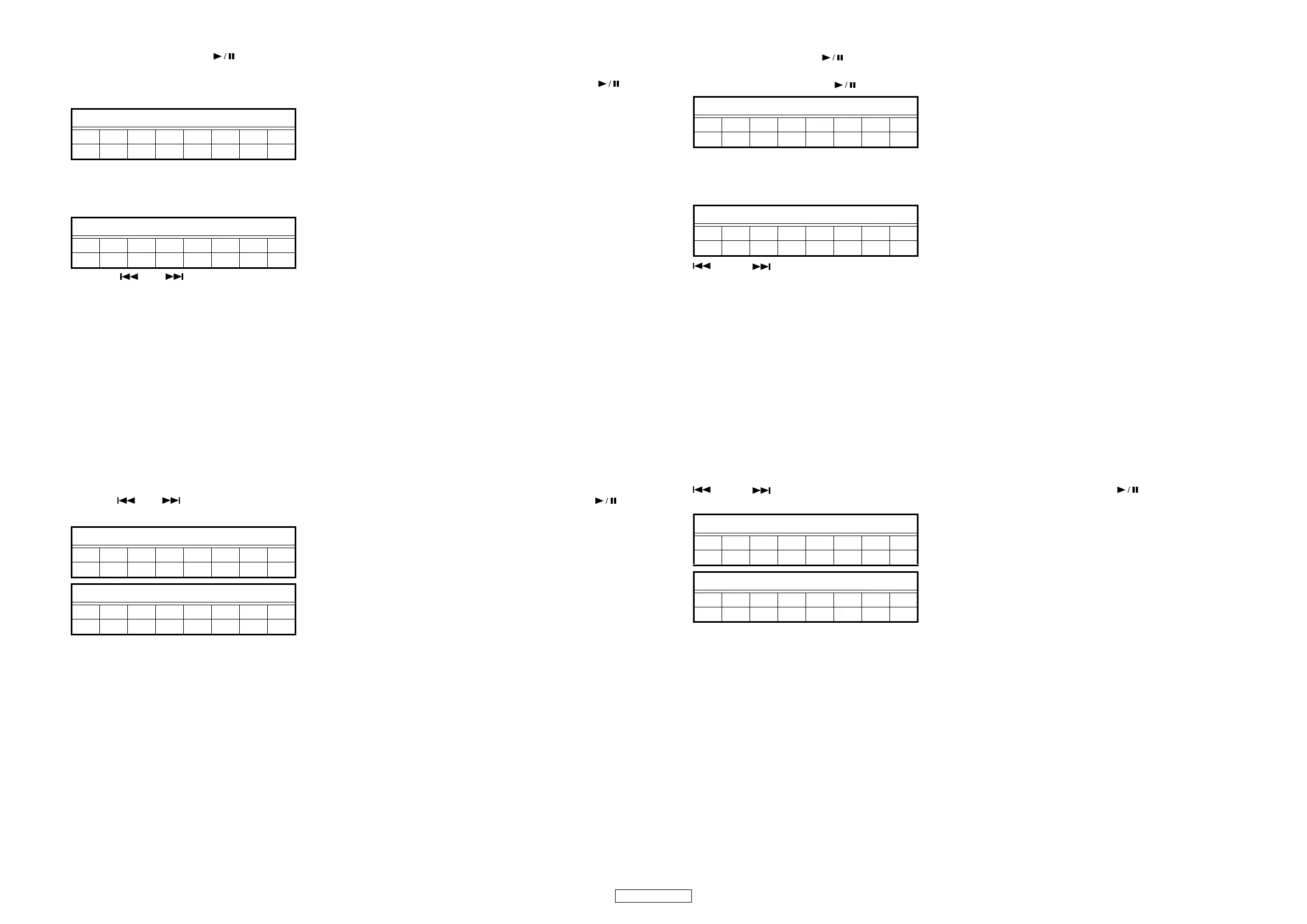
FLDisplay(Thedisplaypartof8digits)
12345678
T0――――――
FLDisplay(Thedisplaypartof8digits)
12345678
T1Xnnnnn
FLDisplay(Thedisplaypartof8digits)
12345678
T 2 X ―mmmm
FLDisplay(Thedisplaypartof8digits)
12345678
T2X―nnnn
(3) ¦ 各モードについて
モードが選択されている状態で ボタンを押しモードを確定します。
① FL 管点灯モード
FL 管を全点灯、全消灯します。 ボタンを押すごとに全点灯、全消灯、"T0" 表示を繰り返します。
−:消灯
②トレイOPEN/CLOSE モード
トレイのオープンとクローズを実行し、オープンとクローズをした回数を表示します。
または ボタンで表示を切り替えることができます。
X=1:トレイオープン、クローズ回数 ( オープンで1カウント、クローズで1カウント )
nnnnn : 回数(10進数、5桁、ゼロサプレス、右詰)
X=2:平均オープン時間[=( 前回の平均オープン時間 + 今回のオープン時間 ) ÷ 2]
nnnnn : 時間 [ms](MAX99999ms)
X=3:最大オープン時間
nnnnn : 時間 [ms](MAX99999ms)
X=4:最小オープン時間
nnnnn : 時間 [ms](MAX99999ms)
X=5:平均クローズ時間 [=( 前回の平均クローズ時間 + 今回のクローズ時間 ) ÷ 2]
nnnnn : 時間 [ms](MAX99999ms)
X=6:最大クローズ時間
nnnnn : 時間 [ms](MAX99999ms)
X=7:最小クローズ時間
nnnnn : 時間 [ms](MAX99999ms)
③レーザーON/OFF(CD/DVD) モード
または ボタンでレーザー電流表示を切り替え ("T21":CD,"T23":DVD,"T25":OFF..)、 ボタンで確定し、レー
ザーのON/OFF 制御を実行し、レーザー電流を表示します。
− :消灯(電流値が 100mA 以上の場合に使用します。)
X=1 :CD レーザー電流(保存値)
X=2 :CD レーザー電流(現在値)
X=3 :DVD レーザー電流(保存値)
X=4 :DVD レーザー電流(現在値)
X=5 :レーザー OFF
mm.mm :保存値 [mA]( 保存データなしの場合は消灯 )
nn.nn :現在値 [mA]
FL 管の表示 (8 桁の表示部 )
12345678
T0――――――
FL 管の表示 (8 桁の表示部 )
12345678
T1Xnnnnn
FL 管の表示 (8 桁の表示部 )
12345678
T 2 X ―mmmm
FL 管の表示 (8 桁の表示部 )
12345678
T 2 X ―nnnn



 To Next Page