47
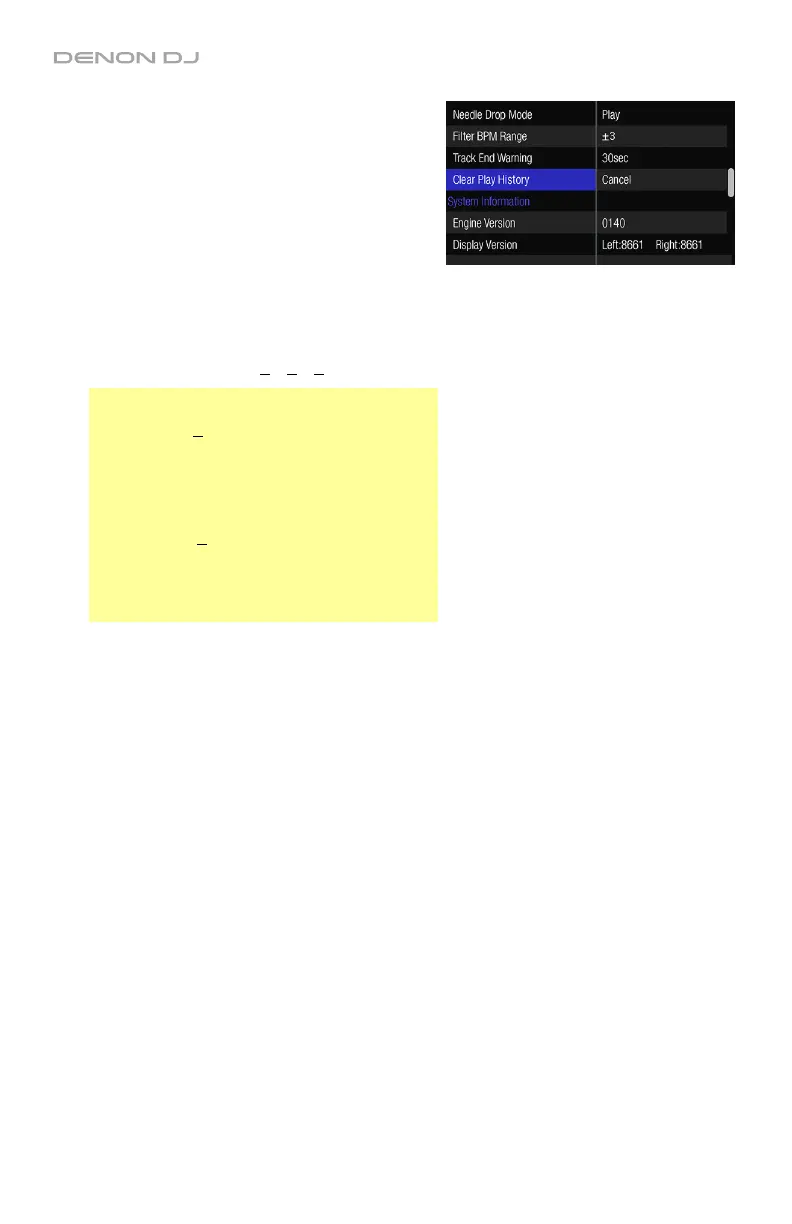
• Needle Drop Mode: This setting determines
how the Needle Drop strip functions:
o Play: While playback is stopped, touching
the Needle Drop strip will immediately
start playback at that location in the track.
o Scan: While playback is stopped,
touching the Needle Drop strip will
preview a small section of audio from that
location repeatedly. This is useful for
auditioning a precise location in the track.
• Filter BPM Range: This setting determines how
many options there are when filtering tracks by
BPM in the track list: 0, +3, +5, +10 BPM.
Examples:
When set to +10, the available options when
viewing the BPM category may be: 100–120,
110–130, 120–140, etc. Each option will span a
range of 20 BPM (10 BPM in either direction)
and increase by increments of 10.
When set to +3, the available options when
viewing the BPM category may be: 105–111,
108–114, 111–117. Each option will span a
range of 6 BPM (3 BPM in either direction) and
increase by increments of 3.
• Track End Warning: This setting determines
when the deck will indicate that the currently
playing track is nearing its end: 10, 20, 30, 40,
50, or 60sec or Off. When the amount of
remaining time in a track reaches this interval,
the lights around the platter will flash to warn
you that it will end soon.
• Clear Play History: Select OK to clear the
History track list. Select Cancel to leave the
History track list as it is.
System Information
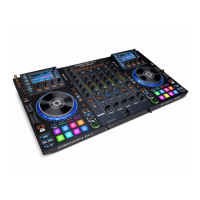
• Engine Information: This field shows the
current version of the Engine operating system
your MCX8000 is using.
• Display Version: This field shows the current
version of display firmware your MCX8000 is
using.


 To Next Page