93
2D Code Handy Terminal
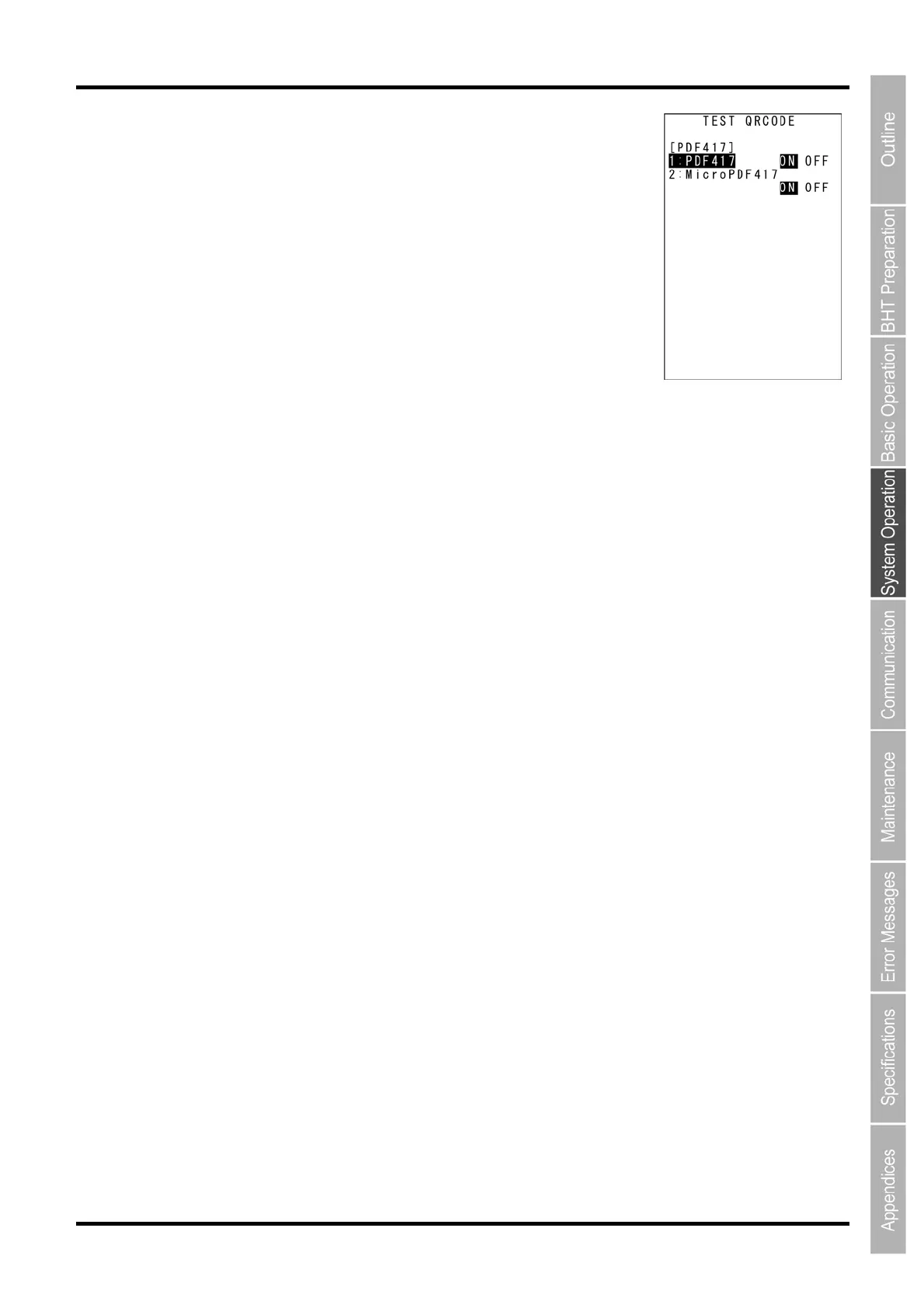
“3: PDF417”: Selecting enable/disable PDF417 reading
“1: PDF417”:
Enable/disable PDF417.
“2: Micropdf417”:
Enable/disable Micropdf417.
To change the setting, use the cursor keys ([▲] [▼]) or numerical keys
([1][2]) to highlight the item to be set, highlight the setting value using the
cursor keys ([◄] [►]), and then press the ENT key.
Press the [C] key to return to the detailed settings screen for the code
reading test.


 To Next Page
 Loading...



