22
BHT-604Q
2.5.4 If the BHT Is Shut Down Abnormally
If the BHT is shut down abnormally* and is left without a battery cartridge or with a discharged battery
cartridge inserted, then unsaved data may be lost.
(*"Normally shut down" refers to "2.5 Turning OFF the Power.")
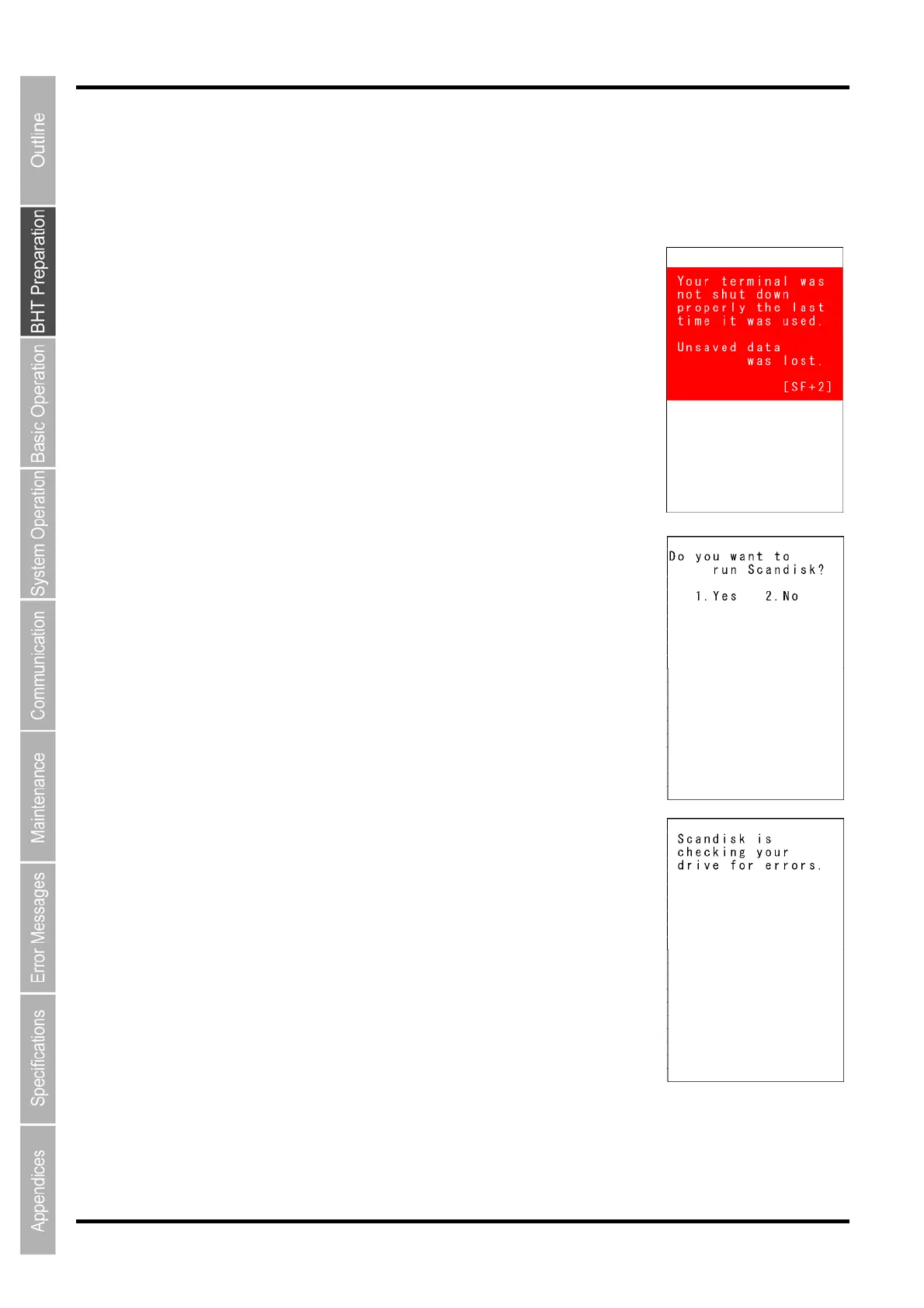
1. The right message will appear when you insert a charged battery
cartridge and turn the BHT on.
2. Press the 2 key while holding down the SF key.
The screen right displays.
[1. Yes]: Run Scandisk and start the System.
[2. No]: Turn the BHT off.
3. Choose [1. Yes] with the numerical keys and press the ENT key.
When Scandisk is in progress, the right message is displayed.



 To Next Page