121
2D Code Handy Terminal
4.5.10
Deleting Font Files (DELETE F
Delete font files stored in the FLAS
ILE Menu)
H ROM.
rea equal to the
an be secured.
Not displaying Japanese fonts at the user program:
Using only 16 dots or 12 dots at the user program:
When deleting font files, upload the font files to the host computer an so on to ensure that they are backed
Refer to section “4.5.3 Uploading Files (UPLOAD menu)” for details of uploading.
Use the following procedure to delete font files.
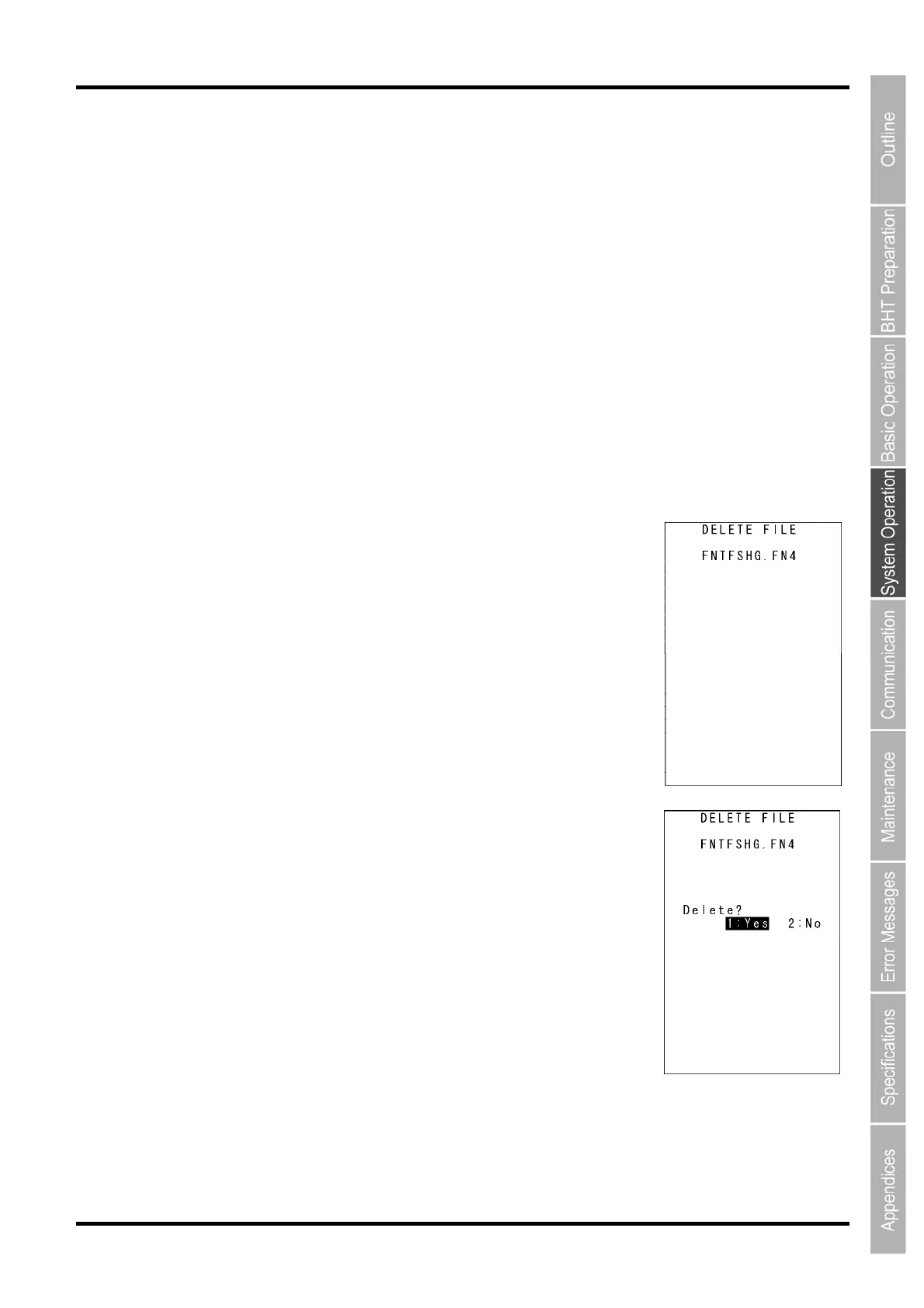
1. ress the 2 key while holding down the SF key at the SYSTEM MENU.
he DELETE FILE menu screen displays as shown on the right.
ress the C key to return to the SYSTEM MENU.
2.
3.
he screen displays as shown on the righ
t.
If there is insufficient user area, by deleting font files, a
user a size of the deleted font files
c
All font files can be deleted.
Font files that are not used can be deleted.
up.
P
T
P
Use the cursor keys ([▲] [▼]) to highlight the font file to
be deleted.
Press the ENT key.
T



 To Next Page