98
BHT-604Q
4. Press the ENT key.
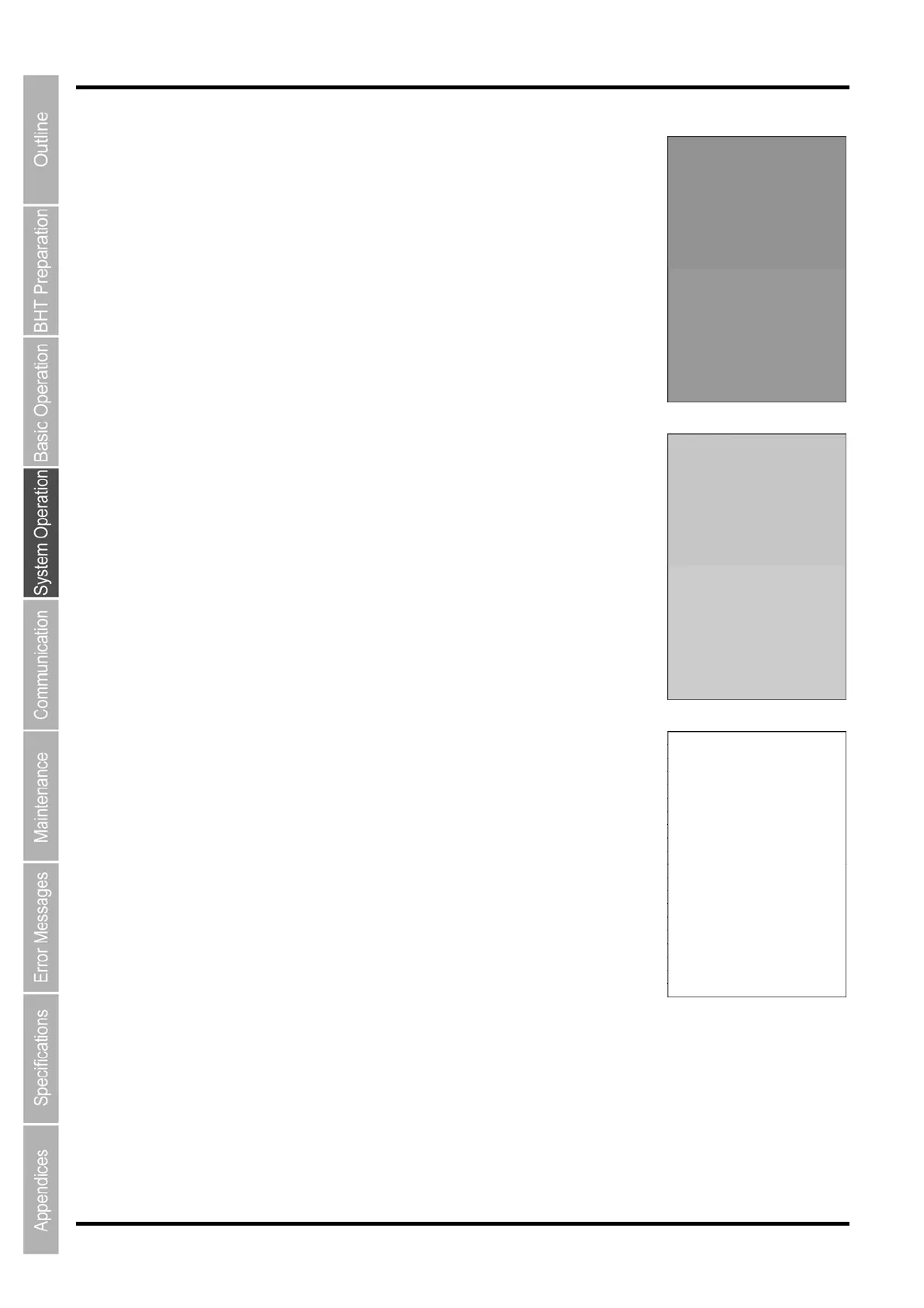
The entire screen turns a lighter shade of gray.
Press the BS key to return to the previous screen.
Press the C key to return to the TEST menu.
5. Press the ENT key.
The entire screen turns an even lighter shade of gray.
Press the BS key to return to the previous screen.
Press the C key to return to the TEST menu.
6. Press the ENT key.
The entire screen turns white.
Press the BS key to return to the previous screen.
Press the C key to return to the TEST menu.


 To Next Page
 Loading...



