117
2D Code Handy Terminal
3. Enter the directory and file name, or select a file, and then press the ENT key.
DI
Press the C key to return to the FTP MENU screen.
R/FILE entry box
: The FTP client will interpret a character string entered into this box as a directory
will therefore send a Change Directory request to the FTP server. If the specified
dir fault to the specified one; if
not, the FTP client will interpret the entered character string as a file name and send a Download request
the server.
ified in the DIR/FILE entry box, the
TP client will upload with the file name specified in the DIR/FILE entry box.
the ENT key is pressed without entering a character string in the DIR/FILE entry box, the FTP client will
pload to the server with the SELECT FILE entry box file name.
ELECT FILE entry box
name at first, and
ectory exists in the FTP server, the server will change a directory from the de
to
If the SELECT FILE entry box file name differs from the file name spec
F
If
u
S
: For uploading, it is necessary to select a file to be uploaded to display the name
ame in this entry box, uploading w
, and data file extens
ifferent from those specified in the DIR/FILE entry Box, an error will result.
hen Uploading by FTP is selected, the
message shown displays as shown on the right.
ill result in an error.
ions) of the selected file are
in this entry box beforehand. Without a file n
If the attributes (e.g., PD4, FN4, EX4, PD3, FN3, EX3
d
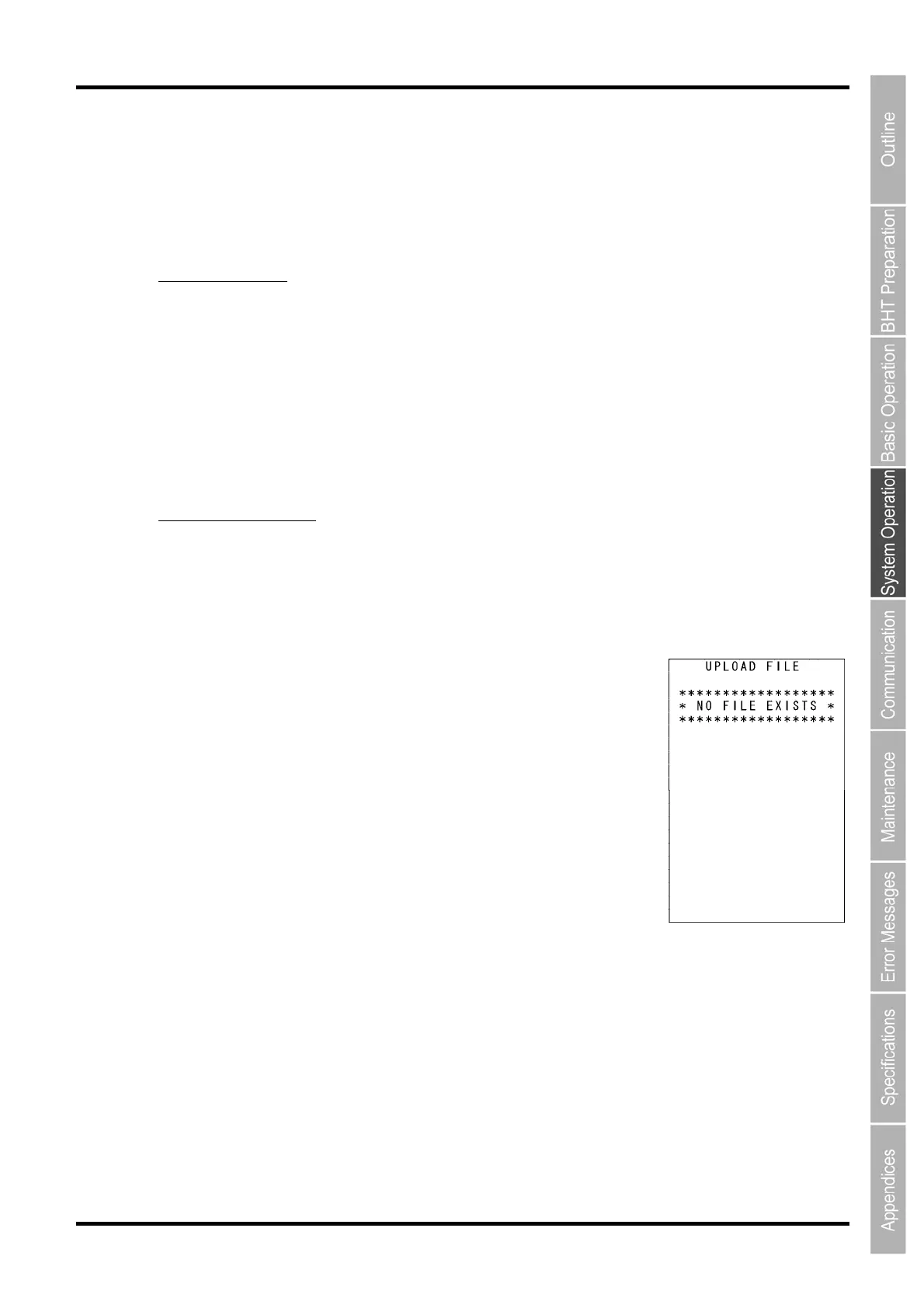
If No Upload Files Exist
If no file exists in the BHT w
Press the C key to return to the FTP MENU screen.



 To Next Page