124
BHT-604Q
[1] Downloading the BHT system parameter file
Use the cursor keys ([▲] [▼]) or numerical
1. key ([1]) to highlight [1:
displays as shown on the
ress the C key to abort the downlo
ad and return to the SYSTEM
3.
Th , and
displays.
Re Errors” and
medy the error.
DOWNLOAD] and then press the ENT key
.
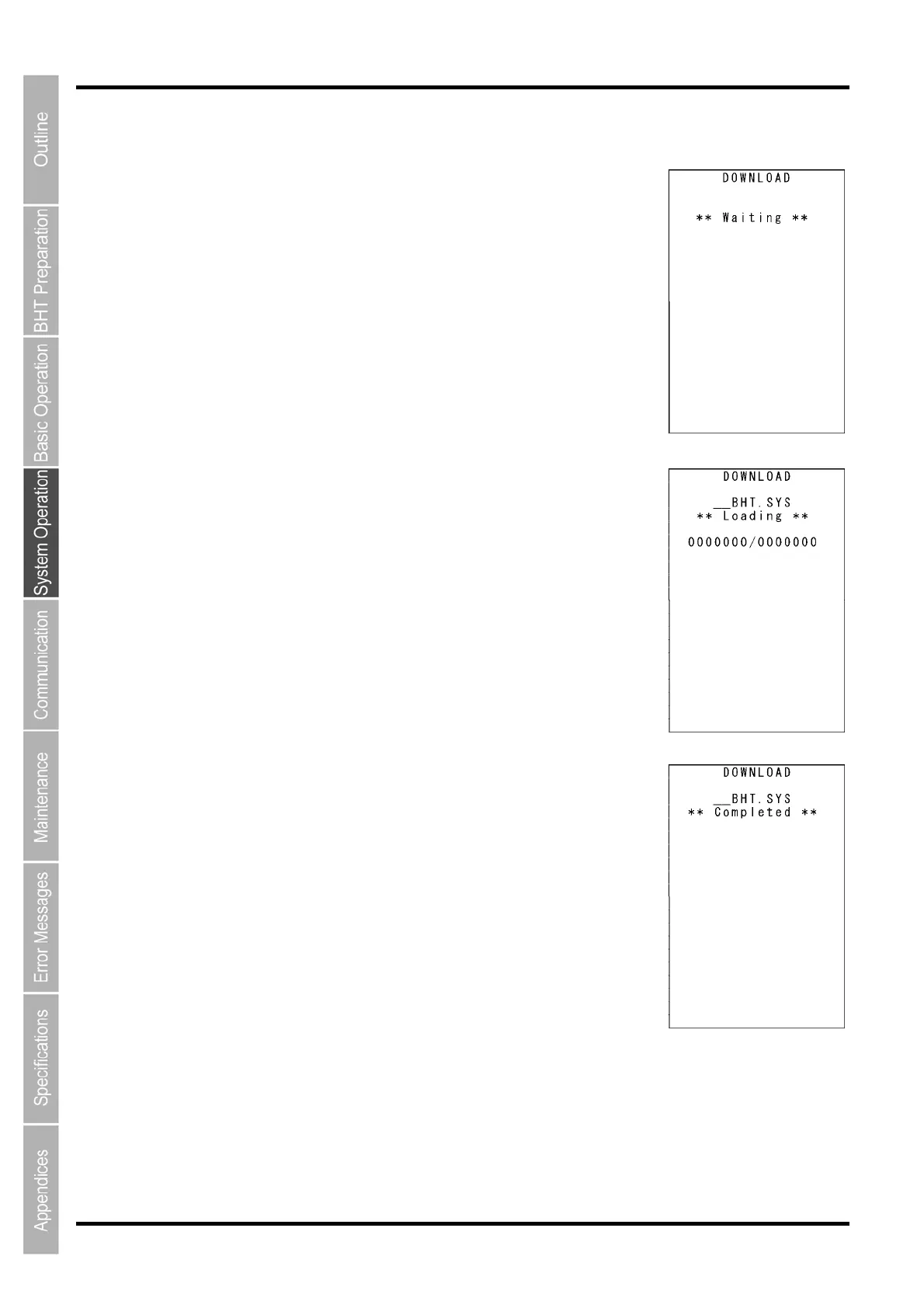
The screen displays as shown on the right indicating that the BHT is
waiting for the system parameter file to be downloaded
.
2. While the download is in progress, the screen
right indicating the file name and the number of received records/the total
number of records.
P
PARAM
ETER menu.
Upon completi
on of downloading, the BHT displays the screen shown on
the right and beeps once.
Press the C k
ey to return to the SYSTEM PARAME
TER menu.
e beeper sounds three times if an error occurs during downloading
an error screen
fer to “Chapter 7 Error Messages” - “7.2 System Mode
re



 To Next Page