30
BHT-604Q
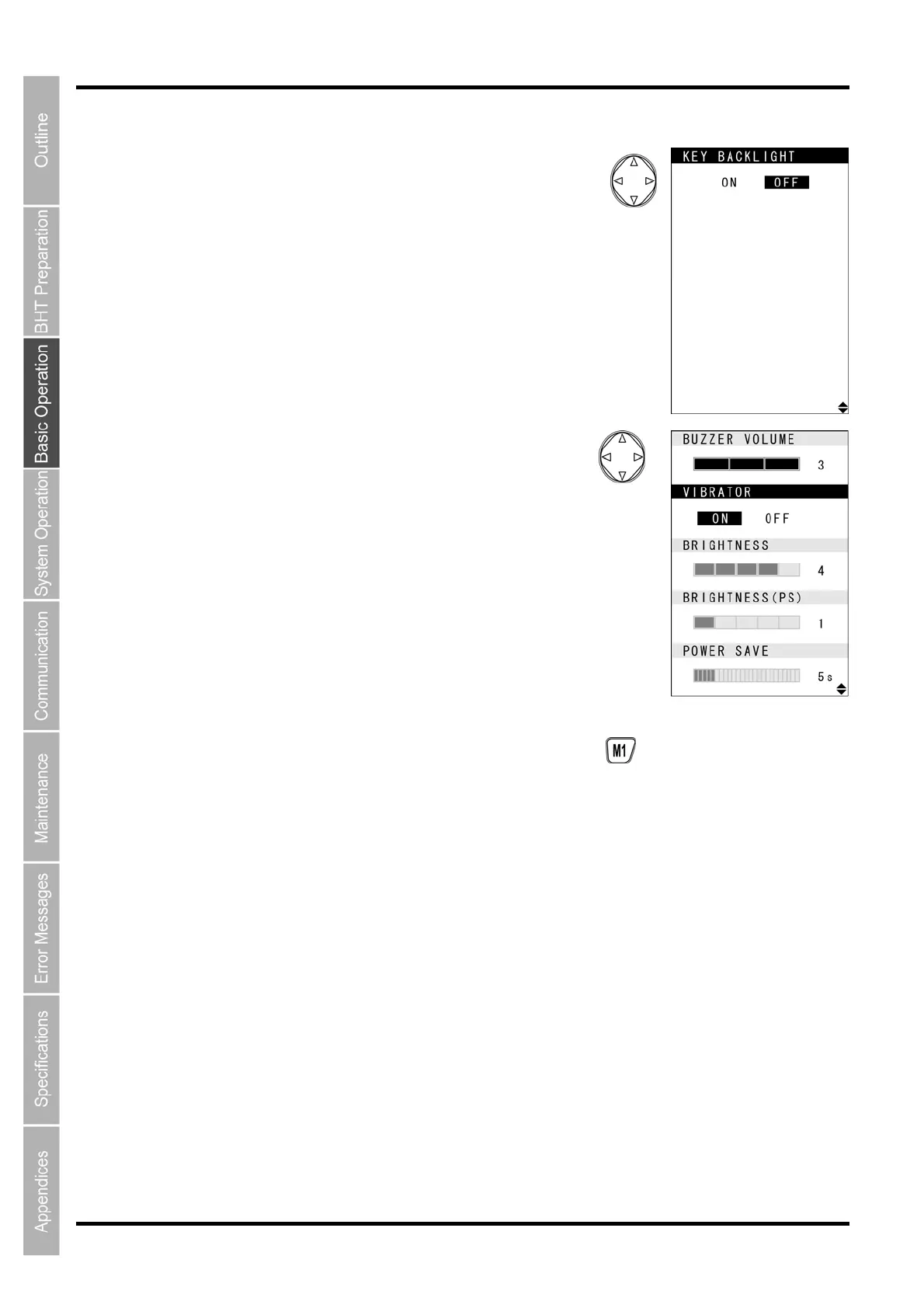
2. Use the [▲] and [▼] cursor keys to select the item to be
changed.
The selected item is highlighted.
With BUZZER VOLUME highlighted, press [▲] or with POWER SAVE
highlighted, press [▼] to change to the next screen.
3. Use the [◄] and [►] cursor keys to select the setting.
4. Press any of the following keys to exit the settings screen.
• M1 key long press
• Clear key
• Enter key



 To Next Page