43
2D Code Handy Terminal
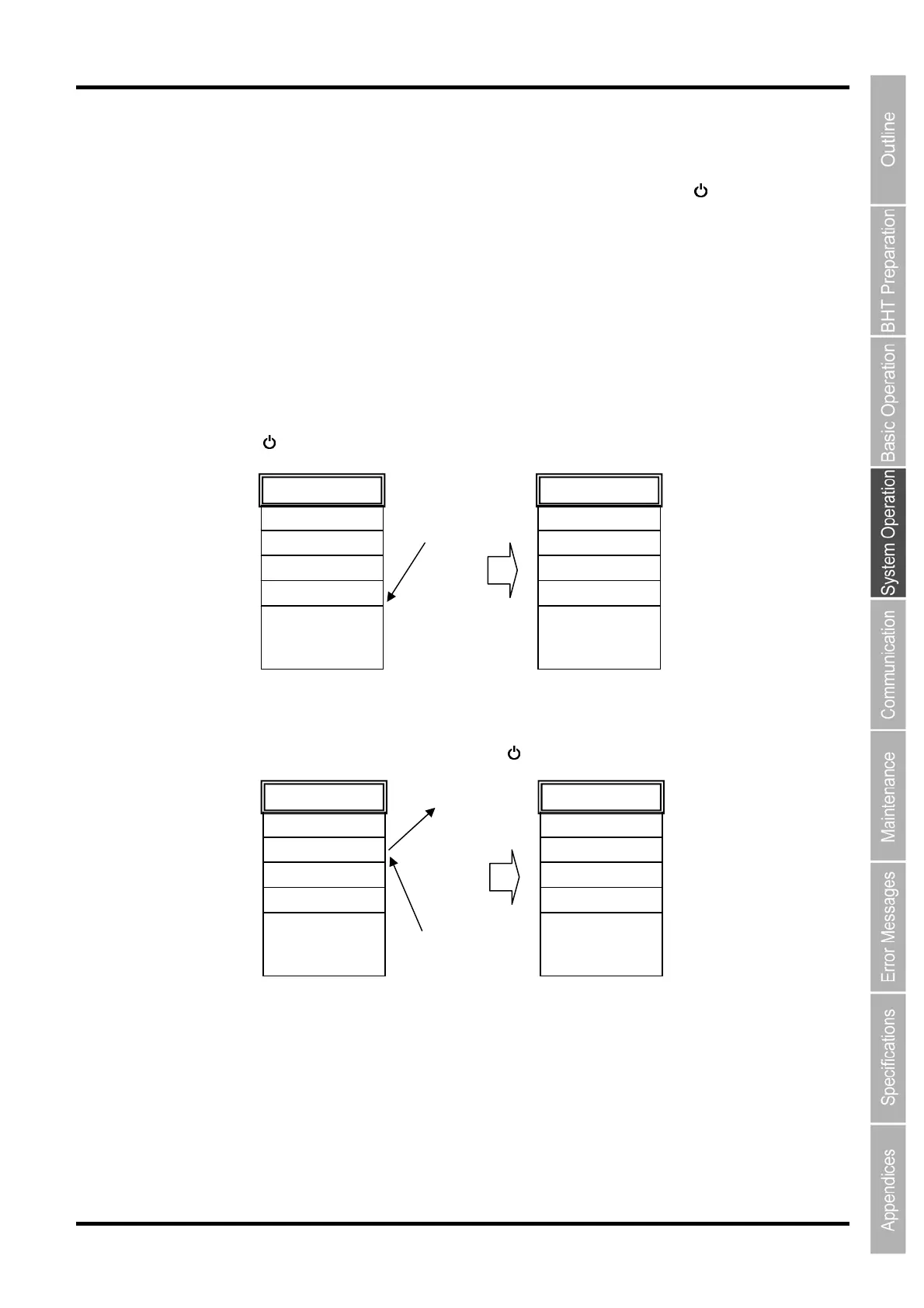
Several directory management program examples are given below.
The names of the files used in these examples are as follows.
MAIN.PD4 : Program to be executed by pressing the Power key (
) only
SUBMAIN.PD4 : Program chained from MAIN.PD4 using the BHT-BASIC CHAIN
statement
USER.PD4 : New program
AAAAAAAA.DAT : Data file 1 used at the user program
BBBBBBBB.DAT : Data file 2 used at the user program
(Example 1) When downloading the MAIN.PD4 and SUBMAIN.PD4 upgrade
version
In the above case, the registration order does not change and therefore MAIN.PD4 starts up by pressing
the Power key (
).
:
:
:
SUBMAIN.PD4
MAIN.PD4
BBBBBBBB.DAT
AAAAAAAA.DAT
Directory info
MAIN.PD4
(Upgrade ver.)
SUBMAIN.PD4
(Upgrade ver.)
Download
MAIN.PD4
SUBMAIN.PD4
:
:
:
BBBBBBBB.DAT
AAAAAAAA.DAT
Directory info
(Example 2) When newly downloading USER.PD4 after deleting BBBBBBBB.DAT
In the above case, USER.PD4 is registered after BBBBBBBB.DAT, and therefore USER.PD4 will be
the first registered program. Press the Power key (
) to start up USER.PD4.
BBBBBBBB.DAT
MAIN.PD4
SUBMAIN.PD4
:
:
AAAAAAAA.DAT
Directory info
AAAAAAAA.DAT
USER.PD4
Directory info
MAIN.PD4
SUBMAIN.PD4
:
:
Delete
USER.PD4
Download



 To Next Page