78
BHT-604Q
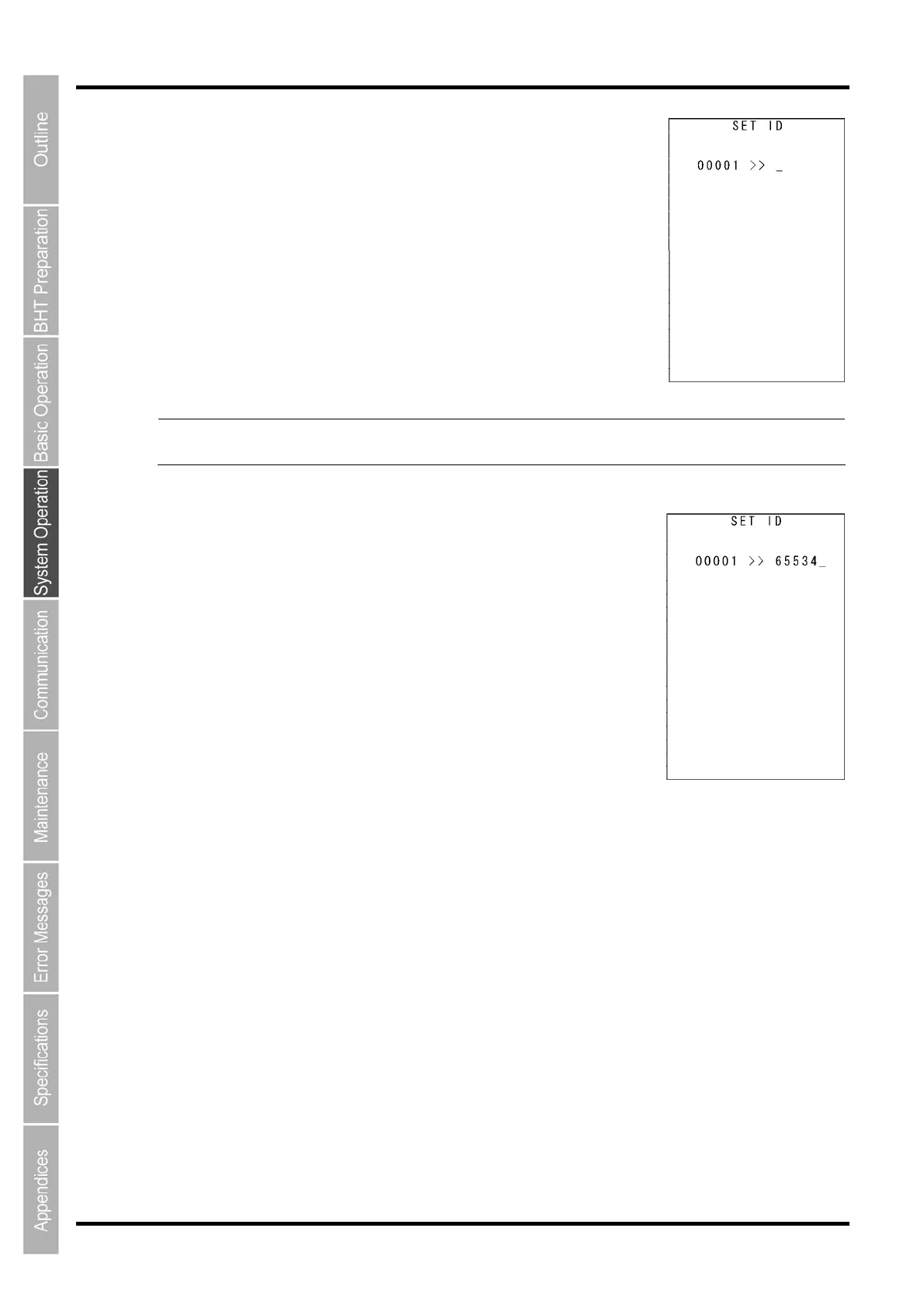
Select “3: BHT-IR protocol” at the PROTOCOL TYPE menu to display the
screen on the right.
Enter the ID number of the BHT using the numerical keys and then press
the ENT key.
If there is no need to edit the current setting, press the ENT key only.
- Point - ID numbers should consist of a five-digit decimal character string. The entry range is from
00001 To 65534. If the entry value is less than five digits, the ENT key will be invalid.
If an incorrect entry is made, press the BS key to delete it and then enter
the correct data.
Press the C key to return to the SET COMMUNICATION
menu.



 To Next Page