BHT-805B
When the Displayed File Name Differs from the BHT System Update File
If the name of the file displayed at [2: FILENAME] differs from the name of the BHT system update file to
be used for updating the system, enter the correct file name.
1. Use the cursor keys ([▲] [▼]) or numerical key ([2]) to highlight [2: FILENAME] and then press
the ENT key.
The mode changes to entry mode and the cursor displays.
2. Use the numerical keys and dot key to enter the correct file name.
Press the SF key to change the entry mode (numerical entry (no guidance display) and alphabet entry).
To delete a single character, press the BS/C key. To delete the entire entry,
press and hold the BS/C key, or press the SF key and BS/C key simultaneously.
3. Press the ENT key to set the entered file name.
If the System Update File Does not Exist when Updating the BHT System
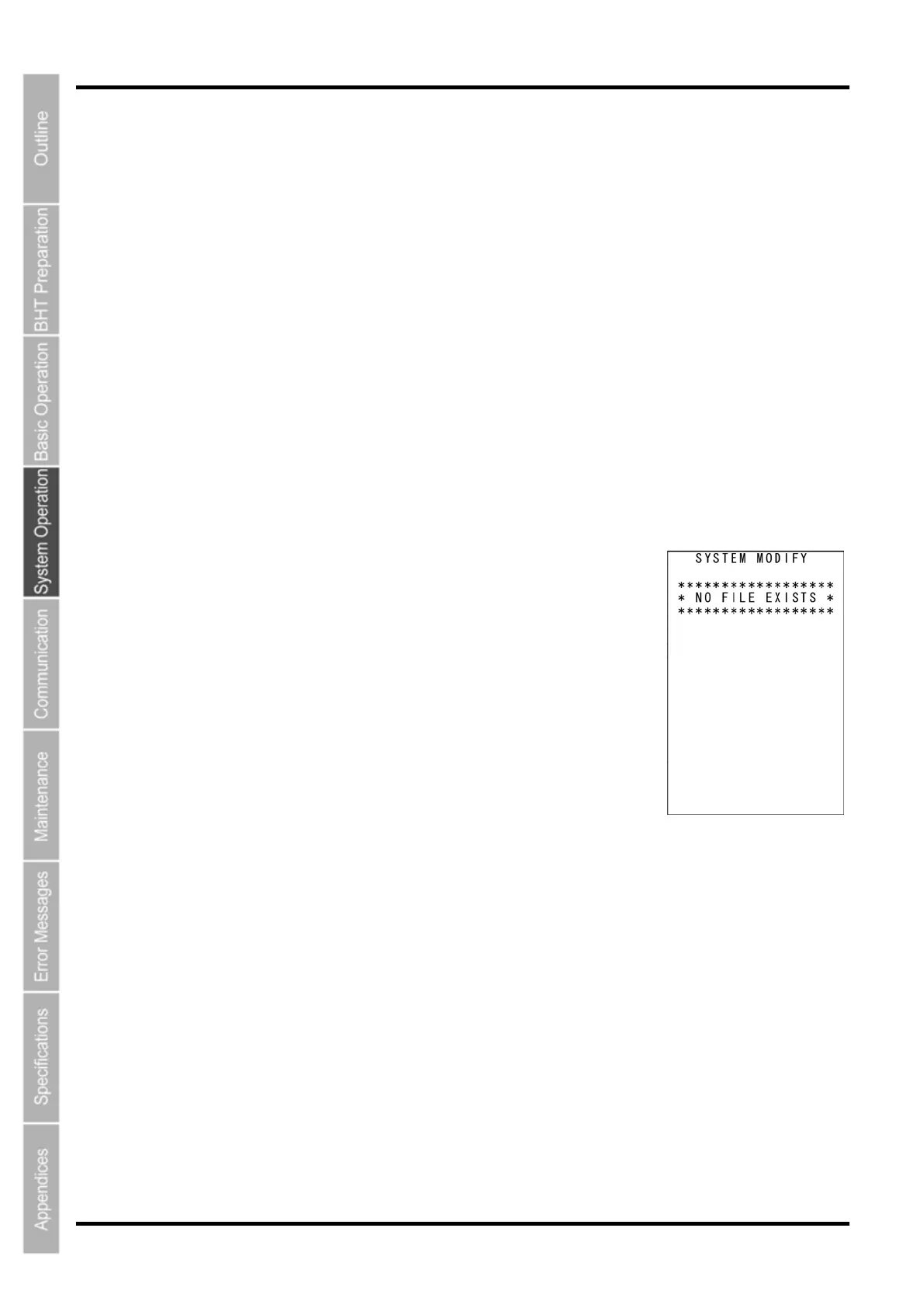
The screen displays as shown on the right if the system update file does
not exist when updating the BHT system.
Download the BHT system update file and update the BHT system again.
Press the BS/C key to return to the MODIFY MENU.
130



 To Next Page