BHT-805B
3.1 Reading Barcodes
Follow the procedure below to read barcodes.
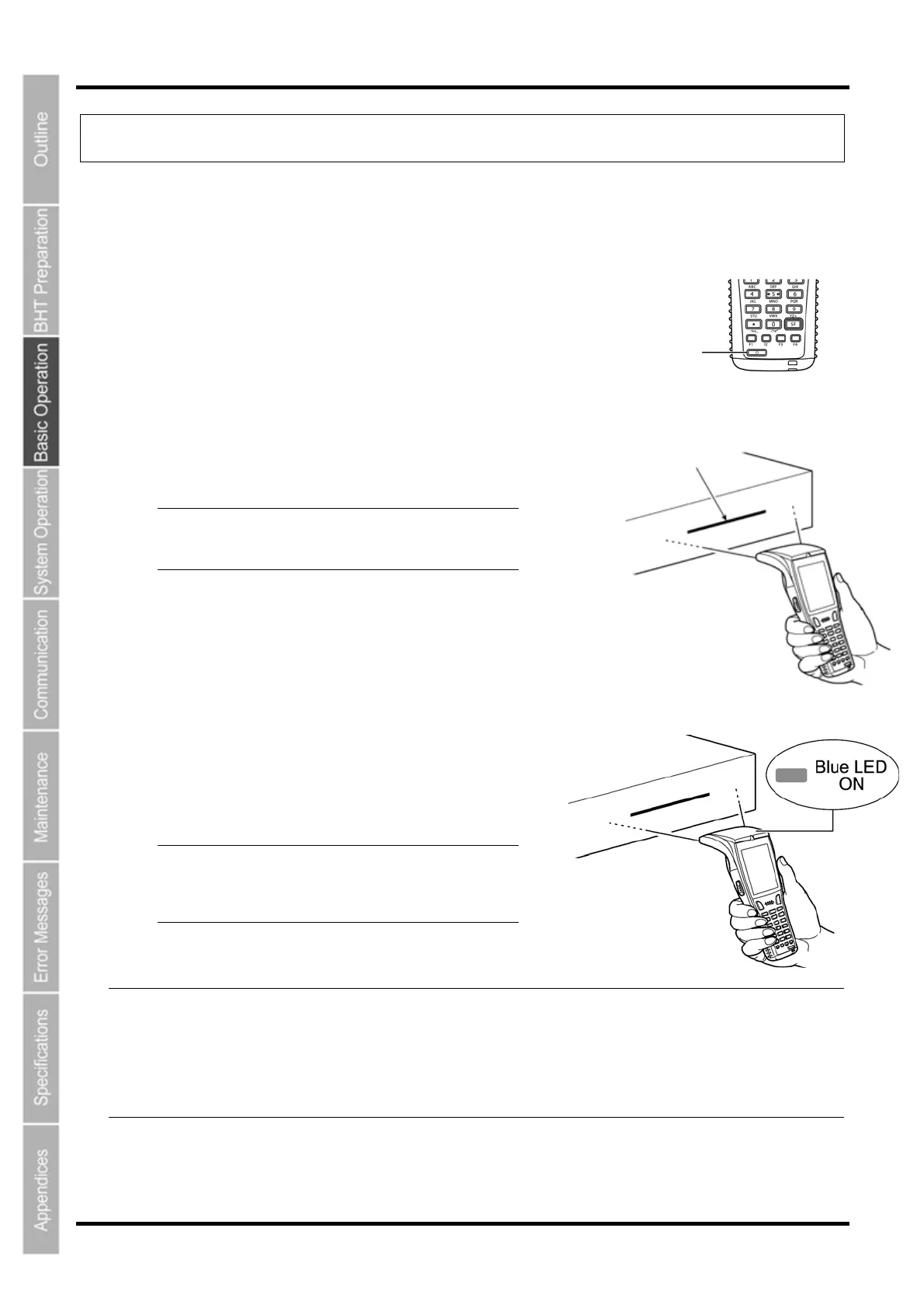
1. Turn the BHT power ON.
Power key
2. Press the trigger switch.
The BHT emits a light for reading.
Light
− Point − The trigger switch is assigned to magic
keys M3 and M4 when shipped from the
factory.
3. Hold the BHT close to the barcode within the reach of
light.
When the BHT has read the barcode successfully, the
indicator LED will illuminate in blue.
− Point − The barcode reading method may differ
depending on the application. Select the
most appropriate option in accordance
with the User’s Manual.
− Note − If required, clean dirty labels before reading.
It may not be possible to perform reading in direct sunlight.
If the barcode is on a curved surface, perform reading in the center of the light for reading
emission range.
If the barcode reading window is pulled away from the barcode, the readable barcode range will
become narrower than that of the light emission.
26



 To Next Page